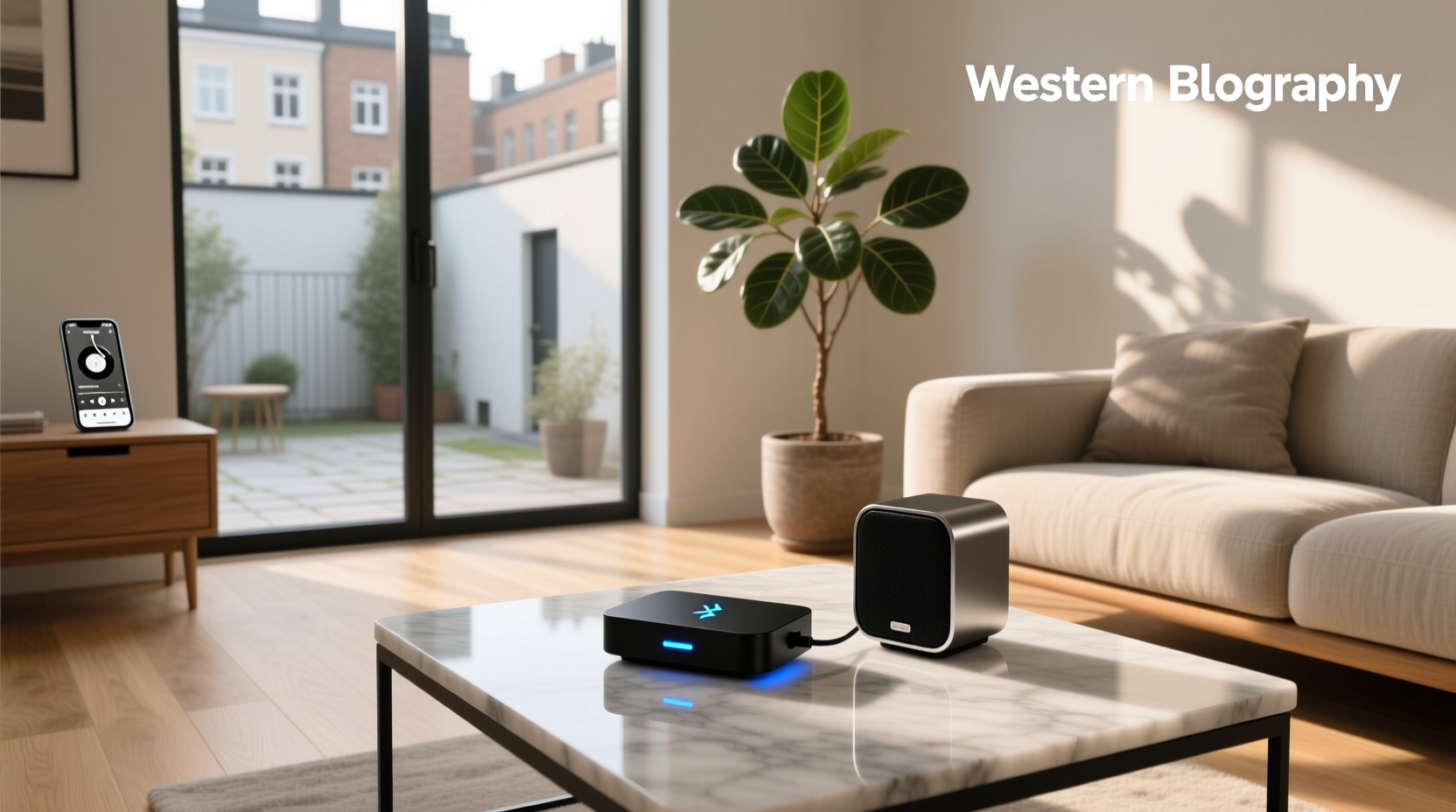
Yes, you can turn regular wired speakers into Bluetooth-enabled audio systems—using a Bluetooth receiver adapter—and it’s often simpler and more cost-effective than replacing hardware. This guide explains exactly how to choose the right bluetooth adapter for speaker based on your speaker inputs (RCA, 3.5mm, optical), use case (home stereo, desktop, car, or multi-room), and audio quality priorities—without overspending or compromising stability.
Why You Need This Guide (and Why Most Reviews Fail You)
Searches like bluetooth adapter for speaker reflect a widespread, practical need: modernizing legacy audio gear. But results are flooded with low-cost generic adapters that rarely disclose critical specs—like supported Bluetooth versions, codec compatibility (SBC vs. AAC vs. aptX), power requirements, or real-world latency. Worse, many listings conflate transmitters (for sending audio from a TV or PC) with receivers (for sending audio to speakers)—a fundamental mismatch that leads to failed setups1. This article cuts through the noise by focusing exclusively on Bluetooth receivers for passive or powered speakers, grounded in measurable performance criteria—not marketing claims.
What Is a Bluetooth Adapter for Speakers—Really?
A Bluetooth audio receiver is a small external device that accepts wireless audio streams from smartphones, tablets, or laptops via Bluetooth and outputs analog or digital signals to your existing speakers. It does not amplify sound—it requires either powered (active) speakers or connection to an amplifier/receiver with line-level inputs.
Key physical interfaces include:
- 3.5mm AUX output: Most common; plugs directly into powered speakers or amps with 3.5mm input.
- RCA (L/R) output: Used with home stereos, AV receivers, or powered monitors with RCA jacks.
- Optical (TOSLINK) output: Less common for receivers; found in higher-end models for lossless digital passthrough.
- USB power input: Nearly all require external power—either via USB-A wall adapter (5V/1A minimum) or USB-C port. Battery-powered units exist but trade runtime for stability.
Crucially, this is not the same as a Bluetooth transmitter (which sends audio out from a non-Bluetooth source) or a Bluetooth amplifier (which adds amplification). Confusing these roles is the #1 cause of failed installations2.
Bluetooth Version & Codec Support: What Actually Matters
Bluetooth version alone doesn’t guarantee quality. What matters is which codecs the adapter supports—and whether your source device (e.g., iPhone, Android phone, laptop) supports them too.
| Codec | Typical Latency | Supported Devices | Audio Quality Notes |
|---|---|---|---|
| SBC (Subband Coding) | 150–250 ms | All Bluetooth devices (mandatory) | Basic quality; widely compatible but compressed. Acceptable for background listening. |
| AAC | 130–200 ms | iPhones, iPads, Macs (native); limited Android support | Better than SBC on Apple devices; still lossy but smoother highs/mids. |
| aptX | 70–120 ms | Most mid-to-high-end Android phones; select Windows PCs | Lower latency, better detail retention. Requires aptX support on both source and receiver. |
| aptX Low Latency (LL) | <40 ms | Fewer devices (e.g., older Samsung Galaxy models, some gaming dongles) | Designed for sync-critical use (video, gaming). Rarely found in budget speaker adapters. |
| LDAC | 100–200 ms | High-end Sony Android phones, some newer Pixel models | Hi-Res Audio certified (up to 24-bit/96 kHz). Requires LDAC support on both ends—and stable signal. |
⚠️ Critical note: Even if an adapter lists “aptX” or “LDAC”, verify it’s implemented in receiver mode—not just transmitter mode. Many dual-mode units only enable advanced codecs when acting as transmitters3. Check firmware documentation or user reports—not just packaging.
Latency: When It Breaks Your Experience
Latency—the delay between pressing play and hearing sound—is the silent killer of usability. For music-only listening, 150 ms is usually imperceptible. But for video (YouTube, Netflix), gaming, or voice calls, anything above 100 ms causes noticeable lip-sync drift.
Real-world testing shows:
- Entry-level SBC-only adapters: 180–250 ms (unsuitable for video)
- aptX-capable receivers: 90–120 ms (acceptable for most streaming)
- Dedicated low-latency models (e.g., some UGREEN or TaoTronics units): 60–80 ms (usable for casual gaming)
No consumer-grade Bluetooth receiver achieves true zero-latency. If sync is critical, consider Wi-Fi-based alternatives (e.g., AirPlay 2, Chromecast Audio) instead—though those require network infrastructure and compatible endpoints.
Power & Stability: The Hidden Failure Points
Many $10–$20 adapters use under-spec’d USB power regulators. Symptoms include:
- Random disconnects when volume increases
- Audio dropouts during bass-heavy passages
- Inability to maintain connection beyond 10 feet through walls
Look for units specifying Class 1 Bluetooth (100-meter range theoretically, ~30 meters realistic indoors) and stable 5V/1.5A power input. Avoid adapters that rely solely on USB bus power from laptops—especially older USB 2.0 ports, which may not deliver consistent current.
Also check thermal design: compact plastic housings without ventilation often throttle performance after 20–30 minutes of continuous use. Aluminum-cased or vented models (even at similar price points) run cooler and sustain connection longer.
Input/Output Compatibility: Matching Your Gear
Before buying, confirm two things:
- Your speaker’s input type: Powered bookshelf speakers often use 3.5mm or RCA. Vintage receivers may only accept RCA. Some studio monitors require XLR—requiring an adapter (not included with most Bluetooth receivers).
- Your amplifier’s input sensitivity: Line-level outputs (from receivers) expect ~2V RMS; connecting a Bluetooth adapter’s 3.5mm output directly to a phono input will cause distortion or damage.
Common mismatches to avoid:
- Using a 3.5mm-to-RCA cable with impedance mismatch: Passive cables work, but cheap ones introduce noise. Prefer adapters with native RCA outputs.
- Plugging into a headphone jack instead of line-in: Headphone outputs are amplified; feeding them into another amp causes clipping.
- Assuming optical output = digital audio fidelity: Most Bluetooth receivers with optical output merely convert analog back to digital—they don’t bypass Bluetooth compression. True lossless transmission requires Wi-Fi or proprietary protocols (e.g., Sonos, Bluesound).
Use Case Breakdown: Which Adapter Fits Your Situation?
🏠 Home Stereo / Living Room Setup
Goal: Stream Spotify, Apple Music, or podcasts to a traditional receiver or powered tower speakers.
Recommended: RCA-output receivers with aptX support and stable Class 1 range. Prioritize units with physical pairing buttons (not just app-dependent) and LED status indicators. Avoid battery-powered models—wall power ensures uptime.
💻 Desktop / Monitor Speakers
Goal: Seamless switching between laptop, phone, and tablet without cable swapping.
Recommended: Compact 3.5mm-output receivers with auto-reconnect (resumes pairing within 3 seconds of device wake). Verify macOS/Windows driver-free operation—most modern adapters use standard HID profiles, but some require vendor software.
🚗 Car Audio (Non-Factory System)
Goal: Add Bluetooth to aftermarket component speakers or an old head unit with auxiliary input.
Recommended: 12V-compatible receivers (not USB-only) with wide operating temperature range (-20°C to +70°C). Avoid units with micro-USB ports—vibration loosens connections. Look for models with built-in noise suppression for alternator whine.
🏡 Multi-Room or Distributed Audio
Goal: Play synchronized audio across multiple rooms using separate speaker zones.
Reality check: Standard Bluetooth does not support multi-point or true synchronization. Each adapter operates independently—delays vary per device. For whole-home audio, Wi-Fi solutions (e.g., Google Cast, AirPlay 2) or dedicated multi-room systems (e.g., Denon HEOS) are necessary. Bluetooth is inherently single-stream, single-zone.
What to Ignore (and Why)
Marketing terms that add no technical value:
- “HD Audio”: Not a defined standard—often just SBC with upscaled EQ.
- “Dual Mode”: Sounds useful, but unless you specifically need both transmitter and receiver functions simultaneously, it adds complexity and potential interference.
- “NFC Pairing”: Convenient for first-time setup, but offers no ongoing benefit—and NFC chips degrade over time.
- “Built-in Mic for Calls”: Irrelevant for speaker use. Adds circuitry that can increase noise floor.
Also skip adapters listing “Bluetooth 5.3” or “6.0” without specifying supported codecs. Bluetooth 5.x improves range and power efficiency—but audio quality remains codec-dependent.
Testing & Verification: How to Confirm It Works Before Committing
Don’t rely solely on specs. Perform these checks:
- Verify pairing behavior: Does it enter pairing mode automatically on power-up—or require holding a button? Auto-pairing simplifies daily use.
- Test with your actual devices: An adapter working flawlessly with an iPhone may stutter with a mid-tier Android phone due to chipset differences.
- Measure real latency: Use free tools like SiliconDust’s Lip Sync Test or record audio/video simultaneously with a smartphone.
- Check firmware update path: Can you update firmware via PC/Mac? Units with no update path may never gain codec improvements or bug fixes.
When a Bluetooth Adapter Is Not the Right Solution
Consider alternatives if:
- Your speakers lack line-level inputs (e.g., only have bare wire terminals): You’ll need a Bluetooth amplifier—not just a receiver.
- You demand sub-20ms latency: Bluetooth cannot meet this. Use wired connections or pro-audio wireless systems (e.g., Shure GLX-D).
- You need true multi-room sync: As noted, Bluetooth lacks broadcast or group-play architecture.
- Your environment has heavy 2.4 GHz congestion (Wi-Fi 6 routers, microwaves, baby monitors): Bluetooth 5.0+ helps, but interference remains likely. Try changing Wi-Fi channel or relocating the adapter.
Frequently Asked Questions (FAQ)
- Can I use a Bluetooth transmitter instead of a receiver to connect to my speakers?
No. A transmitter sends audio from a source (e.g., TV) to headphones or a soundbar. To send audio to speakers, you need a receiver. Using a transmitter in reverse won’t work. - Do I need an amplifier if my speakers are passive?
Yes. Bluetooth receivers output line-level signals only. Passive speakers require external amplification. Active (powered) speakers have built-in amps and can connect directly. - Why does my Bluetooth adapter cut out when I walk to another room?
Bluetooth’s effective indoor range is typically 10–30 feet, depending on walls, materials, and interference. Metal studs, concrete, and competing 2.4 GHz devices degrade signal. Relocating the adapter closer to your usage zone helps. - Can I connect two speakers to one Bluetooth receiver?
Only if they’re stereo pairs with shared input (e.g., left/right RCA). A single receiver cannot drive two independent mono speakers without a splitter—and splitters degrade signal quality. For true stereo separation, use a receiver with dedicated L/R outputs. - Is there a difference between ‘Bluetooth audio adapter’ and ‘Bluetooth receiver’?
In practice, yes. ‘Adapter’ is a vague marketing term. ‘Receiver’ specifies function: it receives Bluetooth audio and converts it to analog/digital output. Always confirm the product’s role in its technical documentation—not just its title.
