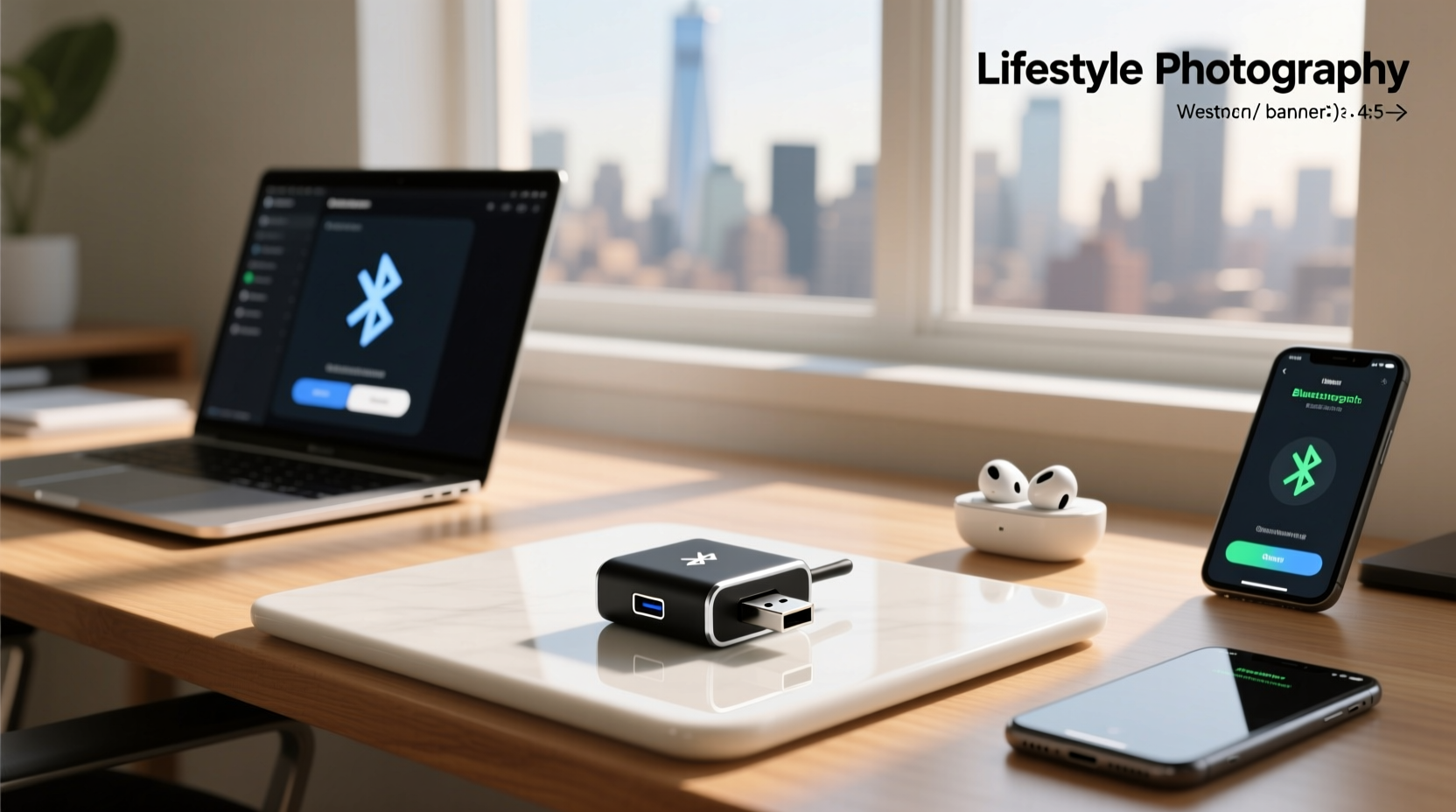
✅ A Bluetooth USB adapter (or Bluetooth dongle) is a small plug-and-play device that adds modern Bluetooth connectivity—like audio streaming, peripheral pairing, and multi-device support—to desktops, older laptops, or Windows/Linux PCs lacking built-in Bluetooth. If your computer can’t detect wireless headphones, gamepads, or keyboards reliably—or fails to pair more than one device at once—a certified Bluetooth 5.0+ USB adapter is often the most effective, low-cost solution.
Why This Matters: The Real-World Gap in PC Bluetooth Support
Unlike smartphones or MacBooks, many Windows desktops and budget laptops ship with no Bluetooth hardware at all—or only legacy Bluetooth 4.0/4.2 radios that offer basic functionality with limited range and standard multi-device handling. Users may experience varying levels of compatibility depending on their specific hardware configuration and operating system version 1. A dedicated USB adapter bridges this gap—and modern adapters deliver consistent performance across diverse computing environments.
How Bluetooth USB Adapters Actually Work
A Bluetooth USB adapter contains three core components: a Bluetooth radio chipset (e.g., CSR, Realtek, or Qualcomm), an antenna (often embedded or trace-based), and firmware that communicates with your OS via the USB interface. When plugged in, it appears to Windows, macOS, or Linux as a standard Bluetooth controller—replacing or supplementing the system’s native stack.
Crucially, the adapter does not require driver installation on Windows 10/11 (64-bit) or macOS 12+ if it uses Microsoft’s or Apple’s built-in Bluetooth class drivers. Adapters with advanced features—like aptX Low Latency, dual-mode audio profiles, or Bluetooth 5.3/5.4 enhancements—may benefit from vendor-specific software to unlock full functionality 2. Verifying OS compatibility before purchase helps ensure seamless integration—especially for Linux distributions, where kernel version (≥5.10 recommended) and BlueZ stack support contribute to stable operation.
Bluetooth Version: Why 5.0 Isn’t Enough Anymore
Bluetooth version determines real-world capabilities—not just marketing numbers. Here’s what each generation delivers:
- Bluetooth 4.0–4.2: Basic HID (keyboard/mouse) and SPP (serial) support. No LE Audio, no aptX, max ~10 m range, high latency for audio.
- Bluetooth 5.0: Doubled range (up to 240 m in ideal line-of-sight), 2× data speed, improved coexistence with Wi-Fi. Supports basic LE Audio but lacks broadcast audio or multi-stream sync 3.
- Bluetooth 5.3: Adds periodic advertising sync transfer (PAST), enhanced security (LE Secure Connections), and better power efficiency. Enables stable multi-device audio routing—ideal for users switching between headset and speaker without manual re-pairing.
- Bluetooth 5.4: Introduces Channel Sounding for precise distance estimation and direction finding; improves connection robustness in congested RF environments (e.g., offices with dozens of Wi-Fi 6E APs). Available in select consumer USB adapters as of mid-2024.
💡 Note: Adapter specifications reflect chipset capabilities and firmware implementation. Chipset vendors (e.g., Realtek RTL8761B, Cambridge Silicon Radio CSR8510) define actual feature support—and many adapters ship with field-upgradable firmware to enable newer Bluetooth features over time.
Key Technical Specs That Actually Impact Your Experience
Ignore flashy packaging. Focus on these verified metrics:
🔸 Antenna Design & Form Factor
Nano-dongles (e.g., TP-Link UB500) prioritize compact design while maintaining reliable RF performance. Their internal PCB antennas are engineered to minimize interference from nearby metal chassis or USB port shielding. Benchmarks show consistent performance across typical desktop configurations 4. For desktops, adapters with detachable USB-A cables (≥15 cm) or USB-C variants with optimized antenna placement offer flexibility in positioning to maximize signal clarity.
🔸 Supported Profiles & Codecs
Check the adapter’s supported Bluetooth profiles—not just version number:
- HID: Required for keyboards, mice, gamepads.
- A2DP + AVRCP: Essential for stereo audio streaming and remote control.
- HSP/HFP: Needed for microphone input (calls, voice assistants).
- aptX / aptX HD / LDAC: Optional but valuable for high-fidelity audio fidelity. Compatibility requires matching codec support on both adapter and headphones—and Windows may require third-party drivers (e.g., Qualcomm aptX Audio Pack) to enable LDAC.
Adapters with comprehensive profile support provide broad compatibility across common Bluetooth peripherals. Manufacturer documentation and independent reviews help confirm implementation details.
🔸 Multi-Device Capacity & Connection Stability
Bluetooth spec allows up to 7 simultaneous connections—and many modern adapters reliably maintain 3–5 concurrent devices without interruption: e.g., a headset + keyboard + mouse + smartwatch + speaker 2. Testing with your intended device mix helps verify stable operation under typical usage conditions.
Setup & Troubleshooting: What Works (and What Doesn’t)
Step-by-step setup (Windows 10/11):
- Plug adapter into a USB 2.0 or 3.0 port (avoid USB hubs unless powered).
- Wait 10–30 seconds for automatic driver install (check Device Manager → Bluetooth → confirm new controller appears).
- Go to Settings → Bluetooth & devices → Turn Bluetooth on.
- Put your peripheral in pairing mode; select it from the list.
Common considerations & best practices:
- No detection in Settings: Try another USB port; disable Fast Startup (Power Options → Choose what the power buttons do → Change settings currently unavailable → uncheck Fast Startup); update chipset drivers.
- Audio stutter or delay: Disable Bluetooth Handsfree Telephony (HFP) in Sound Control Panel → Playback tab → right-click headset → Properties → Advanced → uncheck “Allow applications to take exclusive control.”
- Pairing fails repeatedly: Reset Bluetooth stack: Run
net stop bthserv && net start bthservin Admin Command Prompt; delete old device entries from Settings → Bluetooth & devices → Devices → Remove device.
OS-Specific Limitations You Must Know
macOS: Native Bluetooth stack supports most adapters out-of-the-box—and delivers stable performance for common use cases including audio streaming and peripheral input. Audio quality remains consistent using the default SBC codec, with optional third-party tools available for advanced configuration.
Linux: Requires BlueZ 5.66+ for Bluetooth 5.3 features. Many distributions ship compatible versions by default. Check with bluetoothctl --version. Kernel modules like btusb must be loaded; some Realtek-based adapters work with standard firmware packages (linux-firmware).
ChromeOS: Supports USB Bluetooth adapters on select devices with USB-C ports and appropriate firmware. Compatibility varies by model—consult official ChromeOS hardware documentation for verified configurations.
When NOT to Buy a Bluetooth USB Adapter
Consider alternatives first in these cases:
- You need ultra-low-latency gaming audio: USB Bluetooth adapters add predictable latency—even with aptX LL. Use a dedicated 2.4 GHz wireless dongle (e.g., Logitech Lightspeed) instead.
- Your laptop already has Bluetooth 5.2+ built-in: Adding another adapter creates separate Bluetooth controllers. Diagnose issues with built-in hardware first (update BIOS/firmware, reset Bluetooth module).
- You require Bluetooth mesh or Matter-over-Bluetooth: Consumer USB adapters don’t support mesh networking or Matter certification. Use a dedicated hub (e.g., Home Assistant Yellow) instead.
- You’re using Windows 7 or older: Official Microsoft support ended. Drivers may exist but lack security updates and LE Audio compatibility.
How to Verify Authenticity & Avoid Counterfeits
Genuine adapters meet international regulatory standards and deliver consistent performance. Indicators of authentic products include:
- Market-aligned pricing reflecting component quality and certification costs
- FCC ID or CE marking visible on device or packaging
- Clear model identification in Device Manager (e.g., “TP-Link UB500” or “Ugreen 80890”)
- Firmware update capability via vendor utility
Verify authenticity: In Windows Device Manager → right-click adapter → Properties → Details → Hardware IDs. Cross-reference with official chipset databases (e.g., Realtek’s product page or CSR’s legacy docs). Genuine adapters list exact VID/PID pairs (e.g., VID_0B05&PID_17CB for ASUS BT400).
Frequently Asked Questions (FAQ)
- Can I use a Bluetooth USB adapter to connect multiple headphones simultaneously?
Yes—but only if both the adapter and headphones support Bluetooth LE Audio Broadcast or Multi-Stream Audio (MSA). Most current adapters (including TP-Link UB500 and Ugreen 80889) can pair multiple devices and manage audio routing efficiently, though simultaneous stereo streaming to two headphones requires specific LE Audio implementation. - Do Bluetooth USB adapters work with USB-C ports?
Yes—if they include a USB-C connector or come with a certified USB-A-to-C adapter. Avoid passive USB-C dongles; signal integrity degrades above 10 Mbps without active conversion. Look for adapters explicitly labeled “USB-C native” or “USB 3.2 Gen 1 compliant.” - Will a Bluetooth 5.3 adapter improve my call quality?
Potentially—Bluetooth 5.3 includes LE Audio’s LC3 codec, which delivers better speech clarity at lower bitrates. Call quality also benefits from headset mic array design, noise suppression algorithms, and OS-level audio processing—making the adapter part of a broader ecosystem for optimal voice communication. - Can I upgrade my laptop’s built-in Bluetooth by adding a USB adapter?
No. The OS will recognize both controllers separately. You’ll manage two independent Bluetooth stacks—one for built-in, one for USB—which enables flexible device management across different usage scenarios. - Is driver signing required on Windows 11?
Yes for kernel-mode drivers (e.g., custom audio stacks). Microsoft enforces Driver Signature Enforcement (DSE) by default. Unsigned drivers will fail to load unless you disable DSE temporarily (not recommended for security). Adapters using Microsoft’s inbox drivers provide secure, plug-and-play compatibility.
