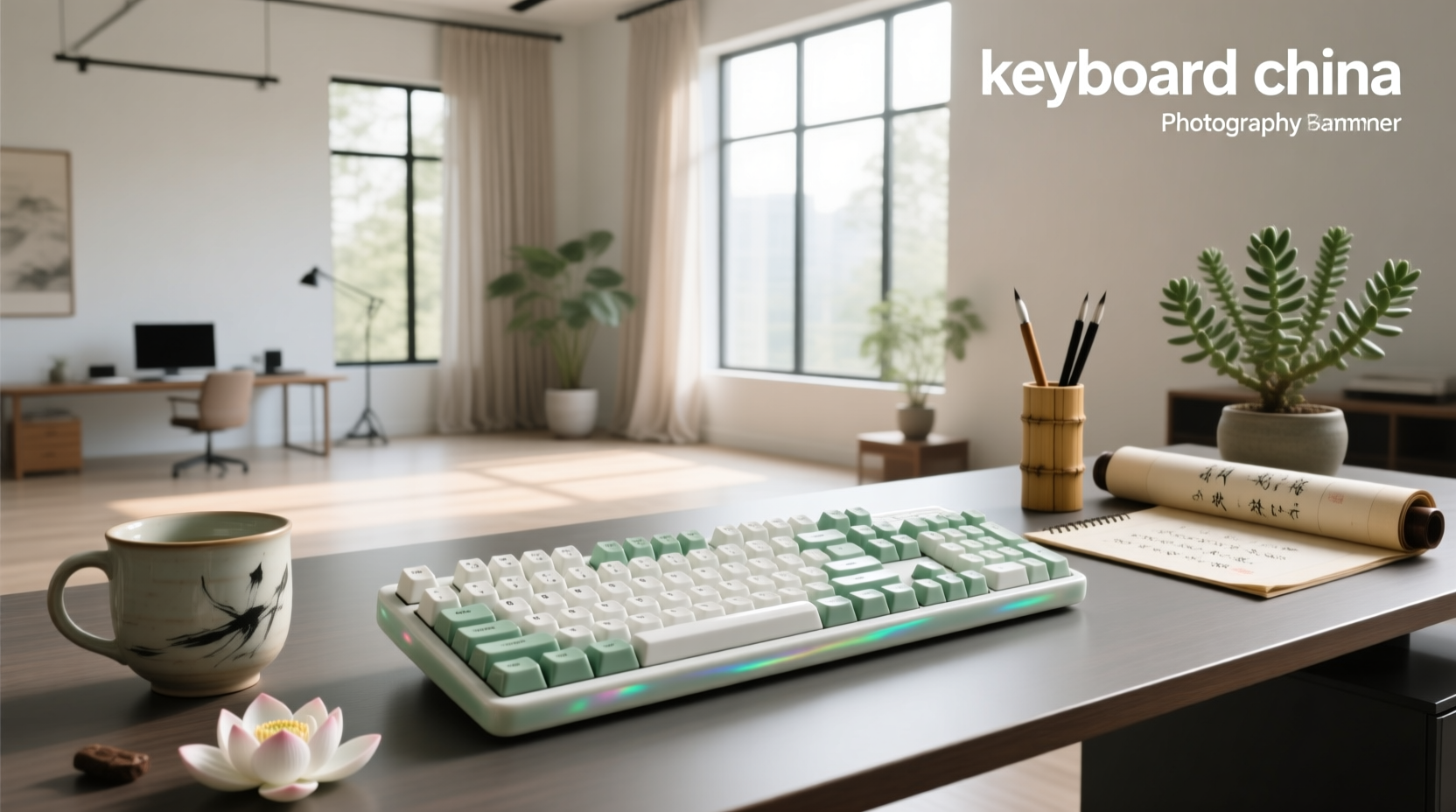
When searching for keyboard China, most users expect a physical keyboard with Chinese characters printed on keys—but that’s not how typing works in mainland China today. The reality is: people in China overwhelmingly use standard QWERTY keyboards paired with software-based Chinese Input Method Editors (IMEs). Whether on Windows, macOS, Android, or iOS, the hardware remains familiar; what changes is the input layer—Pinyin, Zhuyin, Wubi, or Cangjie—that converts keystrokes into thousands of Chinese characters. This guide clarifies what ‘keyboard China’ means in practice: not a unique hardware standard, but a mature ecosystem of layout conventions, regional IME preferences, and cross-platform compatibility considerations. You’ll learn how to set it up, what to consider when selecting hardware, and why many commercially labeled “Chinese keyboards” reflect marketing terminology rather than functional differentiation.
Why There’s No Single “Chinese Keyboard” Standard
The term keyboard China misleads many first-time learners, developers, or procurement officers sourcing peripherals for bilingual teams. Unlike languages with distinct alphabets requiring dedicated keycaps (e.g., Arabic or Russian), Mandarin Chinese has no native keyboard layout. Instead, it relies on phonetic or component-based input systems layered atop universal QWERTY hardware. This design choice stems from practical constraints: over 8,000 commonly used Chinese characters cannot be physically mapped one-to-one onto 104-key layouts. Early attempts—including IBM’s experimental 256-key terminal in the 1970s and National Chiao Tung University’s 496-key radical keyboard in Taiwan—proved unwieldy and were abandoned in favor of software-driven solutions1.
Today, nearly all desktops, laptops, and mobile devices sold in China ship with standard ISO/ANSI QWERTY keyboards. The difference lies in preinstalled or user-selected IMEs—not keycap engraving. Even mechanical keyboards marketed as “Chinese” on B2B platforms like Made-in-China.com are functionally identical to global models, differing only in bundled software or optional bilingual keycap sets (which remain rare and nonstandard)2.
How People Actually Type Chinese: IMEs Are the Real “Keyboard”
Typing in Chinese is a two-stage process: keystroke → phonetic or structural code → character selection. The most widely used method in mainland China is Pinyin input, where users type Roman letters corresponding to Mandarin pronunciation (e.g., ni hao → 你好). Modern IMEs like Sogou Pinyin, Baidu Input, and Microsoft Pinyin offer predictive text, cloud synchronization, and context-aware suggestions—making typing efficient and adaptable for diverse user needs3.
Other major input methods include:
- Wubi (Wubi 86): A shape-based system assigning characters to key combinations based on stroke components. Favored by professional typists and data entry workers for its speed—and supported by customizable keyboard firmware.
- Zhuyin (Bopomofo): Used primarily in Taiwan. Requires memorizing 37 phonetic symbols, often taught in elementary school.
- Cangjie: Developed in Hong Kong; maps characters to Latin-letter codes representing visual radicals. Still common in traditional Chinese environments.
Crucially, none of these require special hardware. A $25 USB membrane keyboard works identically to a $200 mechanical one—as long as the OS supports the IME. That’s why sites like Lexilogos and Gate2Home offer web-based Chinese keyboards: they simulate on-screen keypresses to feed Pinyin strings directly into browser fields—bypassing local IME installation entirely45.
Physical Keyboards in China: What You’ll Actually Find
If you visit a computer store in Shenzhen or Shanghai, you’ll see rows of standard keyboards—Logitech, Rapoo, Royal Kludge—with no Chinese glyphs on keys. Some budget OEM models may feature dual-language keycaps (English + Pinyin initials or tone marks), but these are cosmetic aids—not functional requirements. High-end mechanical switches (e.g., Gateron, Kailh) dominate the domestic market, but layout remains QWERTY. The only hardware variations tied to language are:
- Enter key shape: Mainland China uses the L-shaped Enter (common in ISO layouts), while Taiwan and Hong Kong often retain the horizontal Enter (ANSI style).
- Alt/Ctrl placement: Minor regional deviations exist, but all follow ISO/IEC 9995 standards.
- Regional certifications: Keyboards sold in China must comply with CCC (China Compulsory Certification), covering EMC, safety, and RoHS—but this affects internal circuitry, not layout.
So when product listings say “Chinese Keyboard USB” or “HP Language Keyboard China,” they usually refer to firmware preconfigured for Pinyin input—not uniquely engraved keys. Always verify whether the listing describes hardware localization (rare) or software bundling (common).
Setting Up Chinese Input on Your Device: Step-by-Step
You don’t need to buy new hardware. Here’s how to enable Chinese typing on major platforms—no downloads required:
💻 Windows 10/11
- Go to Settings > Time & Language > Language & Region.
- Click Add a language → search for Chinese (Simplified, China).
- Select Microsoft Pinyin as the keyboard option.
- Switch between languages using Win + Space or the taskbar icon.
🍎 macOS
- Open System Settings > Keyboard > Input Sources.
- Click Add a new input source → choose Chinese – Pinyin.
- Enable Show Input menu in menu bar for quick switching.
- Use Control + Space to toggle.
📱 Android & iOS
- Android: Go to Settings > System > Languages & input > Virtual keyboard > Gboard → add Chinese (Pinyin). Third-party apps like Sogou Input are also available via official app stores.
- iOS: Settings > General > Keyboard > Keyboards > Add New Keyboard > Chinese (Simplified) > Pinyin. Supports QuickType predictions and handwriting if enabled.
Note: Web-based tools (e.g., ArchChinese.com) let you type without installing anything—ideal for public computers or restricted environments6.
Common Misconceptions About “Chinese Keyboards”
Understanding what keyboard China doesn’t mean is as important as knowing what it does:
❌ Myth: “CN” or “ZH” indicates a physical keyboard variant
No. zh-CN is a locale code meaning “Chinese (Simplified, China)” — used in software localization, not hardware specs. It tells your OS which dictionary, date format, and IME defaults to load—not which keys are labeled.
❌ Myth: QWERTY isn’t used in China
It’s the universal standard. Over 99% of Chinese desktops and laptops use QWERTY. Alternative layouts like Dvorak or Colemak exist but have negligible adoption.
❌ Myth: You need a keyboard with Chinese characters printed on keys
Unnecessary—and potentially counterproductive. Most native speakers read Pinyin fluently; adding glyphs clutters keycaps and reduces tactile feedback. Studies show bilingual keycaps increase error rates for touch typists7.
❌ Myth: “Chinese keyboard” apps replace hardware
Apps like Desh Chinese Keyboard or Chinese Typing Keyboard (Google Play) are virtual keyboards—they map your phone’s touchscreen to Pinyin input. They don’t alter physical hardware; they’re just UI layers.
When You *Might* Consider Specialized Hardware
While unnecessary for general use, niche scenarios justify specialized peripherals:
- Call centers or government data entry: Some agencies deploy Wubi-optimized keyboards with custom key legends for rapid ideograph lookup.
- Accessibility needs: Large-print or braille-QWERTY hybrids may include Chinese character references for visually impaired users.
- Educational settings: Elementary schools sometimes use keyboards with Pinyin tone marks on modifier keys to reinforce pronunciation.
Even then, these are custom deployments—not consumer products. For most users, investing in ergonomic QWERTY hardware (e.g., split keyboards, low-profile switches) delivers more value than chasing “Chinese” labeling.
Buying Tips: What to Check Before Ordering from China
If sourcing keyboards from Chinese manufacturers (e.g., via Made-in-China.com or Alibaba), prioritize verifiable specs—not marketing terms:
- ✅ Confirm switch type: Ask for exact switch model (e.g., “Gateron Red”, “Kailh Box Jade”)—not just “mechanical”.
- ✅ Verify PCB layout: Ensure it’s ANSI (US) or ISO (EU) compatible with your OS drivers. Some Chinese OEMs use standard scan codes aligned with global firmware standards.
- ✅ Test firmware upgradability: Can you flash VIA/QMK? Many boards support open-source firmware customization for optimized IME behavior.
- ✅ Review supplier documentation: Reputable suppliers provide factory test reports including key rollover validation and debounce timing.
Always request sample firmware logs or video demos—not just spec sheets. Verified suppliers often share third-party testing summaries or compliance documentation upon request.
Regional Variations: Mainland vs. Taiwan vs. Hong Kong
While all use QWERTY hardware, input preferences differ significantly:
| Region | Dominant IME | Default Script | Hardware Notes |
|---|---|---|---|
| Mainland China | Pinyin (Simplified) | Simplified Chinese | L-shaped Enter; CCC-certified power supplies |
| Taiwan | Zhuyin (Bopomofo) | Traditional Chinese | ANSI-style Enter; often includes Zhuyin key legends |
| Hong Kong | Cangjie or Quick | Traditional Chinese | Mixed ISO/ANSI; frequent bilingual (EN/TC) keycaps |
These differences affect software behavior—not keyboard mechanics. A single keyboard works across all three regions if configured correctly. Many modern enterprise systems support multi-region IME configuration for flexible deployment.
Final Verdict: What Should You Buy?
If your goal is to type Chinese efficiently: install a trusted IME and use your existing keyboard. If you’re sourcing hardware at scale: focus on build quality, switch consistency, and firmware openness—not language branding. If you’re learning Chinese: start with web-based tools (Lexilogos, ArchChinese) before committing to physical gear.
There is no magic “Chinese keyboard.” There is only disciplined input method training, reliable hardware, and understanding that language lives in software—not silicon or plastic.
Frequently Asked Questions
- What keyboard do they use in China?
Standard QWERTY keyboards—identical to those sold globally—with Pinyin or Wubi input methods enabled in software. - Is China zh or CN?
zh-CNis the IETF language tag for Simplified Chinese as used in mainland China.zhalone is too generic;CNrefers to country code, not language. - What is keyboard in Chinese?
“Keyboard” translates to jiànpàn (键盘) in Mandarin—literally “key board.” Pronounced /jiɛn⁵¹ pʰan⁵¹/ in Pinyin. - Is QWERTY keys Chinese?
No—QWERTY is a Latin-alphabet layout. Chinese uses it as a phonetic input scaffold, not a character mapping. - Do I need a special keyboard to type Chinese on my laptop?
No. All modern laptops support Chinese IMEs natively. Just enable the language in system settings.
