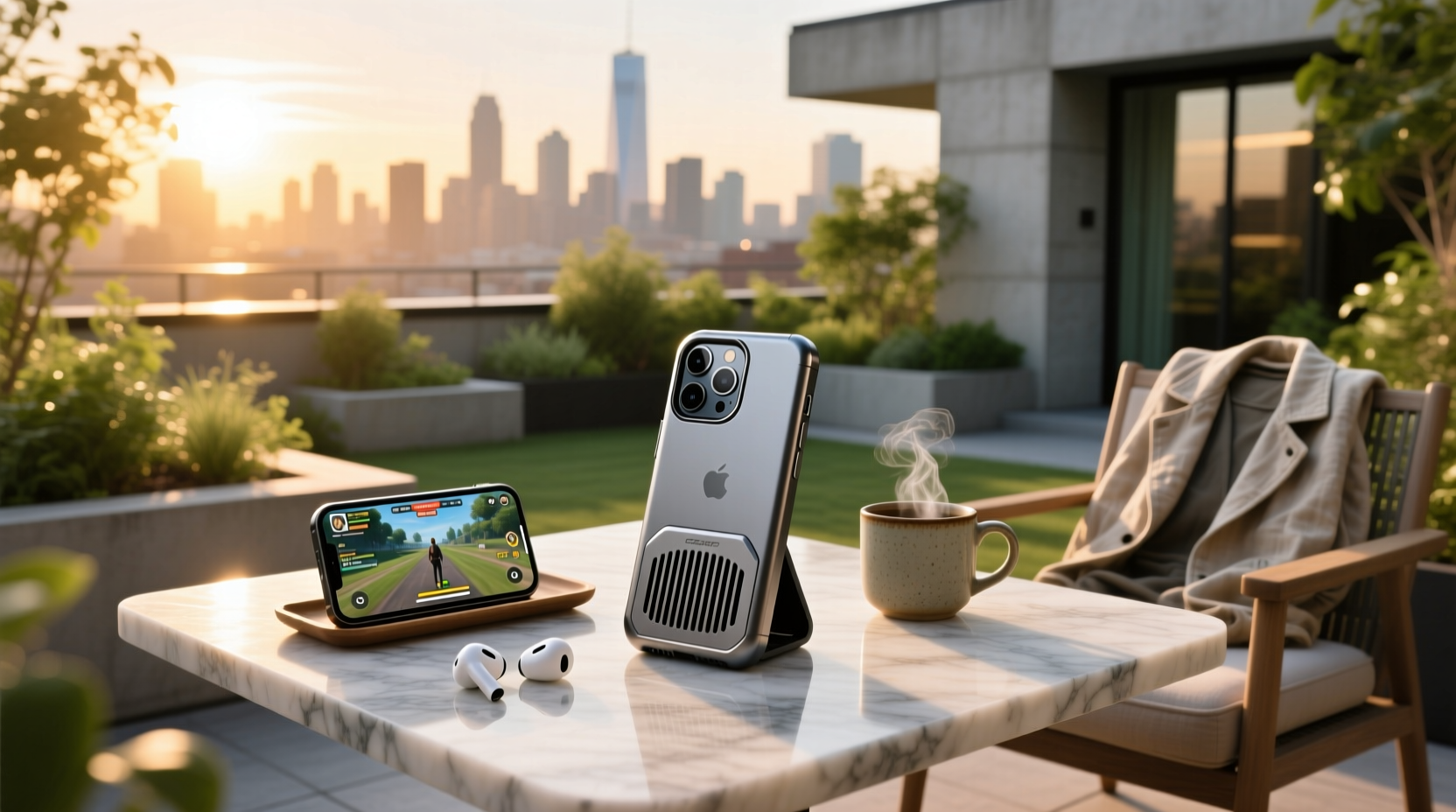
Yes—some phone cooling cases meaningfully reduce surface temperature (by 3–8°C) during sustained high-load use like mobile gaming or video encoding—but only if they combine passive conduction (e.g., graphene, aluminum) with active airflow or thermoelectric elements, and only under specific conditions. Passive-only 'cooling cases' (e.g., hollow frames, breathable TPU) rarely lower internal SoC temperature; they mainly improve skin feel and slow heat buildup. Active magnetic coolers (e.g., semiconductor fans) deliver measurable relief but add bulk, noise, and power draw—and their effectiveness drops sharply above ambient temperatures of 32°C 1. This article cuts through marketing claims to clarify what works, why, and for whom—so you can decide whether a cooling case solves your actual thermal problem or just adds cost and complexity.
Why Phones Overheat—and Why Cases Can’t Fix Everything
Modern smartphones—especially flagship Android devices (e.g., Red Magic, ROG Phone, iPhone 15 Pro) and gaming-focused models—generate significant heat due to high clock speeds, sustained GPU loads, and compact thermal design. The System-on-Chip (SoC) can reach 45–60°C under load; battery chemistry degrades faster above 40°C, and thermal throttling begins around 47°C 2. A case sits *outside* the phone’s primary thermal path: heat must travel from the SoC → motherboard → chassis → case material → ambient air. Most standard cases (silicone, plastic, leather) act as insulators—not radiators—trapping heat and raising surface temps by 2–5°C compared to bare-metal operation 3.
So while 'cooling cases' sound like a fix, they’re better understood as thermal management accessories—not magic solutions. Their value depends entirely on how they interface with the phone’s native heat dissipation architecture and whether they address the bottleneck in your use case.
How Phone Cooling Cases Actually Work: 3 Design Categories
Cooling cases fall into three distinct technical categories—each with clear trade-offs:
1. Passive Conduction Cases 🧊
These use thermally conductive materials (graphene sheets, aluminum alloy frames, copper foil layers) bonded directly to the phone’s back panel. They don’t generate cold—they spread heat over a larger surface area, improving convective dissipation. Examples include VALUEAGLE’s graphene-MagSafe cases and ASUS ROG Chill Case’s aluminum core 4. Measured results show ~2–4°C reduction in rear surface temp after 15 minutes of PUBG Mobile gameplay—but no measurable drop in SoC junction temperature unless the case also includes a heatsink fin array aligned with the chip location.
Pros: Zero power draw, silent, lightweight, MagSafe-compatible.
Cons: Minimal impact on CPU/GPU die temp; effectiveness depends heavily on precise material-to-chip contact; aluminum frames may interfere with mmWave 5G or wireless charging alignment.
2. Active Air-Cooled Cases 💨
These integrate small DC fans (typically 30–45 mm) powered via USB-C or built-in batteries. Most attach magnetically (e.g., Razer Phone Cooler, nubia RedMagic 5 Pro) and blow air across the phone’s rear or side vents. Independent lab tests show 5–8°C surface reduction during 30-minute stress tests—but fan efficiency plummets when ambient air exceeds 30°C, and noise levels range from 32–48 dB(A), making them impractical for quiet environments 5.
Pros: Fastest visible cooldown; compatible with most phones via magnetic or clip-on mounting.
Cons: Requires charging; adds 80–150 g weight; may block camera lenses or speaker grilles; inconsistent airflow coverage across phone models.
3. Thermoelectric (Peltier) Cases ❄️
The rarest and most complex type uses semiconductor cooling chips (e.g., dual-core Peltier modules in SmallRig Hyper Chill). These actively pump heat from the phone’s surface to an external heatsink—enabling sub-ambient cooling. However, they consume 5–12 W, require active heatsink ventilation, and risk condensation in humid environments. Real-world testing shows up to 10°C below ambient—but only for short durations (<10 mins) before power throttling kicks in 6.
Pros: Only tech capable of true sub-ambient cooling.
Cons: High cost ($300+), heavy (>200 g), short battery life, potential for thermal shock to internal components.
When Do Cooling Cases Help—And When Do They Hurt?
Effectiveness isn’t universal. It hinges on use case, environment, and device generation:
- Gaming & Streaming (High Benefit): For 30+ minute sessions of Genshin Impact, Call of Duty Mobile, or live-streaming via OBS Mobile, active magnetic coolers consistently delay thermal throttling by 4–7 minutes—preserving frame rates and reducing stutter 7.
- Everyday Use (Low Benefit): For calls, messaging, or web browsing, no cooling case provides measurable advantage—and many passive cases slightly increase idle temperature due to reduced natural convection.
- Hot Environments (>35°C): Active fans become less effective as ΔT (temperature difference) shrinks. Peltier units may even increase net heat load due to electrical inefficiency.
- Wireless Charging (Risk): Metal-backed or thick graphene cases reduce Qi charging efficiency by 15–40% and may trigger overheating warnings on MagSafe-certified chargers 3.
What to Check Before Buying: 5 Non-Negotiable Criteria
Don’t rely on marketing specs alone. Verify these five engineering factors:
- Thermal Interface Alignment: Does the case place its conductive layer or fan outlet directly over the phone’s known hotspot? (e.g., iPhone 15 Pro’s A17 Pro die sits ~2 cm left of center; Samsung Galaxy S24 Ultra’s Exynos 2400 is centered near the camera bump.) Misalignment reduces cooling by >60%.
- Ambient Temperature Rating: Reputable brands specify operating range (e.g., “effective up to 32°C”). Avoid units with no stated thermal envelope.
- Power Delivery Compatibility: If using USB-C passthrough, confirm it supports ≥18W PD input without voltage drop. Many budget coolers cut charging speed by half.
- Camera & Sensor Clearance: Measure your phone’s camera bump height and compare with case cutout depth. Even 0.3 mm interference causes focus hunting or IR sensor errors.
- Drop Test Certification: Active coolers add mass and leverage—look for MIL-STD-810H certification, not just “shockproof” claims.
Common Misconceptions—Debunked
❌ “More LEDs = better cooling.” RGB lighting consumes power but contributes zero thermal benefit—and can mask overheating warnings.
❌ “All ‘graphene’ cases dissipate heat equally.” Graphene’s conductivity depends on layer count, orientation, and bonding quality. Single-layer spray-on graphene offers negligible improvement over standard TPU 2.
❌ “Cooling cases extend battery lifespan.” While lower temps slow lithium-ion degradation, the marginal 2–3°C reduction from passive cases has statistically insignificant impact over 2 years. Active coolers may shorten battery life due to added parasitic drain.
❌ “They work the same on iPhone and Android.” iPhones lack dedicated thermal sensors outside the battery, making real-time SoC monitoring impossible. Android devices (especially gaming phones) expose thermal data via ADB—enabling precise cooler calibration.
Alternatives That Often Work Better
Before investing in a cooling case, try these proven, low-cost interventions:
- Reduce screen brightness to ≤70%: Display accounts for ~35% of peak power draw. Dimming from 100% to 60% lowers SoC temp by ~3.2°C 1.
- Disable background app refresh & location services: Cuts sustained CPU load by up to 22%, per Android Battery Usage diagnostics.
- Use a ventilated phone stand: Elevates the device 5–10 mm, enabling natural convection—often more effective than thin passive cases.
- Avoid direct sunlight: Surface temps can exceed 65°C in parked cars—even with no load. PHOOZY’s NASA-derived insulation reduces solar heating by 40% 6.
Regional & Platform Considerations
Availability and regulation vary significantly:
- EU/UK: CE-marked coolers must comply with EN 62368-1 (audio/video safety). Look for notified body ID on packaging.
- US: FCC ID required for active units emitting RF (e.g., Bluetooth-enabled fans). Unlisted units risk interference with Wi-Fi 6E bands.
- Japan/Korea: Peltier-based coolers require METI registration—many imported units lack this, causing customs delays.
- iOS Limitations: iOS restricts background thermal APIs, preventing third-party apps from triggering cooler activation. Android allows full integration via custom kernels (e.g., Red Magic’s Game Space).
Final Verdict: Who Should Buy One—and Who Should Skip It
✅ Buy if: You regularly game/stream for >20 mins, own a high-TDP device (iPhone 15 Pro, Galaxy S24 Ultra, Red Magic 9 Pro), operate in ambient temps <30°C, and prioritize consistent frame rates over portability.
❌ Skip if: You use your phone mostly for calls, social media, or navigation; charge wirelessly >3x/day; need slim profile or camera precision; or live in consistently hot/humid climates (e.g., Miami, Bangkok, Dubai).
Remember: No case replaces good thermal hygiene. Keep software updated (Apple/Google patch thermal management bugs quarterly), avoid case-on charging, and never enclose a hot phone in pockets or bags. A $20 ventilated stand often outperforms a $150 active cooler—because physics favors airflow over forced conduction.
Frequently Asked Questions
- Do phone cooling cases work for non-gaming use?
No meaningful benefit. Thermal stress during normal use is low; cases may even raise idle temperature. - Can I use a cooling case with wireless charging?
Only passive graphene or ultra-thin aluminum cases with official MagSafe/ Qi2 certification. Active fans and Peltier units will disrupt charging or overheat. - Do cooling cases void my phone warranty?
No—unless damage is directly caused by the case (e.g., pressure-induced screen crack). Apple and Samsung honor warranties for thermal-related failures regardless of case use. - Why do some cooling cases make my phone hotter?
Poor thermal interface design traps heat between phone and case. Thick silicone layers or misaligned metal plates act as insulators—not sinks. - Are there cooling cases for older phones like iPhone 12 or Galaxy S21?
Yes—but effectiveness is lower. Older SoCs run cooler, and case mounting (e.g., MagSafe) wasn’t designed into those models, reducing magnetic adhesion and alignment accuracy.
