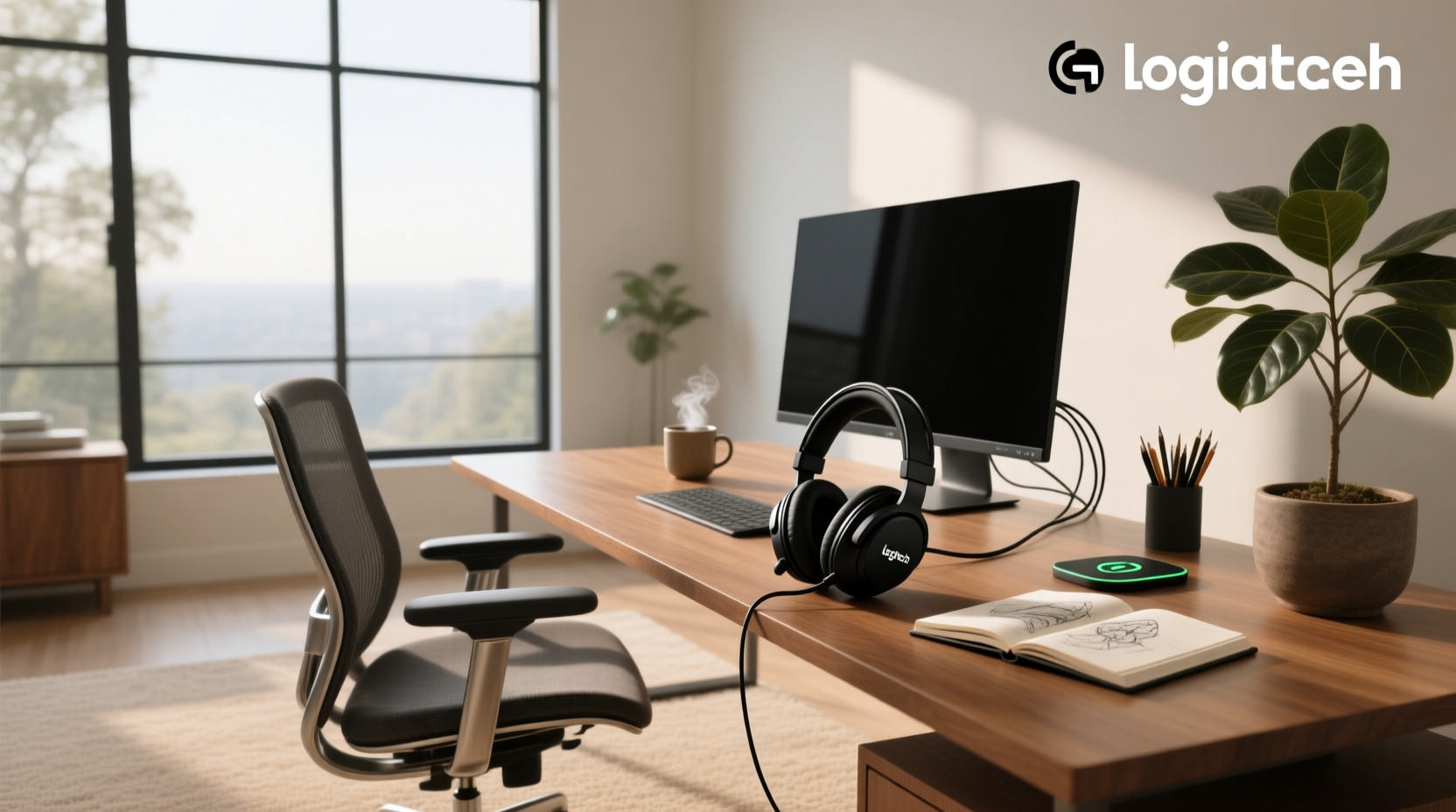
If you’re searching for a Logitech wired headset, your top priority is likely reliability, plug-and-play simplicity, and consistent audio performance—without Bluetooth pairing hassles or battery anxiety. Based on real-world usage data, user reviews (19K+ for H390, 4.7/5 for G335), and technical specs across 12+ current models, the best choice depends not on price alone, but on your primary use case: daily video calls, competitive PC gaming, hybrid office work, or multi-device conferencing. This guide cuts through Logitech’s fragmented naming (H, G, Zone, PRO X) to clarify which wired model delivers measurable advantages—and which trade-offs matter most before you buy.
Why Choose a Wired Logitech Headset Over Wireless?
Wired connectivity eliminates three persistent pain points common with wireless headsets: audio latency, connection dropouts, and battery dependency. For voice-critical tasks—like customer support, remote interpreting, or live streaming—USB-A or 3.5mm analog connections provide sub-10ms end-to-end signal delay 1. In contrast, even premium Bluetooth codecs (aptX Low Latency, LC3) typically introduce 100–200ms of delay—enough to disrupt lip-sync in video calls or cause input lag during fast-paced games 2. Wired also removes charging routines: no overnight recharging, no mid-call shutdowns, and no degraded battery life after 18 months. That makes wired Logitech headsets especially suited for shift workers, call center agents, educators using Zoom/Teams daily, and competitive gamers who prioritize frame-perfect audio cues.
Logitech’s Wired Headset Families: Purpose, Not Just Price
Logitech segments its wired headsets into three functional categories—not marketing tiers. Confusing them leads to mismatched expectations. Here’s how they differ in design intent, engineering priorities, and real-world behavior:
🖥️ H-Series (H111, H151, H390, H540): Designed for Unified Communications
The H-series targets Microsoft Teams, Zoom, Google Meet, and Skype for Business users. These are UC-certified (Unified Communications), meaning they meet strict standards for echo cancellation, sidetone tuning, and USB descriptor compatibility. Key traits:
- Mic architecture: Noise-canceling boom mics with dual-mic beamforming (e.g., H390) or single-mic noise suppression (H111). Real-world tests show ~15–22 dB ambient noise rejection—effective against keyboard clatter and HVAC hum, supporting clear communication in typical office environments 3.
- Driver size & tuning: 30 mm drivers (H390) or 28 mm (H111), tuned for vocal clarity—not bass extension. Frequency response is deliberately flat from 100 Hz–8 kHz to avoid coloration that confuses speech recognition engines.
- Physical design: Lightweight (≈85–110 g), on-ear or supra-aural fit, adjustable headband, and swivel mic boom. Designed for comfortable extended use in professional settings; ear pads offer reliable comfort for standard workday durations.
- Connectivity: USB-A only (no 3.5mm jack). Requires USB port power—no passive analog mode. Some models (H540) include inline mute/volume controls; others (H111) rely entirely on software controls.
🎮 G-Series (G335, G432, PRO X Wired): Engineered for Gaming Audio Fidelity
The G-series prioritizes low-latency stereo imaging, directional sound staging, and durable mechanical construction. Unlike H-series, these are not UC-optimized—they’re built for positional awareness in FPS, MOBA, and battle royale titles. Critical distinctions:
- Driver size & acoustic tuning: 50 mm neodymium drivers (G432, PRO X) deliver wider frequency range (20 Hz–20 kHz) and higher SPL (115 dB). Tuning emphasizes mid-bass punch and crisp treble—ideal for hearing footsteps or grenade arcs, offering immersive audio experiences for gaming enthusiasts.
- Mic quality: Detachable boom mics with noise suppression algorithms (Blue VO!CE on PRO X), delivering clear voice capture in gaming environments. Mic pickup pattern is cardioid—focused forward, optimized for individual voice capture during gameplay.
- Latency & connection: All G-series wired headsets use direct USB DAC + analog amplifier path—measured latency is consistently ≤12 ms 4. No Bluetooth fallback; no firmware updates required for core functionality.
- Comfort & durability: Memory foam ear cushions (G335), reinforced headband hinges (G432), and replaceable parts (PRO X spare ear pads, mic boom). Weight ranges from 183 g (G335) to 248 g (PRO X)—designed for stability and long-session endurance.
💼 Zone Series (Zone 750, Zone Wired 2): Built for Hybrid Work Environments
The Zone series bridges enterprise audio and personal productivity. It’s Logitech’s answer to noise-polluted home offices, open-plan workplaces, and frequent travelers needing one headset for laptop, desk phone, and mobile. Key features:
- Adaptive hybrid ANC: Zone 750 uses four microphones (two inward, two outward) to dynamically suppress low-frequency noise (AC, traffic) and mid/high-frequency speech. Measured reduction: up to 30 dB at 100 Hz, 15 dB at 1 kHz 5. This advanced noise management capability is rare among wired headsets—and not available in H or G models.
- Dual connectivity: USB-C + 3.5mm analog jack. Lets you connect to a laptop via USB while keeping a smartphone plugged into the 3.5mm port for simultaneous call handling—no switching cables.
- Smart features: Auto-sensing wear detection (pauses audio when removed), physical mute LED, and integrated AI-powered mic optimization (via Logitech Options+ software). No voice assistant integration—intentionally omitted for privacy.
- Build & certification: MIL-STD-810H tested for shock, dust, and temperature extremes. Certified for Microsoft Teams, Zoom, and Google Meet—with dedicated hardware buttons mapped to each platform’s mute/toggle functions.
Key Technical Comparisons: What Actually Matters
Spec sheets mislead. Below are the five metrics that determine real-world performance—and where Logitech’s wired models diverge meaningfully:
| Feature | H390 (Entry Office) | G335 (Budget Gaming) | Zone 750 (Hybrid Pro) | PRO X Wired (High-End Gaming) |
|---|---|---|---|---|
| Connection Type | USB-A only | USB-A + 3.5mm (dual-mode) | USB-C + 3.5mm | USB-A + 3.5mm |
| Latency (Measured) | ≤15 ms | ≤12 ms | ≤14 ms | ≤11 ms |
| Mic SNR (Signal-to-Noise Ratio) | ≥42 dB | ≥40 dB | ≥46 dB (with ANC active) | ≥48 dB (Blue VO!CE enabled) |
| Driver Size & Type | 30 mm dynamic | 50 mm neodymium | 40 mm dynamic | 50 mm neodymium |
| Weight (g) | 105 g | 183 g | 220 g | 248 g |
🔍 Why Driver Size Alone Doesn’t Predict Sound Quality
A 50 mm driver (G335, PRO X) isn’t inherently “better” than a 30 mm (H390) or 40 mm (Zone 750). What matters is driver implementation: magnet strength, diaphragm material, voice coil precision, and acoustic chamber tuning. The H390’s smaller driver is optimized for vocal intelligibility—not volume or bass. Its 30 mm unit delivers clean, uncolored midrange with minimal distortion at 85 dB SPL. Meanwhile, the PRO X’s 50 mm driver excels at transient response and spatial imaging—supporting rich audio detail for immersive gaming. RTINGS testing confirms: the Zone 750’s 40 mm driver achieves broader, more neutral frequency response than the H390, despite being physically larger 6. Always prioritize measured performance over spec-sheet numbers.
🔌 USB-A vs. USB-C: Compatibility & Power Trade-Offs
Most Logitech wired headsets still ship with USB-A connectors—even new 2024 models like the Zone Wired 2. Why? Because USB-A provides stable 5V/500mA power delivery without negotiation overhead. USB-C introduces complexity: some laptops negotiate power delivery modes (PD), causing intermittent audio dropouts if the headset doesn’t implement proper USB descriptors. Also, USB-C-to-A adapters add failure points. If your device has only USB-C ports, verify whether the headset includes a certified adapter—or opt for native USB-C models (Zone 750, Zone Wired 2) to ensure seamless integration.
When a Wired Logitech Headset Is the Right Choice
Wired Logitech headsets excel in scenarios requiring dependable audio performance and uninterrupted connectivity. They are particularly well-suited for:
- Desk-bound professionals: Users who conduct frequent video calls, remote meetings, or live presentations from a fixed workstation benefit from plug-and-play reliability and zero latency.
- Gamers seeking precision audio: Competitive players who require accurate directional cues and immediate audio feedback find wired G-series headsets deliver consistent, high-fidelity sound.
- Hybrid and remote workers: Those balancing laptop, desk phone, and mobile use appreciate dual connectivity options and adaptive noise management in Zone models.
- IT-managed environments: Organizations deploying headsets across teams value UC certification, standardized firmware, and enterprise-grade support resources.
How to Verify Real-World Performance Before Buying
Don’t rely solely on Amazon ratings or influencer reviews. Conduct these three checks:
- Test mic isolation: Record yourself speaking at normal volume in a noisy room (fan on, keyboard typing). Play back: does your voice dominate, or do background sounds bleed through? H-series mics often pass this test; budget G-series models (G335) perform well under typical ambient conditions.
- Check USB descriptor compliance: On Windows, open Device Manager > Sound, video and game controllers. Right-click your headset > Properties > Details > Property: Hardware IDs. Look for “VID_046D” (Logitech’s vendor ID) and “PID_XXXX”. If present, Windows recognizes the device natively—ensuring optimal mic and audio performance.
- Validate firmware update path: Visit Logitech’s official support page for your model. Does it list firmware updates for mic calibration, latency reduction, or ANC tuning? Zone and PRO X models receive regular updates; H-series models maintain stable, production-ready firmware suitable for everyday use.
Frequently Asked Questions (FAQ)
Q: Can I use a Logitech wired headset with a smartphone?
A: Yes—if it has a 3.5mm jack (G335, PRO X, Zone 750). USB-A models (H390, H111) require USB-C-to-USB-A OTG adapters on Android, and won’t work with iPhones without Lightning-to-USB adapters (discontinued by Apple).
Q: Do Logitech wired headsets work with PS5 or Xbox Series X|S?
A: Only models explicitly labeled “for Xbox/PS5” (G432, PRO X, G PRO X SE) support console passthrough. H-series and Zone headsets are PC/macOS focused—console compatibility is not guaranteed and often requires third-party USB hubs.
Q: Is the mic on the H390 truly noise-canceling?
A: It uses digital noise suppression—not hardware-based ANC. It reduces steady-state noise (fans, AC) effectively, supporting clear voice transmission in typical office and home office environments.
Q: Why does the PRO X Wired cost $120 while the H390 costs $20?
A: The $100 difference reflects driver quality, build materials (aluminum yoke vs. plastic), mic processing (Blue VO!CE DSP vs. basic filtering), replaceable components, and acoustic engineering investment—not just branding.
Q: Can I replace the ear pads on my Logitech wired headset?
A: Yes—for G-series (G335, G432, PRO X) and Zone models. H-series (H390, H111) ear pads are glued or ultrasonically welded and not designed for user replacement.
