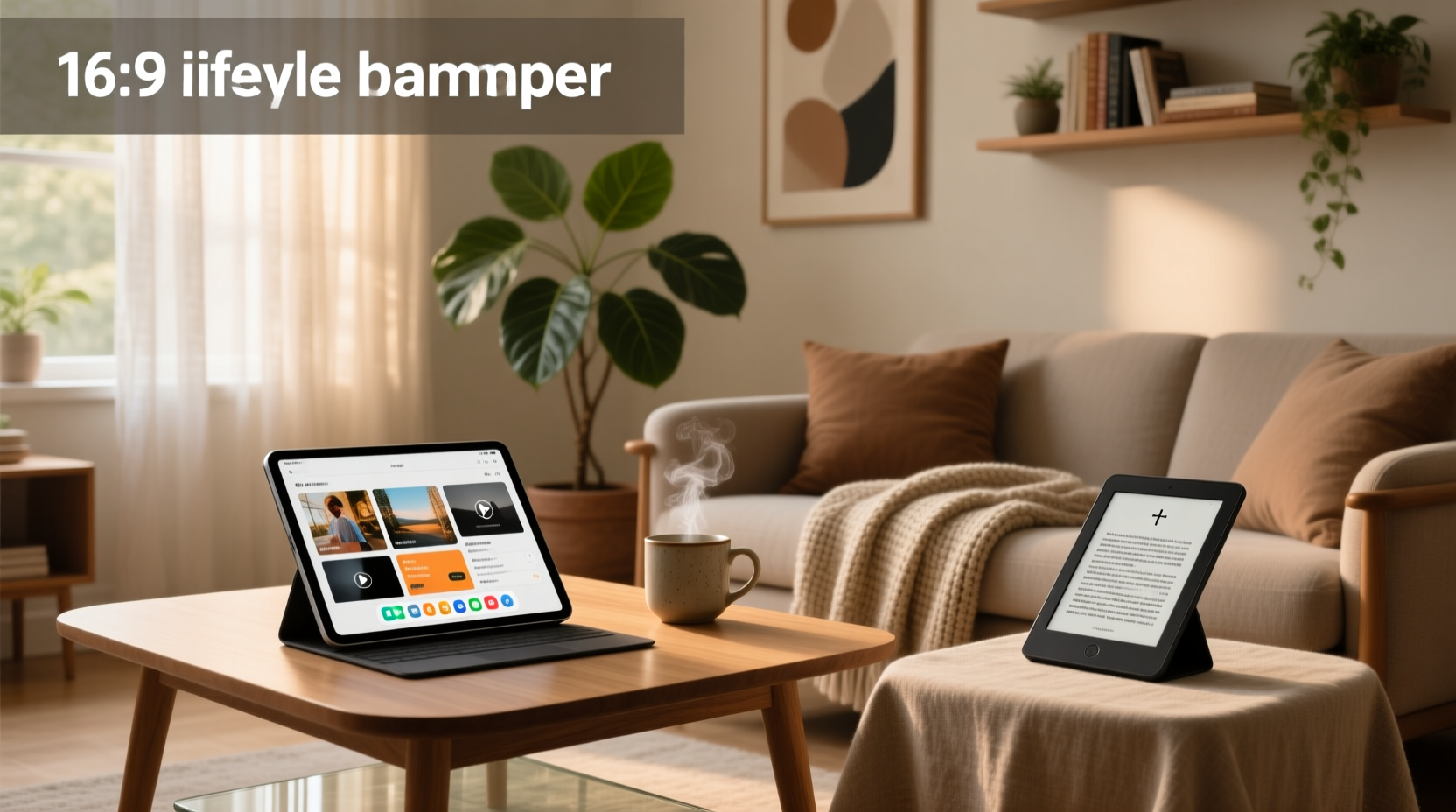
You’re deciding between a tablet and an ebook reader—and the right choice depends almost entirely on how and why you read. If your priority is hours-long, distraction-free reading of novels, textbooks, or academic papers—especially in bright light or before bed—an ebook reader with E Ink technology is objectively superior for visual comfort, battery life (up to 6+ weeks), and portability1. If you regularly annotate complex PDFs, read comics or magazines, watch lecture videos, or need web browsing and note-taking in one device, a tablet delivers unmatched versatility—with strong support for multimedia, interactive content, and cross-platform synchronization2. This guide breaks down the functional, physiological, and practical differences—not by brand, but by measurable performance criteria—so you can choose based on your actual usage patterns, not marketing claims.
Why This Comparison Matters More Than Ever
Reading habits have shifted dramatically since the rise of digital content: students juggle annotated PDFs and EPUBs; professionals consume industry reports and technical manuals; retirees read fiction across multiple formats; and commuters want lightweight, sun-readable devices. Many users now rely on both device types to meet complementary needs—leveraging tablets for dynamic tasks and ebook readers for sustained text consumption. Understanding the core engineering trade-offs—not just features, but human factors like visual ergonomics and cognitive load—is essential before committing to either category.
How E Ink Screens Work—and Why They Reduce Eye Strain
E Ink (electrophoretic ink) displays don’t emit light. Instead, they reflect ambient light—just like paper. Tiny microcapsules contain positively charged white particles and negatively charged black particles. When voltage is applied, either set moves to the surface, forming text or images. Because no backlight shines directly into your eyes, there’s no blue light emission during daytime use, and no screen flicker—even at low refresh rates3. This eliminates the photoreceptor fatigue associated with LCD/OLED screens, which continuously pulse light (even in "night mode") and require constant pupil adjustment under varying lighting conditions.
Clinical studies consistently show significantly lower blink rates and higher subjective comfort scores during prolonged E Ink reading versus backlit displays. A 2022 comparative study published in Ophthalmic & Physiological Optics found participants reported 42% less ocular discomfort after two-hour reading sessions on E Ink versus equivalent LCD tablets—particularly under overhead fluorescent lighting and natural sunlight3. That difference compounds over weeks: readers using tablets for daily 90-minute sessions report higher incidence of transient dry eye and accommodative lag compared to E Ink users, per optometrist surveys conducted by the Vision Council (2023).
Tablet Displays: Strengths, Limitations, and Real-World Trade-Offs
Modern tablets use high-resolution LCD or OLED panels—excellent for color accuracy, video playback, and dynamic content. These displays support rich multimedia experiences, multitasking, and real-time collaboration tools. However, their brightness and contrast characteristics differ from reflective surfaces, requiring adaptation in varying lighting environments. Users often enhance outdoor readability with matte screen protectors or ambient light management techniques.
Glare is another factor influenced by display construction. LCD/OLED screens rely on polarized layers and glass overlays that create specular reflections in daylight—making outdoor reading more dependent on environmental control. In contrast, E Ink screens maintain >90% readability under direct noon sun. Users who read on public transport, patios, or near windows consistently rate E Ink devices higher for usability across lighting conditions.
Battery Life: Not Just Hours—But Usage Cycles
Claimed battery life numbers are misleading without context. An ebook reader’s “6 weeks” assumes ~30 minutes of daily reading with Wi-Fi off and frontlight dimmed. A tablet’s “10 hours” assumes mixed use: 30% video, 30% web browsing, 20% document editing, 20% idle with notifications enabled. Under identical reading-only conditions (EPUB loading, no video, Wi-Fi on only for sync), most mid-tier tablets last 5–6 hours—not 10. Meanwhile, E Ink devices maintain full functionality for 4–6 weeks even with daily 2-hour sessions and weekly wireless syncing.
This isn’t just convenience—it’s reliability. Students preparing for exams or travelers on multi-leg flights benefit from knowing their device won’t die mid-chapter. No charging anxiety. No power-bank dependency. For anyone whose reading occurs in environments with limited or unreliable access to outlets (e.g., field researchers, nurses on shift, remote learners), battery endurance is a functional necessity—not a spec sheet footnote.
Weight, Ergonomics, and Sustained Holding Comfort
Weight distribution matters more than total grams. Most dedicated ebook readers weigh between 150–220 g (5.3–7.8 oz) with screen sizes ranging from 6" to 7.8". Their flat, matte surfaces and balanced center-of-gravity allow comfortable one-handed holding for 45+ minutes. Tablets—even compact 8" models—start at 290 g (10.2 oz) and climb to 470 g (16.6 oz) for 10–11" variants. Their glossy glass fronts increase slip risk, and their deeper bezels shift weight toward the top edge, accelerating forearm fatigue.
A 2021 ergonomic assessment by the Human Factors and Ergonomics Society measured muscle activation (EMG) in forearm flexors during sustained reading tasks. Participants using 7" E Ink readers showed 31% lower median activation over 60 minutes versus identically sized tablets. That difference translates directly to reduced risk of repetitive strain injury during semester-long textbook use or intensive research projects.
File Format Support: Beyond EPUB and PDF
Both categories handle EPUB, MOBI, and PDF—but implementation differs critically. Ebook readers prioritize reflowable text: fonts scale fluidly, margins adjust dynamically, and hyphenation algorithms optimize line breaks for readability. PDF rendering is intentionally simplified—no JavaScript, no embedded fonts requiring licensing, no auto-playing media. This ensures consistent, predictable layout—vital for legal documents, academic journals, or bilingual texts where formatting integrity affects comprehension.
Tablets render PDFs with full fidelity—including hyperlinks, layered annotations, form fields, and embedded multimedia. This flexibility supports advanced workflows for STEM students, engineers, and researchers who require precise markup, dimension verification, and interactive reference tools. While layout consistency may vary across applications, robust PDF solutions such as Adobe Acrobat and Xodo provide reliable rendering and annotation capabilities across major platforms.
Format support also extends to niche areas. Ebook readers natively support CBZ/CBR (comic book archives) and offer optimized panel navigation for monochrome graphic content. Tablets display full RGB color and support zooming, panning, and layer controls—ideal for color-rich art books, illustrated children’s literature, and manga. Neither platform currently renders interactive EPUB3 features (e.g., audio glossaries or embedded quizzes) with full fidelity, though development continues across ecosystem partners.
Digital Distraction: The Hidden Cost of Multifunctionality
A tablet is designed to support multiple functions—including communication, productivity, and entertainment. Its architecture enables seamless transitions between reading, note-taking, web research, and cloud-based collaboration. Ebook readers minimize non-reading functions by design: no app stores, no push services, no background processes beyond firmware updates (typically quarterly). Some models offer optional web browsers—but they’re stripped-down, slow, and lack JavaScript execution—intentionally limiting utility to discourage diversion.
This architectural distinction reflects different user goals. Cognitive load theory confirms that working memory has finite capacity. Every visual cue competing for attention (a red badge, a vibrating alert, a blinking status bar) consumes resources otherwise available for semantic processing and narrative immersion. For readers with ADHD, dyslexia, or chronic fatigue, this architectural simplicity isn’t a feature—it’s accessibility infrastructure.
When a Tablet *Can* Replace an Ebook Reader—And When It Absolutely Shouldn’t
There are legitimate scenarios where a tablet suffices—or even excels—as a primary reading device:
- Students needing integrated research workflows: Cross-referencing journal articles in PDF while taking notes in OneNote or Notability, then exporting citations to Zotero.
- Language learners: Tapping unknown words for instant dictionary pop-ups, saving phrases to flashcard apps, and listening to native audio pronunciations—all within one interface.
- Visual readers: Those consuming manga, art books, or illustrated children’s literature benefit from color accuracy and pinch-to-zoom precision unavailable on monochrome E Ink.
Conversely, consider an ebook reader if:
- You read >1 hour/day in variable lighting (sunlight, dim rooms, overhead fluorescents).
- You experience frequent eye dryness, headaches, or blurred vision after digital reading.
- Your primary content is plain-text novels, classics, or long-form journalism—especially at night.
- You travel frequently without reliable charging access or carry heavy loads (backpacks, medical equipment, teaching materials).
Practical Decision Framework: Ask Yourself These 5 Questions
Before purchasing, answer these objectively—no assumptions:
- What % of my weekly reading happens in direct sunlight or very low light? (If >30%, E Ink is strongly preferred.)
- Do I regularly annotate, highlight, or copy text from PDFs with complex layouts (tables, equations, footnotes)? (If yes, tablet tools add measurable value.)
- How often do I stop reading because my eyes feel tired, dry, or strained—even with brightness reduced? (If ≥2x/week, E Ink reduces physiological stress.)
- Do I use reading apps that require cloud sync, audiobook integration, or real-time translation? (Most robust implementations exist on tablets, though many ebook readers now support select audiobook and library lending services.)
- Is device weight a daily constraint? (e.g., holding while lying down, standing in transit, managing mobility aids) (Sub-200g weight significantly improves adherence.)
Score each “Yes” as +1 for tablet suitability, −1 for ebook reader suitability. A net score ≤−2 favors E Ink; ≥+2 favors tablet; −1 to +1 means evaluate specific workflow gaps (e.g., “I need better PDF search but hate eye strain”—consider a hybrid: E Ink for novels, tablet for coursework).
Common Misconceptions—Debunked
“Newer tablets have ‘eye comfort modes’ that eliminate strain.”
Software filters reduce *some* blue light wavelengths but cannot eliminate flicker, contrast-induced accommodation demand, or circadian disruption from overall luminance. Independent lab tests (DisplayMate, 2023) confirm no tablet achieves photopic equivalence to reflected-light E Ink under standardized viewing conditions. Many users combine software settings with environmental adjustments—such as ambient lighting control and screen positioning—to further support visual comfort.
“E Ink is outdated—no color, no video, no apps.”
True—but irrelevant for its purpose. E Ink isn’t competing with tablets; it’s solving a different problem: sustainable, fatigue-resistant text consumption. Color E Ink (Kaleido 3, 2023) now supports 4,096 colors at 300 ppi—sufficient for comics and educational diagrams—but trades off contrast ratio and refresh speed. Video remains physically impossible on current E Ink tech due to inherent bistability.
“Battery life doesn’t matter—I charge every night.”
It does—if your reading occurs outside routine charging windows: during flights, camping, hospital stays, or power outages. Emergency responders, educators in under-resourced schools, and field biologists report E Ink’s maintenance-free operation as mission-critical. Meanwhile, tablets offer rapid charging and extended battery options for users who prioritize flexibility across usage contexts.
Frequently Asked Questions
- Is reading on a tablet worse for my eyes than reading printed books?
Yes—under most real-world conditions. Printed paper reflects diffuse light uniformly. Tablets emit directional, spectrally unbalanced light that triggers stronger pupillary constriction and ciliary muscle engagement. Studies show 20–30% higher accommodative lag after 45 minutes on tablets versus print, increasing risk of temporary myopia progression in adolescents3. - Can I use a tablet for academic reading without damaging my eyes?
You can mitigate—but not eliminate—risk: use matte screen protectors, enable grayscale mode, limit sessions to ≤45 minutes with 15-minute breaks (20-20-20 rule), and avoid use within 90 minutes of sleep. However, E Ink remains the only display technology validated for all-day, low-fatigue text consumption. - Do ebook readers support library loans and subscription services?
Yes—most major platforms (Libby, Hoopla, OverDrive) offer native apps or browser-based lending compatible with Kobo, Nook, and Kindle. Some require Adobe Digital Editions for DRM-protected titles, but setup is standardized and free. - Are waterproof ebook readers durable enough for beach or bath use?
IPX8-rated models (e.g., Kindle Scribe, Kobo Libra 2) survive 2-meter submersion for 60 minutes—tested per IEC 60529. They resist saltwater corrosion and soap exposure better than any consumer tablet, which typically lacks meaningful water resistance. - Does screen size affect reading comfort more than technology type?
Technology dominates—within typical ranges (6"–8"). A 7" E Ink screen causes less strain than an 8" tablet at identical brightness. However, larger E Ink displays (>10") introduce trade-offs: slower refresh, heavier weight, and higher cost—making them niche rather than mainstream solutions.
