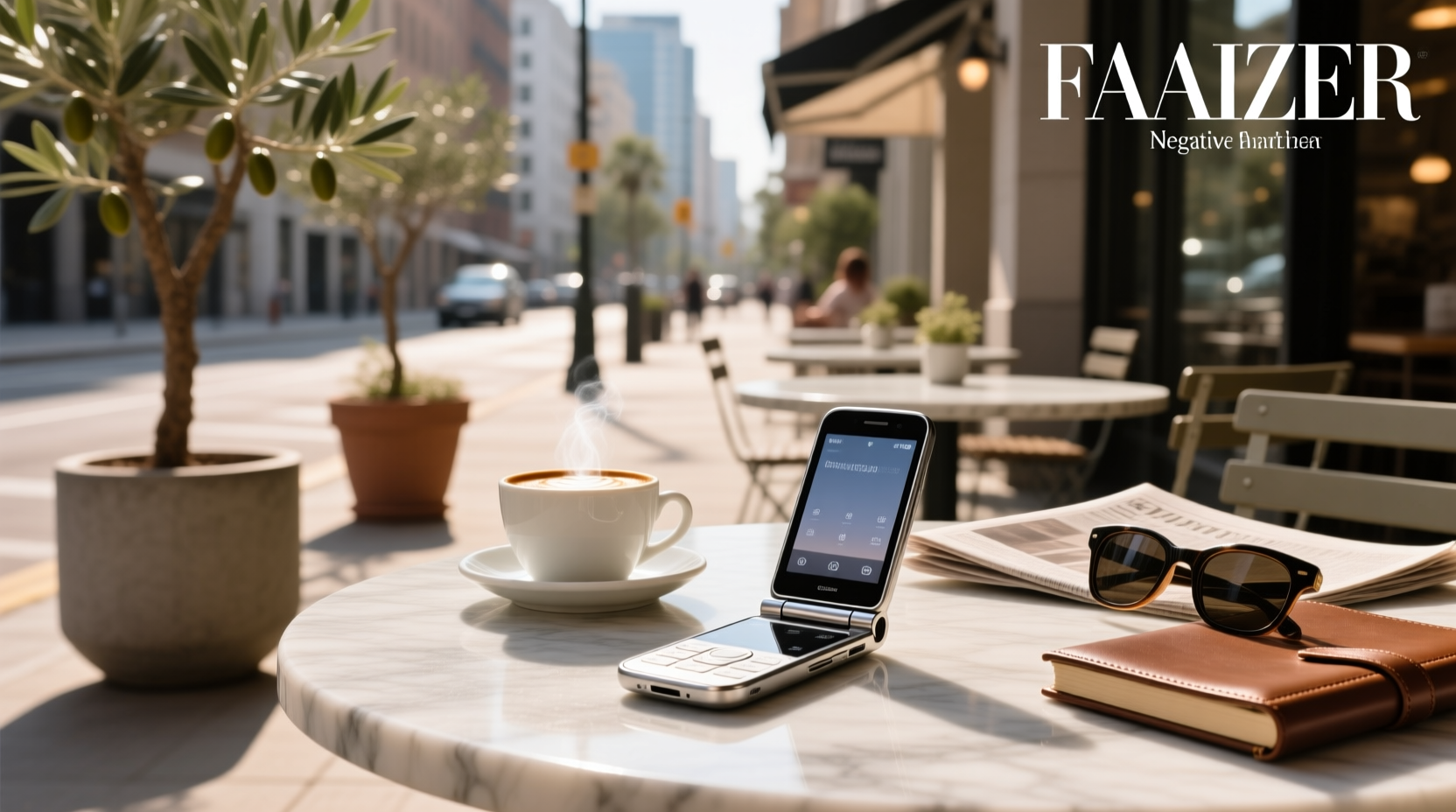
Yes—touch screen flip phones are commercially available in 2026, but they fall into two distinct categories: modern Android clamshells (e.g., MIVE Style Folder 2, Samsung Galaxy Folder 2) and rugged or entry-level KaiOS/feature-based flip phones (e.g., Unifone S22, Nokia 2720 Flip). Unlike foldable smartphones like the Motorola Razr Ultra or Galaxy Z Flip—which use flexible OLED displays and run full Android—the term "touch screen flip phone" in consumer searches most often refers to compact, hinge-based clamshells with a physical keypad plus a dedicated touchscreen display, typically 2.4″–3.0″, running lightweight OSes. This distinction matters: if you need WhatsApp, Google Maps, or app sideloading, only Android-based models deliver it reliably. If your priority is battery life (>2 weeks), durability, and distraction-free calling/texting, KaiOS or proprietary OS variants remain stronger choices 1. Compatibility with U.S. carriers (AT&T, T-Mobile, Verizon MVNOs) depends on LTE band support—not just "unlocked" labeling—and varies significantly across models 2.
Why People Search for Touch Screen Flip Phones in 2026
The surge in searches for touch screen flip phone reflects three converging trends: digital minimalism, generational device reevaluation, and practical usability trade-offs. According to Deseret News, sales of non-smartphones among 18–24-year-olds rose 148% between 2021 and 2024—a shift widely described as a "dopamine diet" against algorithmic overstimulation 3. Yet this isn’t nostalgia alone. Many users seek tactile feedback, longer standby time (often >30 days on KaiOS), and reduced visual fatigue from small, non-scrolling interfaces. Others—especially field workers, seniors, or those with motor coordination needs—value the physical hinge stability and button-based navigation that complements touch input. Crucially, not all touch-enabled flip phones offer the same level of interactivity: some use resistive touchscreens (requiring stylus or firm press), while others deploy capacitive panels compatible with bare fingers and gloves.
Two Clear Categories: Android Clamshells vs. Smart Feature Phones
Understanding the technical divide prevents mismatched expectations. Below is a functional comparison:
| Feature | Android-Based Flip Phones (e.g., MIVE Style Folder 2) | KaiOS / Proprietary OS Flip Phones (e.g., Unifone S22, Nokia 2720 Flip) |
|---|---|---|
| Operating System | Full Android 11–13 (with Play Store access or ADB sideloading) | KaiOS 3.x or vendor-specific RTOS (limited app ecosystem; WhatsApp, Facebook Lite, YouTube Go supported) |
| Touchscreen Type | Capacitive, 5–6.7″ folded display (main screen); often secondary external touchscreen (≤2.1″) | Resistive or basic capacitive, 2.4″–2.8″ primary screen; no secondary touch interface |
| Network Compatibility (U.S.) | Varies: check LTE Bands 2/4/5/12/13/66/71; many lack Band 13 (Verizon legacy) | Better coverage: most support Bands 2/4/5/12/13/66; certified for AT&T & T-Mobile |
| Battery Life (Standby) | 1–3 days typical usage; 7–10 days max with aggressive optimization | 14–30+ days standby; 5–8 hours talk time |
| Durability Rating | IP52–IP53 common; few exceed IP67 (e.g., CAT S22 Rugged Flip) | IP67–IP68 standard; MIL-STD-810H compliance frequent |
| Camera Capability | 8–13 MP main sensor; capable of video recording, HDR, night mode | 2–5 MP fixed-focus; VGA front cam; no video recording on most models |
Importantly, "touch screen flip phone" does not imply smartphone parity. Even Android models like the MIVE Style Folder 2 ship with underpowered MediaTek or Unisoc chipsets, 2–3 GB RAM, and 16–32 GB storage—making multitasking sluggish and app updates inconsistent. KaiOS devices avoid these bottlenecks by design: their UI renders instantly, notifications are sparse, and firmware updates arrive predictably every 12–18 months 4. Neither category supports 5G natively in 2026; all rely on 4G LTE (though some list "5G-ready" marketing language without hardware support).
U.S. Carrier Compatibility: What You Must Verify
A device labeled "unlocked" is not guaranteed compatible with U.S. networks. Here’s how to verify:
- Check LTE Band Support: AT&T uses Bands 2, 4, 5, 12, 17, 29, 30, 66, and 71. T-Mobile relies on Bands 2, 4, 12, 66, and 71. Verizon requires Band 13 (and increasingly Band 71 for low-band coverage). Cross-reference your phone’s spec sheet—not retailer copy—against FrequencyCheck’s U.S. band database.
- Confirm VoLTE & Wi-Fi Calling Support: Most modern flip phones lack native VoLTE implementation. Without it, calls drop when moving between LTE and 3G—or fail entirely on AT&T/T-Mobile after 3G shutdown (completed in early 2024). Look for explicit "VoLTE certified" statements in FCC ID filings (search via FCC ID Search).
- Avoid "Global" Models Sold Without U.S. Certification: Devices imported from Asia or Europe may use incompatible frequency filters or lack E911 location services. Always confirm FCC ID (e.g., 2ARJZ-S22) appears on packaging and in device settings.
Design Trade-Offs: Single Screen vs. Dual Screen Flip Phones
Most searchers assume "touch screen flip phone" means one display—but reality includes two configurations:
- Single-Touchscreen Clamshells: The entire interface resides on one panel inside the lid (e.g., Samsung Galaxy Folder 2). Pros: lower cost, simpler hinge mechanics, better screen real estate per inch. Cons: no glanceable notifications when closed; requires opening to check messages.
- Dual-Screen Clamshells: Separate external monochrome or color display (1.3″–2.1″) + larger internal touchscreen (e.g., Nokia 2720 Flip, CAT S22). Pros: caller ID, SMS preview, step counter, and battery status visible without flipping. Cons: external screen often non-touch or limited to swipe gestures; adds complexity and potential hinge wear points.
Neither configuration supports true multitasking across screens (unlike Samsung’s Galaxy Z Flip series, which runs Android across both displays). External screens on KaiOS devices are usually read-only or menu-navigable via directional keys—not touch-responsive.
Performance Realities: Why Speed Feels Different
User reviews frequently cite "sluggish response"—but this stems from architecture, not poor engineering. Android-based flip phones use SoCs designed for tablets or entry-level smartphones, throttled further by thermal constraints in compact chassis. KaiOS devices run on ARM Cortex-A7 chips with ≤512 MB RAM, optimized for HTML5 apps and lightweight JavaScript rendering. As a result:
- Opening WhatsApp on an Android flip phone may take 4–7 seconds; on KaiOS, it loads in <1.5 seconds—but offers no group voice notes or status updates.
- Web browsing works on both, but KaiOS limits tabs to 3 and disables autoplay video. Android allows Chrome or Kiwi Browser, yet page rendering lags on complex sites (e.g., Gmail web interface).
- Camera apps open faster on KaiOS, but lack manual controls. Android models permit Pro mode—but sensor noise dominates in low light due to tiny pixel pitch (<1.12 µm).
If your workflow depends on cloud sync (Google Photos, iCloud), file transfer (MTP/USB OTG), or Bluetooth audio codecs beyond SBC, Android models are mandatory—but expect to manage storage manually and disable background services.
Durability & Repairability: Beyond IP Ratings
IP68 certification (dust/water resistance) appears on many rugged flip phones—but real-world resilience hinges on hinge design and serviceability. Key considerations:
- Hinge Longevity: Most use stamped metal or reinforced polymer pivots rated for 20,000–50,000 open/close cycles. That equals ~5 years at 10x/day. However, sand, lint, or pocket debris accelerates wear. Models with sealed hinge covers (e.g., CAT S22) outperform exposed mechanisms.
- Battery Replaceability: KaiOS phones almost universally feature user-swappable batteries (standardized BL-5C or JST-PH connectors). Android models integrate batteries—requiring soldering or specialized tools for replacement.
- Screen Replacement Cost: Replacing a 2.8″ resistive touchscreen averages $25–$45 USD; capacitive panels for Android models range $65–$120, with labor adding $30–$50. Third-party parts lack calibration guarantees.
Who Should (and Should Not) Buy a Touch Screen Flip Phone in 2026?
✅ Ideal for:
- Users seeking reduced screen time without abandoning core connectivity (calls, texts, WhatsApp, maps)
- Field technicians, warehouse staff, or outdoor workers needing drop resistance, glove-friendly input, and multi-day battery
- Seniors or neurodivergent individuals benefiting from predictable UI, large icons, and tactile feedback
- Parents provisioning first phones for teens—no app store, no infinite scroll, no hidden subscriptions
❌ Not suitable for:
- Anyone requiring real-time GPS navigation with offline maps (most lack sufficient storage or map cache support)
- Users dependent on iCloud, Samsung Cloud, or Google One sync (KaiOS lacks native integration; Android models rarely include >5 GB free cloud space)
- Those expecting 5G speeds, AR features, or seamless video conferencing (no model supports 5G NR or front-facing wide-angle cameras)
- People needing accessibility services like TalkBack, Switch Control, or Live Transcribe—support is partial or absent outside flagship Android foldables
How to Evaluate Claims Before Buying
Marketing materials often exaggerate capabilities. Use these verification steps:
- Download the FCC ID Report: Enter the device’s FCC ID (found in Settings > About or on label) at FCC ID Search. Review the RF Exposure report and supported frequency bands.
- Test Touch Responsiveness In Person: Visit a carrier store (T-Mobile, AT&T) or electronics retailer. Try swiping, pinch-zooming, and handwriting input—if offered. Resistive screens require pressure; capacitive ones should respond to light taps.
- Check Firmware Update History: Visit the manufacturer’s support site. If no OS update occurred in the last 18 months—or patch notes mention only "stability improvements"—expect no new features.
- Review Independent Teardowns: Sites like iFixit rarely cover flip phones, but YouTube channels (e.g., frokfrdk, MobileTechReview) publish detailed hardware analyses—including thermal imaging and hinge stress tests.
Frequently Asked Questions
- Can a touch screen flip phone run Instagram or TikTok?
Not natively. Instagram has no KaiOS version; TikTok removed its KaiOS app in late 2024. Android-based models can sideload APKs, but performance is unstable and violates platform terms. - Do touch screen flip phones work with Apple AirPods?
Yes—if Bluetooth 4.2+ is supported and the device implements the HSP/HFP profiles. Most do, but AAC codec support (for optimal iOS audio quality) is rare outside premium Android models. - Is there a touch screen flip phone with a physical QWERTY keyboard?
No current production model combines full touchscreen + slide-out QWERTY. The closest are legacy devices like the BlackBerry KEY2 LE (discontinued) or Kyocera DuraForce PRO 2 (non-touch external keyboard). - Can I use Google Pay or Apple Wallet on a touch screen flip phone?
No. NFC payment support requires secure element certification and OS-level wallet integration—neither present in KaiOS or budget Android flip phones. - Are spare parts available for repair?
Limited. Batteries and external screens are stocked by third-party vendors (e.g., Wishtrend, MobileSentrix). Mainboards and flex cables are rarely sold individually—repair often means board-level replacement.
