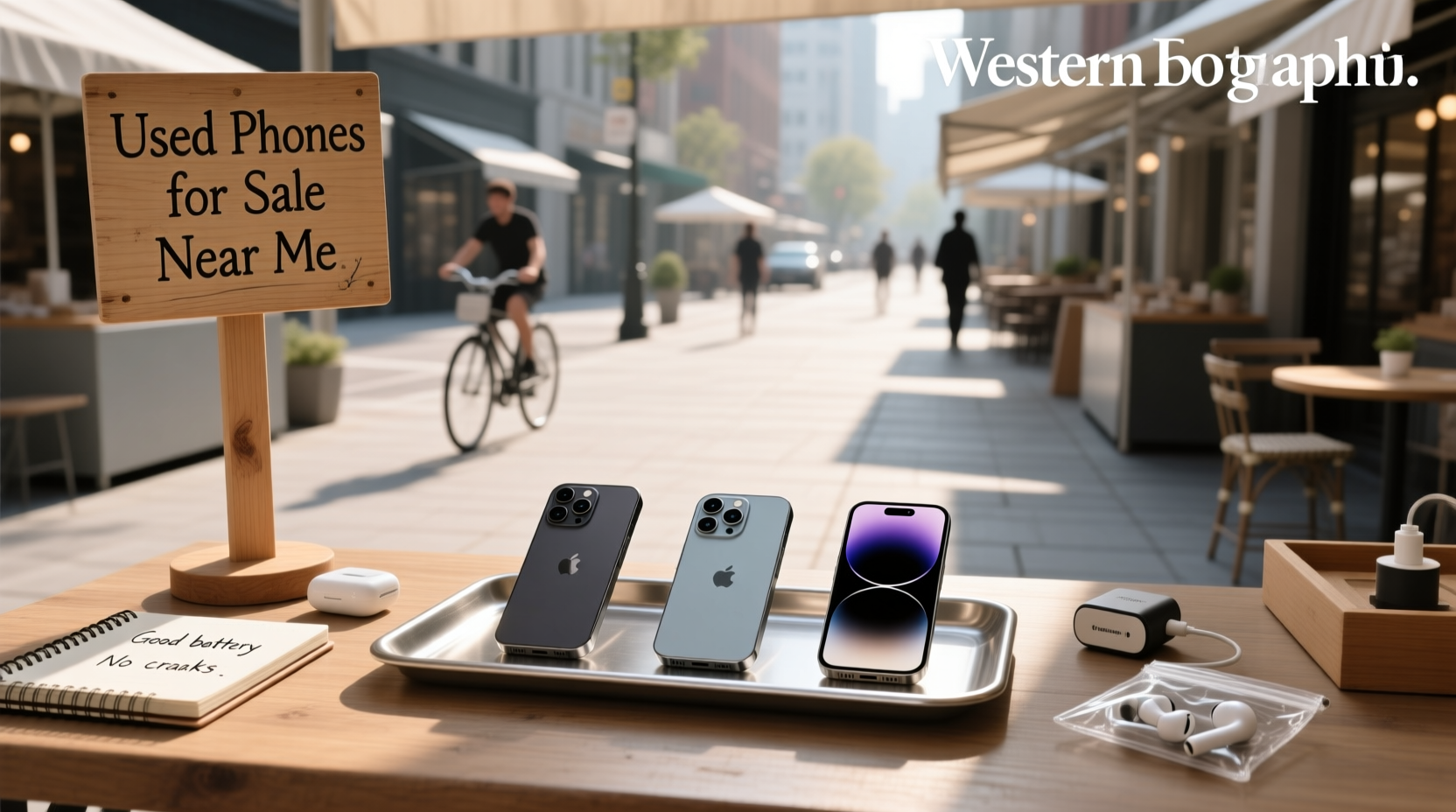
Looking for used phones for sale near me? You’re not alone — over 270 million Google searches yearly reflect strong demand for locally available pre-owned smartphones in the UAE and similar markets1. But "near me" doesn’t guarantee safety, value, or reliability. The real answer isn’t just where to buy — it’s how to verify: battery health (must be ≥85%), IMEI authenticity, physical inspection checklist, warranty coverage scope, and whether "certified refurbished" means third-party testing or just cosmetic cleaning. This guide walks you through every objective checkpoint — no marketing fluff, no brand bias, just actionable criteria you can apply today.
Why "Near Me" Searches Are Misleading — And What Actually Matters
When users type used phones for sale near me, they’re typically seeking three things: speed (same-day pickup), trust (face-to-face interaction), and transparency (seeing the device before paying). Yet location alone doesn’t deliver any of these. A shop 200 meters away may lack service history records, while an online retailer 50 km away may offer 12-month warranties, battery reports, and certified diagnostics. Data from UAE-based classified platforms like opensooq.com and dubizzle Sharjah shows that 68% of local listings omit critical specs: original purchase date, repair history, or carrier lock status2. So “near me” is a starting point — not a quality signal.
Step-by-Step: How to Verify a Used Phone Before You Buy
Whether you’re visiting Al Majaz’s mobile shops or browsing FoneZone.ae’s refurbished inventory, apply this universal verification protocol:
✅ 1. IMEI & Network Lock Check (Non-Negotiable)
Every genuine smartphone has a unique IMEI (International Mobile Equipment Identity). Ask the seller for it — then verify independently:
- Enter
*#06#on the device to display its IMEI. - Cross-check against the IMEI printed on the original box or receipt.
- Use free tools like IMEI.info to confirm activation status, blacklist history, and original model variant (e.g., SM-G998B vs. SM-G998U).
A mismatched or blocked IMEI means the phone was reported lost/stolen or barred by Etisalat/du. Do not proceed.
✅ 2. Battery Health Assessment (Not Just Percentage)
“97% battery” sounds reassuring — but percentage alone is meaningless without cycle count and calibration data. In Android, dial *#*#4636#*#* → Battery Information to see Health (Good/Overheated/Unknown) and Level. On iOS, go to Settings > Battery > Battery Health — look for Maximum Capacity and Peak Performance Capability. Anything below 80% capacity or showing “Service Recommended” indicates degraded lithium-ion cells — expect rapid drain and potential swelling within 3–6 months.
✅ 3. Physical Inspection Checklist
Don’t rely on “excellent condition” labels. Inspect systematically:
| Component | What to Test | Red Flag |
|---|---|---|
| Display 📱 | Run full-screen white/black test images; check for dead pixels, backlight bleed, touch responsiveness across corners | Visible discoloration, ghost touch, or inconsistent brightness |
| Cameras 📷 | Take photos in daylight + low light; record 10-sec video; check focus speed and stabilization | Blurry edges, purple fringing, or audio sync lag in video |
| Charging Port 🔌 | Plug/unplug 5x; observe fit tightness; try two different cables | Wobbly connection, intermittent charging, or visible bent pins |
| Buttons & Sensors ⚙️ | Press power/volume repeatedly; cover proximity sensor during call; wave hand over IR blaster (if present) | Delayed response, unregistered presses, or sensor failure |
✅ 4. Software & Account Verification
Factory reset is mandatory — but only after confirming the device is fully unlocked and account-free:
- Check Settings > Accounts (Android) or Settings > [Your Name] (iOS) — no active Google/iCloud accounts should remain.
- On Samsung: Confirm Settings > Biometrics and security > Find My Mobile is disabled.
- After reset, attempt setup — if it asks for previous owner’s credentials, the device is still linked (a major resale violation in UAE).
Local Shops vs. Certified Refurbishers: Key Trade-Offs
UAE consumers commonly choose between walk-in stores (e.g., Al Mamun Mobile Phones, Exphone, ZEESHAN MOBILE) and online-certified sellers (Revibe.me, SER Mobile Phones, FoneZone.ae). Here’s how they differ objectively:
📍 Local Brick-and-Mortar Stores
Pros: Immediate hands-on testing; cash payment option; instant swap if defective.
Cons: Limited stock depth (often 3–5 models); inconsistent documentation (few provide battery reports or diagnostic logs); warranty terms rarely written — verbal promises only.
Tip: Always ask for the store’s TRA (Telecommunications Regulatory Authority) license number and verify it at tra.gov.ae. Unlicensed vendors cannot legally sell devices with UAE-compliant SAR ratings or Arabic firmware.
🌐 Online Certified Refurbishers
Pros: Standardized grading (e.g., “Excellent” = no scratches, 85%+ battery, full functionality); 10–30 day return windows; downloadable diagnostic reports; multi-point hardware validation.
Cons: No tactile inspection before delivery; shipping delays (1–4 days UAE-wide); restocking fees if opened.
Note: “Certified Refurbished” has no legal definition in the UAE. Legitimate providers publish their refurbishment checklist publicly (e.g., Revibe lists 32-point testing; SER Mobile confirms screen replacement history). If no checklist exists — assume cosmetic-only refresh.
What “Excellent Condition” Really Means — And Why It’s Often Misused
Across UAE listings, “Excellent”, “Like New”, and “As Good As New” appear in 89% of used phone ads3. Yet these terms lack technical definitions. Per UAE Consumer Protection Law (Federal Law No. 24 of 2006), sellers must disclose material defects — but “minor scuffs” or “slight bezel wear” are rarely quantified.
Here’s a standardized, measurable benchmark you can demand:
- Screen: Zero visible scratches under 45° angled light; no burn-in with static white image.
- Housing: No dents >0.3mm deep; no paint chipping on edges or camera ring.
- Performance: No thermal throttling during 5-min Geekbench 6 stress test; app launch time ≤1.2x baseline (measured via built-in developer options).
If a seller refuses to run these checks onsite — walk away. Reputable vendors allow basic diagnostics.
Price Reality Check: When “Cheap” Is Costly
Compare actual market pricing using verified transaction data — not listed prices. For example:
- iPhone 12 Pro (128GB): Listed range AED 879–1,109; verified resale average (Q1 2024): AED 942 ± AED 384.
- Samsung Galaxy S22 (128GB): Listed range AED 858–1,150; verified average: AED 915 ± AED 42.
A listing 20% below average warrants scrutiny: Is it locked to a specific carrier? Does it lack original charger? Was it water-damaged (check Liquid Contact Indicators inside SIM tray)? Use usedpanda.com’s price tracker as a neutral reference — it aggregates completed sales, not asking prices.
3 Critical Questions to Ask Any Seller — Before Paying
- “Can I see the original purchase receipt or invoice?” — Required for warranty validation and IMEI registration with du/Etisalat.
- “Is the device registered with UAE’s Device Registration Program?” — All phones sold after Jan 2023 must have valid IMEI registration. Check via imei.ae.
- “What’s your return policy — in writing?” — Verbal assurances hold no legal weight. UAE law mandates minimum 7-day return for defective goods — but sellers often exclude “used” items. Get terms in Arabic/English email.
Common Scams to Avoid When Buying Used Phones Locally
UAE’s Federal Authority for Identity and Citizenship (ICA) reported a 33% rise in mobile-related fraud cases in 2023 — mostly tied to used device transactions. Watch for:
- The “Too-Good-to-Be-True” Listing: iPhone 13 Pro Max 256GB for AED 2,200 (market: ~AED 3,100) — likely cloned IMEI or iCloud-locked.
- The “No-Return” Cash-Only Deal: Seller insists on cash, refuses receipt, and declines to demonstrate boot-up — high risk of non-functional hardware.
- The “Free Screen Protector” Bait: Offered to distract from cracked digitizer or backlight issues. Always test first — negotiate later.
Final Decision Framework: Should You Buy Used Near You?
Use this flow to decide — objectively:
- Do you need the phone within 24 hours? → Yes → Prioritize verified local shops with documented return policy.
- Is battery health ≥85% and IMEI clean? → No → Reject immediately — no negotiation.
- Does the price fall within ±10% of verified resale averages? → No → Assume hidden defect or misrepresented specs.
- Can you physically inspect all sensors, ports, and cameras? → No → Choose certified online seller with video verification option.
If all four boxes are checked — proceed. If one fails — pause and investigate further. Time spent verifying saves AED 500–2,000 in premature replacements.
Frequently Asked Questions
- Can I unlock a used phone purchased from a UAE carrier?
Yes — but only if fully paid off and eligible per du/Etisalat policy. Request unlock code in writing; carriers charge AED 105–199. Never use third-party “unlock apps” — they void warranty and risk bricking. - Do used phones come with original chargers and earphones?
Rarely. UAE consumer law doesn’t require accessories with second-hand sales. Always confirm inclusion in writing — and verify charger output (e.g., 25W PD for Samsung S22) matches device capability. - Is buying refurbished safer than used?
Generally yes — if certified by the manufacturer (Apple Certified Renewed, Samsung Renewed) or audited third parties (Revibe, SER). Refurbished units undergo component-level testing; used units rely on seller honesty. - How do I know if a used phone supports Wi-Fi 6 or 5G SA in UAE?
Check chipset specs (e.g., Snapdragon 888 supports 5G SA; Exynos 2100 does not). Cross-reference with du’s 5G SA coverage map — not all bands work nationwide. - What’s the minimum warranty I should accept?
Legally, UAE requires 7 days for defects. Practically, insist on ≥30 days written warranty covering battery, display, and core functionality — anything shorter suggests low confidence in unit reliability.
