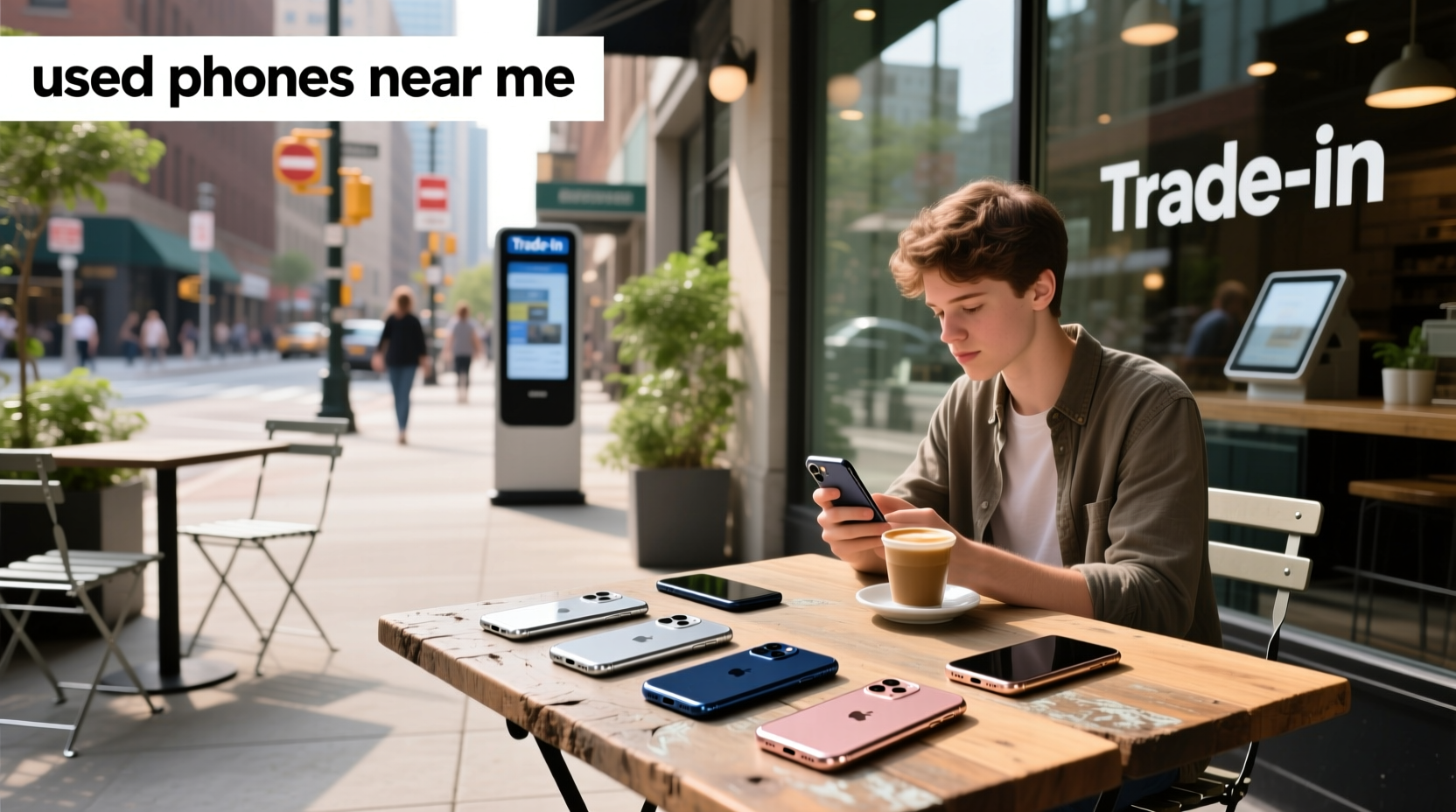
Looking for used phones near me? Start here: Always verify the seller’s physical address and business registration, inspect the phone in person for screen burn-in, battery health (iOS: Settings > Battery > Battery Health; Android: dial *#*#4636#*#* or use AccuBattery), confirm IMEI is clean via Swappa’s free IMEI checker, and test all ports, buttons, sensors, and cellular bands before paying. This guide walks you through every verified step—based on real-world buyer behavior, regional storefront patterns (like those in Purwokerto, Indonesia), and cross-platform resale standards—to help you avoid counterfeit units, locked devices, or hidden hardware faults when buying locally.
Why 'Used Phones Near Me' Searches Are Increasing—and Why Location Matters
The phrase used phones near me reflects a clear shift in consumer behavior: buyers prioritize immediacy, tactile verification, and trust built through local presence. Unlike online-only purchases, local transactions allow hands-on inspection, same-day handover, and face-to-face negotiation—critical advantages when assessing secondhand electronics. But location also introduces variability: store hours, warranty terms, return policies, and even regulatory compliance (e.g., IMEI registration requirements) differ by country and municipality. In Indonesia, for example, sellers must register IMEIs with the Ministry of Communication and Informatics (Kominfo); unregistered devices may be blocked from networks after 2024 1. In the U.S., state-level lemon laws rarely cover used phones—but some states (e.g., California) require dealers to disclose known defects under the Used Car Rule analogs applied to electronics retailers 2. Always assume your local jurisdiction governs enforceability—not the seller’s website disclaimer.
Step-by-Step: How to Vet a Local Used Phone Seller
Before stepping into any shop labeled "HP Second" or "Refurbished Specialist," follow this field-tested checklist:
- ✅ Confirm physical legitimacy: Search the business name + "Google Maps" + your city. Look for consistent photos, recent reviews (not just star ratings), and evidence of foot traffic (e.g., parking lot photos, delivery riders visible in storefront images). Avoid sellers who list only WhatsApp numbers without registered addresses or tax IDs.
- ✅ Cross-check IMEI independently: Ask for the IMEI *before* handling the device. Enter it into Swappa’s IMEI checker or IMEICheck.co. A clean result means no reported loss/stolen status and network compatibility—but does not guarantee carrier unlock. For U.S. carriers, confirm unlock status directly with AT&T, T-Mobile, or Verizon using their official portals.
- ✅ Inspect battery health onsite: iOS users: Go to Settings > Battery > Battery Health. Acceptable maximum capacity is ≥85% for daily use; below 80% warrants replacement or price reduction. Android users: Install AccuBattery (free, open-source) and run a full charge cycle over 24 hours—or use built-in diagnostics (
*#*#4636#*#*on many Samsung/LG models). Note that OEM battery readings are often optimistic; third-party tools provide more conservative estimates. - ✅ Test all radios and sensors: Make a call, send an SMS, connect to Wi-Fi and Bluetooth, activate GPS (open Maps and wait for blue dot), and verify NFC works (tap a contactless card or another phone). Also test ambient light and proximity sensors: cover the top speaker grille during a call—if the screen doesn’t blank, the proximity sensor is faulty.
- ✅ Examine screen and housing under natural light: Look for burn-in (ghost icons/text on OLED screens), backlight bleed (bright edges in dark mode), micro-scratches on glass, and misaligned bezels—signs of prior impact or improper reassembly. Check charging port for bent pins or debris; use a flashlight and magnifier if needed.
What 'Very Good' or 'Excellent Used' Really Means—And Why Labels Lie
Terms like Very Good Used or Excellent Condition have no standardized definition across sellers. One shop’s “Excellent” may include replaced batteries or non-OEM screens; another’s may mean factory-sealed packaging with zero usage. To cut through ambiguity, demand objective metrics:
| Condition Claim | What It Should Mean (Minimum Standard) | How to Verify |
|---|---|---|
| “Like New” | No visible scratches; original box, accessories, and receipt included; battery health ≥95% | Ask for unboxing video timestamped within last 7 days; compare serial number on box label vs. device settings |
| “Very Good” | Minor cosmetic wear only (e.g., hairline scratch on back glass); fully functional; battery health ≥85% | Use a $5 jeweler’s loupe; measure battery health with AccuBattery after 2+ charge cycles |
| “Good” | Visible wear (scuffs, dents), but no functional issues; battery health ≥75%; no cracked glass | Test drop resistance indirectly: gently tap corners on padded surface—listen for loose internal parts |
| “Fair” | Functional but with notable flaws (e.g., chipped edge, faded display, degraded speaker volume); battery health 60–74% | Run audio loop test (YouTube “speaker test 100Hz–20kHz”) at max volume; note distortion or cutoff |
Never rely solely on stock photos or generic grading scales. If the seller refuses to let you run diagnostics or delays handing over the device for testing, walk away.
Local Store vs. Online Refurbisher: Key Trade-offs
Buying used phones near me offers speed and inspection—but sacrifices consistency and post-purchase support. Compare core dimensions:
- Warranty: Most local shops offer 7–30 days limited warranty, often voided if you open the device. Reputable online refurbishers (e.g., Swappa, Gazelle, Best Buy Renewed) provide 12–24 months, covering battery, screen, and logic board failures 3.
- Pricing transparency: Local stores rarely publish prices online—negotiation is expected. Online platforms show exact model, storage, color, and grade upfront, enabling apples-to-apples comparison.
- Inventory depth: A local shop may carry only 3–5 iPhone 12 units; Swappa lists 200+ across grades, colors, and carriers—letting you filter by battery health ≥90%, unlocked status, or shipping time.
- Return friction: Local returns require travel and verbal negotiation. Online returns use prepaid labels and trackable mail—with refunds issued within 3 business days of receipt.
Choose local only when you need the device today, distrust remote sellers, or want to haggle aggressively. Choose online when you prioritize battery data, warranty length, or multi-unit comparison.
Red Flags You Should Never Ignore
These signs indicate high risk—even if the price seems irresistible:
- 📱 No IMEI provided upfront: Legitimate sellers share IMEI before meeting. If they say “I’ll show it when you arrive,” assume the device is blacklisted or cloned.
- 🔋 Battery health not disclosed: Any seller refusing to reveal battery percentage—or claiming “it’s fine, I charge it daily”—is hiding degradation. Lithium-ion batteries degrade predictably; absence of data is data.
- 📶 “Works on all carriers” without proof: Ask them to insert your SIM and make a call. If they deflect (“just try it at home”), the device is likely carrier-locked or has band mismatch (e.g., missing Band 12 LTE for U.S. T-Mobile).
- 📦 Missing original charger/cable: Not inherently suspicious—but combined with no box or receipt, it suggests the device was sourced from bulk liquidation (higher chance of refurbished or stolen origin).
- 📉 Price 40%+ below market average: Use Swappa’s live pricing tool or Gazelle’s price estimator as benchmarks. Extreme discounts usually reflect unrepaired water damage, iCloud lock, or counterfeit components.
How to Negotiate Fairly—Without Offending or Overpaying
Effective negotiation hinges on objective leverage, not bluffing. Arm yourself with three data points before entering the store:
- Current Swappa median price for that exact model, storage, and grade (e.g., “iPhone 12 128GB Unlocked Very Good: $429”).
- Observed flaws during inspection: battery health %, screen scratches under magnification, speaker distortion at 80% volume.
- Local alternatives: Name one nearby competitor with similar inventory (e.g., “MISTER PHONE SHOP listed a comparable unit for Rp 4.1 million”).
Then frame requests around cost of repair: “This battery reads 78%. Replacing it costs $49 at Apple—can we deduct half?” or “The front camera shows focus lag. A module swap runs $65. Can we meet at $399?” This shifts discussion from subjective value to quantifiable expense.
Frequently Asked Questions (FAQ)
- Can I check if a used phone is iCloud-locked before buying? Yes—ask the seller to sign out of iCloud *in front of you*, then restart the device. If it boots to Activation Lock screen, it’s locked. Never buy without witnessing full reset.
- Do local shops accept trade-ins for used phones? Many do—but valuations vary widely. Get quotes from 3 shops, then compare against Swappa’s instant offer. Local trade-ins often yield 20–40% less due to overhead and resale margin.
- Is it safe to pay via bank transfer for local used phone deals? Avoid it. Use cash on exchange or secure escrow (e.g., PayPal Goods & Services). Bank transfers are irreversible and leave no recourse for misrepresented devices.
- What should I do if the phone stops working 2 days after purchase? Review the shop’s written warranty (if any). In most jurisdictions, verbal promises aren’t enforceable. Without documentation, your only recourse is consumer protection agencies—so always get terms in writing.
- How long should a used phone last after purchase? With proper care, 2–3 years is typical. Key predictors: battery health ≥85%, no prior water exposure, and avoidance of fast-charging above 80% capacity regularly.
