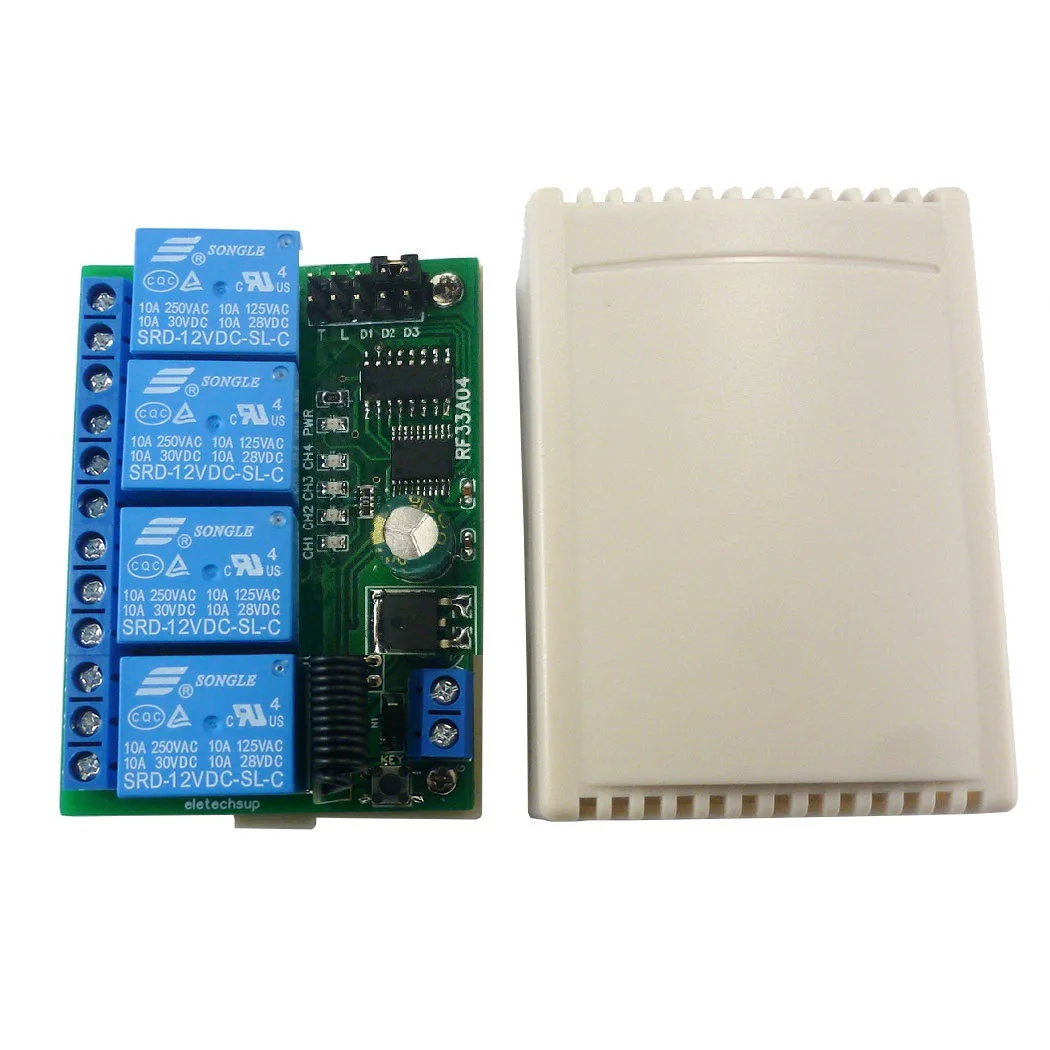
If you’re replacing a garage door or gate remote — or adding smartphone control to an aging 433MHz rolling code system — start here: For most homeowners and property managers, a universal multi-protocol receiver ($3.50–$7.50) paired with a WiFi-to-RF bridge ($7–$15) delivers better long-term value than buying OEM-specific fobs. Over the past year, price erosion and Tuya/SmartLife compatibility have made this hybrid approach viable for non-technical users — and it avoids the security pitfalls of fixed-code duplication. If you’re a typical user, you don’t need to overthink this.
This piece isn’t for keyword collectors. It’s for people who will actually use the product.
About 433MHz Rolling Code Controllers
A 433MHz rolling code controller is a wireless device that sends time- or event-synchronized encrypted signals to open/close garage doors, gates, or industrial barriers. Unlike older fixed-code remotes (which reuse the same signal), rolling code systems generate a new, cryptographically unique command each time — preventing replay attacks. The most common chipset remains Microchip’s HCS301 (KeeLoq), but newer units increasingly adopt AES-128 encryption for stronger residential security 1. These controllers operate in the unlicensed ISM band at 433.92 MHz — widely used across Europe, Asia, and Oceania, though less common in North America (where 315 MHz dominates) 2.
Why 433MHz Rolling Code Controllers Are Gaining Popularity
Lately, two overlapping shifts have accelerated adoption: aging infrastructure and smart home convergence. Many residential and commercial properties installed 433MHz gate systems between 2005–2015 — now reaching end-of-life for remotes and receivers. At the same time, demand for app-based control has surged, especially among landlords and facility managers managing multiple access points. The market has responded not with proprietary upgrades, but with commodity-grade, multi-protocol hardware — turning what was once an OEM-locked service into a DIY-accessible category 3. This shift isn’t about novelty — it’s about cost-effective continuity.
Approaches and Differences
There are three primary ways to deploy or replace a 433MHz rolling code system. Each serves distinct needs — and misalignment causes the most common buyer regrets.
- OEM Replacement Fobs: Exact-match remotes sold by gate manufacturers (e.g., Nice, BFT, Hörmann). Pros: guaranteed compatibility. Cons: $12–$35 per unit; no cross-brand support; no smart features.
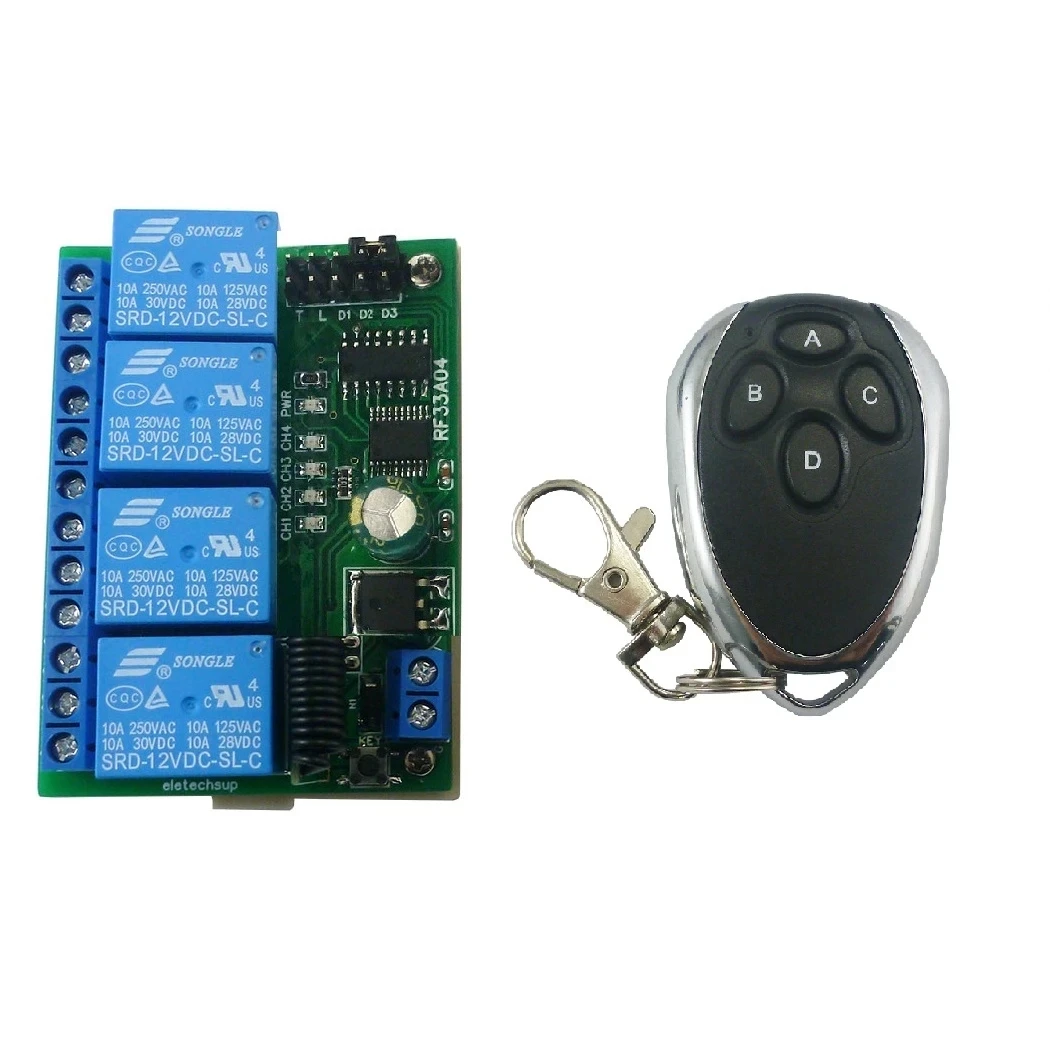
- Universal Rolling Code Remotes: Multi-IC devices supporting dozens of protocols (RSE, BSM, Sommer, etc.). Pros: one remote replaces many; retail price $3.50–$8.50 3. Cons: requires manual protocol selection; limited feedback during learning.
- WiFi-to-RF Bridges: Hardware (e.g., Tuya-compatible modules) that translates app commands into 433MHz rolling code transmissions. Pros: enables voice control, scheduling, remote access. Cons: adds latency (~1–2 sec); requires stable WiFi; not suitable for high-security perimeter zones.
If you’re a typical user, you don’t need to overthink this: universal remotes suffice for single-point replacement; bridges add value only if you already use Tuya/SmartLife or manage multiple entries.
Key Features and Specifications to Evaluate
Not all 433MHz rolling code controllers deliver equal reliability or flexibility. Focus on these five measurable criteria:
- Protocol Coverage: Look for “multi-IC” or “HCS301 + EV1527 + PT2262” support. If your gate uses a niche OEM protocol (e.g., FAAC or CAME), verify explicit compatibility — not just “universal” claims.
- Learning Method: Auto-sync (press button → device learns) beats dip-switch configuration. Some receivers require a physical “learn” button press; others accept pairing via IR or USB cable.
- Voltage Range: Residential gate motors commonly run on 12V or 24V DC. A wide-input receiver (12–24V) eliminates power supply mismatches.
- Encryption Standard: KeeLoq (HCS301) is baseline secure. AES-128 is preferable for new installations — but only matters if the transmitter also supports it. Don’t assume backward compatibility.
- Environmental Rating: IP65 or higher is essential for outdoor receivers. Indoor-rated boards fail quickly in gate pillars or motor housings exposed to rain or dust.
When it’s worth caring about: protocol coverage and voltage range — mismatch here causes installation failure. When you don’t need to overthink it: minor differences in PCB layout or housing color — they don’t affect function.
Pros and Cons
Rolling code controllers offer tangible benefits — but only when matched to actual use conditions.
| Scenario | Well-Suited | Poor Fit |
|---|---|---|
| Homeowner replacing lost garage remote | Universal 4-button remote ($4–$7) | WiFi bridge ($12+) — overkill unless integrating with Home Assistant |
| Property manager with 12+ gates (mixed brands) | Multi-protocol receiver + Tuya bridge combo | OEM remotes — unsustainable inventory & cost |
| New gate installation (2024+) | AES-128 receiver + certified transmitter | HCS301-only kit — lacks future-proofing against advanced replay tools |
How to Choose a 433MHz Rolling Code Controller: Step-by-Step Guide
Follow this sequence — skipping steps leads to returns or workarounds.
- Identify your existing transmitter model: Check the back label (e.g., “RSE EVO 433”, “Nice Flex 433”). If illegible, photograph the PCB and search chip markings (e.g., “HCS301”, “EV1527”).
- Determine required output type: Does your gate motor need dry-contact relay closure? Or does it accept direct 12V trigger? Match receiver output specs — not just frequency.
- Decide on smart control need: If yes, prioritize Tuya/SmartLife-certified bridges. If no, skip WiFi modules — they add failure points without benefit.
- Verify physical fit and mounting: Measure your existing receiver cavity. Many universal boards are larger than OEM units — requiring enclosure modification.
- Avoid these three common mistakes: (1) Assuming “433MHz” = automatic compatibility — protocol matters more than frequency; (2) Using a fixed-code duplicator on rolling code hardware — it won’t work and may damage logic; (3) Ignoring antenna placement — keep RF path clear of metal enclosures or concrete walls.
If you’re a typical user, you don’t need to overthink this: start with the transmitter model. Everything else follows from that.
Insights & Cost Analysis
Prices have dropped sharply since 2022 — driven by Shenzhen-based mass production. Here’s what you’ll realistically pay (FOB China, mid-2024):
| Product Type | Key Features | Typical Sourcing Price | Value Signal |
|---|---|---|---|
| Smart RF Bridge | WiFi/Tuya compatible; bridges 433MHz to smartphone control | $7.00 – $15.00 | Best ROI for multi-gate sites or rental portfolios |
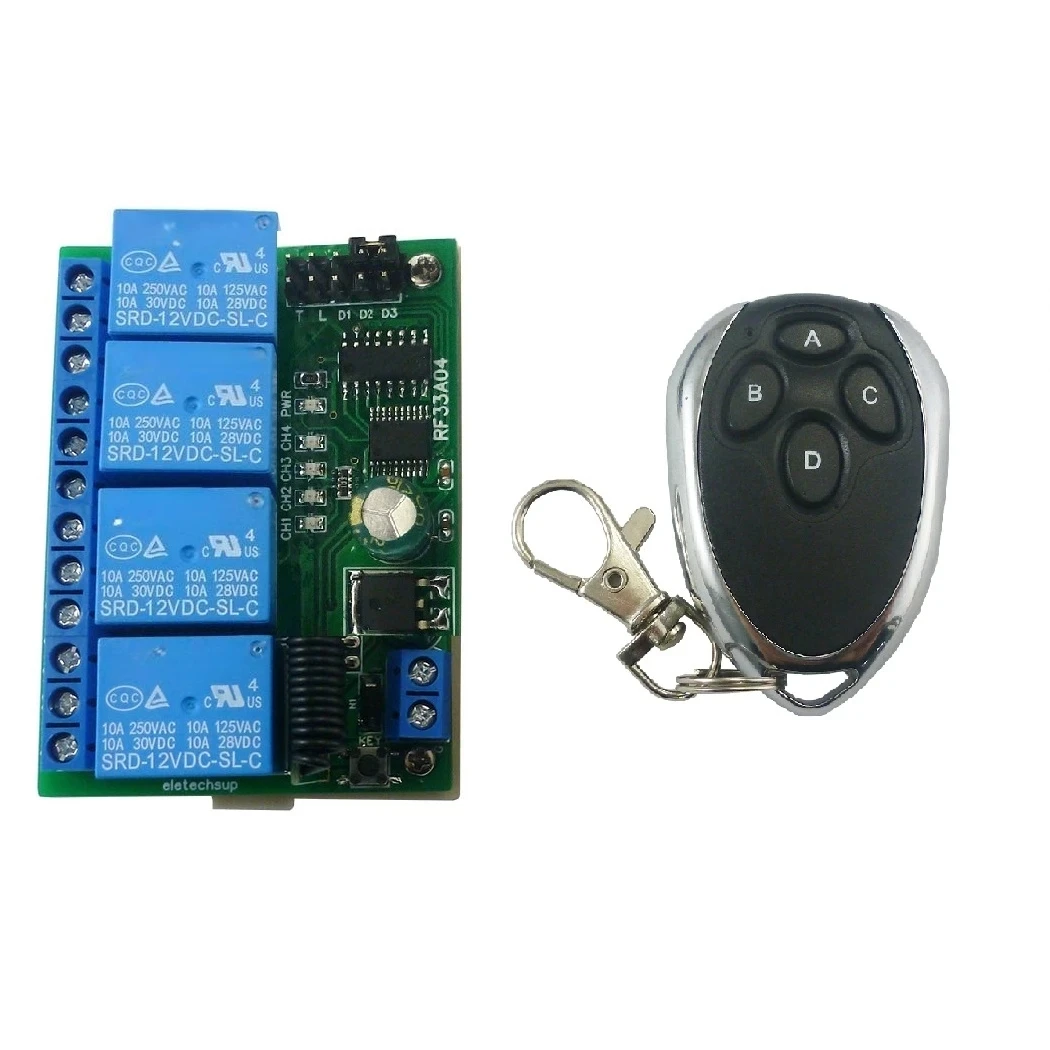
| HCS301 Receiver Board | 4-channel relay; industry-standard KeeLoq logic | $4.50 – $6.50 | Most reliable fallback for legacy systems |
| Universal Receiver | Wide voltage (12–24V); multi-protocol rolling code support | $3.50 – $7.50 | Top choice for installers managing diverse client hardware |
For a single-gate household, spending >$10 on a bridge rarely pays off. But for a property manager overseeing 8+ gates, the $12 bridge saves ~$80/year in remote replacements alone.
Better Solutions & Competitor Analysis
The strongest recent improvement isn’t new encryption — it’s interoperability. Leading universal receivers now embed firmware that auto-detects protocol families instead of requiring manual mode selection. Below is how current top-tier options compare:
| Category | Suitable Advantage | Potential Problem | Budget Range (USD) |
|---|---|---|---|
| Multi-IC Universal Receiver | One board supports 20+ OEM protocols; plug-and-play learning | May lack AES-128; limited firmware updates | $3.50 – $7.50 |
| Tuya WiFi-to-RF Bridge | Full app control; works with Alexa/Google via Tuya ecosystem | Dependent on cloud uptime; no local-only mode | $7.00 – $15.00 |
| Open-Source Home Assistant Gateway | Fully local control; customizable triggers & logging | Requires Raspberry Pi + RF module; steeper setup curve | $25 – $40 (hardware only) |
Customer Feedback Synthesis
Based on aggregated reviews (Amazon, eBay, Alibaba, Instructables), users consistently praise three things: fast learning cycles (<10 sec), physical build quality (especially metal-shielded PCBs), and clear documentation for pairing. Complaints cluster around two issues: (1) vague protocol labeling (“supports RSE” but fails with RSE Gen3), and (2) poor antenna gain causing intermittent operation beyond 15 meters. Top-performing units include those with detachable SMA antennas and revision-controlled firmware (v2.1+).
Maintenance, Safety & Legal Considerations
No special certifications are required for consumer-grade 433MHz controllers in EU (CE), UK (UKCA), or Australia (RCM) — provided radiated power stays ≤10 mW ERP (standard for these remotes). However, installing near medical equipment or aviation bands requires professional assessment. Maintenance is minimal: replace CR2032 batteries every 12–18 months; inspect antenna connections annually for corrosion. Never modify transmitter firmware — doing so may violate regional RF emission limits and void warranty.
Conclusion
If you need simple, reliable replacement for one or two gates: choose a universal multi-protocol receiver — it balances cost, compatibility, and ease of use. If you manage multiple access points and already use Tuya or SmartLife: pair that receiver with a WiFi-to-RF bridge. If you require enterprise-grade audit trails or local-first automation: consider the Home Assistant route — but only if you have technical bandwidth. What hasn’t changed is the core requirement: match the protocol first, frequency second. Everything else follows.