If you’re a typical user, you don’t need to overthink this. Over the past year, controller-compatible Android games have shifted from novelty to necessity—41% of the top 100 grossing Android titles now feature native controller support 1, up nearly double from 2025. For most people, a telescopic USB-C controller (like Razer Kishi V2 or Backbone One) delivers the best balance of latency (<15ms), ergonomics, and pass-through charging—no Bluetooth pairing headaches, no battery anxiety. Skip generic Bluetooth pads unless you’re testing one game casually; they rarely meet the ‘console-quality’ standard now expected in competitive FPS or AAA ports like Genshin Impact or Dead Cells. If you play more than 5 hours/week, prioritize Hall Effect joysticks to prevent stick drift—this isn’t future-proofing; it’s avoiding mid-session frustration.
About Controller-Compatible Android Games
Controller-compatible Android games are mobile titles engineered to accept input from external physical controllers—not just touch or on-screen buttons. This includes full support for analog sticks, shoulder triggers, face buttons, and system-level mapping (e.g., button remapping via Android’s built-in Game Controller settings). Typical usage spans three clear scenarios: 🕹️ competitive multiplayer (e.g., COD Mobile with controller-only matchmaking), 💻 immersive single-player experiences (e.g., Alien: Isolation, where touch controls break tension), and 🆕 new releases designed around hardware input (e.g., Crashlands 2, launched Jan 2026 with explicit telescopic layout optimization 1). It is not about ‘adding a controller’—it’s about whether the game treats that controller as a first-class input method.
Why Controller-Compatible Android Gaming Is Gaining Popularity
Lately, two structural shifts have accelerated adoption. First, hardware maturity: consumers moved away from universal Bluetooth gamepads toward purpose-built telescopic models—because latency matters. Under 15ms round-trip response is now the baseline for competitive play 1. Second, software incentives: subscription services like Netflix Games and Google Play Pass now drive discovery, with 68% of new high-profile Android titles including explicit physical controller prompts at launch 1. This isn’t niche appeal—it reflects a broader market signal: the $21.4 billion mobile gaming controller market projected for 2033 23 rests on real usability gains, not marketing hype.
Approaches and Differences
Three main controller approaches dominate 2026:
- Telescopic USB-C controllers (e.g., Backbone One, Razer Kishi V2): clamp directly onto your phone, use USB-C passthrough for charging, and route signals via direct hardware handshake. When it’s worth caring about: if you play >3 hrs/week, value low latency, or own a flagship Android device with USB-C port access. When you don’t need to overthink it: if you only try controller support once per month—or use an older phone without USB-C.
- Bluetooth HID controllers (e.g., Xbox Wireless Controller, 8BitDo Pro 2): connect wirelessly and work across many apps. When it’s worth caring about: if you switch between Android, PC, and Switch—and already own one. When you don’t need to overthink it: if your priority is plug-and-play simplicity or you’re using a budget phone with weak Bluetooth stack (common in sub-$200 devices).
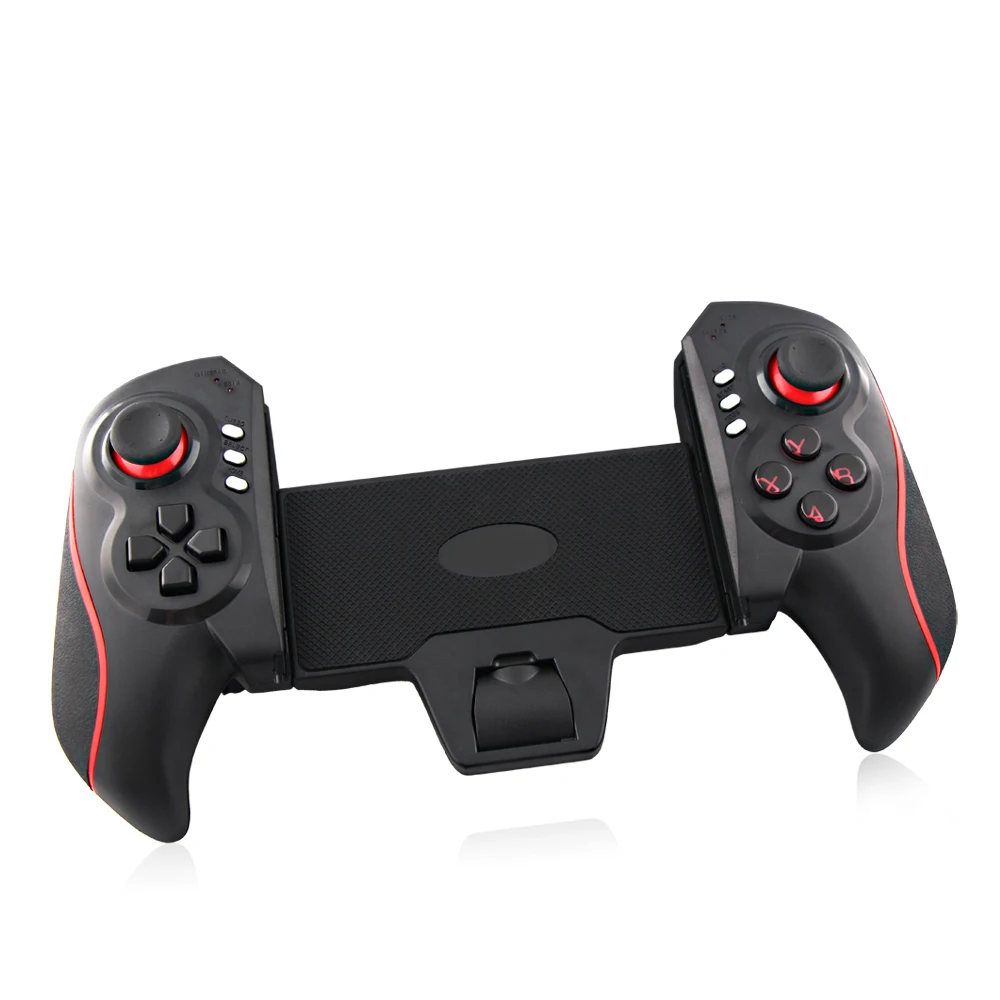
- OEM Hall Effect telescopic models (e.g., MEMO S2/S3): offer Hall Effect joysticks at wholesale price points, targeting durability over brand cachet. When it’s worth caring about: if you’ve experienced stick drift before or plan >2 years of daily use. When you don’t need to overthink it: if you replace controllers every 12–18 months anyway—or primarily play casual puzzle games.
Key Features and Specifications to Evaluate
Don’t optimize for specs you can’t feel. Focus on four measurable, user-impacting traits:
- Input latency: Look for <15ms total round-trip (controller press → screen response). Telescopic USB-C designs consistently hit this; Bluetooth variants vary widely by phone model and firmware 1.
- Joystick technology: Hall Effect sensors eliminate mechanical wear-induced drift. Optical or potentiometer-based sticks remain functional—but drift risk rises after ~12 months of heavy use 4.
- Pass-through charging: Non-negotiable for sessions >45 minutes. Without it, your phone drains faster than the controller charges—especially during GPU-heavy titles like Fortnite or Genshin Impact.
- Form factor compatibility: Measure your phone’s width (including case). Most telescopic units fit phones 68–82mm wide. Wider foldables or thick cases may require removal or adapter clips.
Pros and Cons
Pros of controller use: higher precision in aiming (FPS), reduced finger fatigue (long RPGs), better muscle memory retention (repeated actions), and deeper immersion (audio-visual feedback synced to tactile input). Cons: added bulk (not pocketable), dependency on physical space (no bed-laying), and occasional OS-level mapping inconsistencies (e.g., Android 14’s updated HID profile requiring app-specific reconfiguration).
Best suited for: players who regularly engage with competitive multiplayer, narrative-driven action-adventures, or rhythm/twin-stick shooters where timing and directional fidelity matter. Less suited for: casual commuters, users with limited desk/table space, or those playing exclusively turn-based strategy or word games.
How to Choose a Controller-Compatible Android Game Setup
Follow this five-step decision checklist—designed to eliminate common false trade-offs:
- Verify your phone supports HID over USB-C. Not all Android devices do—even recent flagships. Check manufacturer specs or test with a known-working controller first.
- Confirm game support beyond ‘works with controller.’ Some titles only map basic buttons—not analog sticks or triggers. Use MiniReview’s verified list 5 for per-title input depth.
- Avoid ‘universal’ Bluetooth adapters. They add latency, introduce pairing conflicts, and often fail with newer Android HID profiles. Stick to native Bluetooth HID or USB-C.
- Test stick drift resistance before committing. If buying used or off-brand, ask for video proof of joystick centering after 10+ minutes of diagonal movement.
- Check for firmware update paths. Controllers with updatable firmware (e.g., Backbone, Razer) resolve post-launch compatibility issues—critical as Android evolves.
Insights & Cost Analysis
Premium telescopic controllers range $79–$99 (Backbone One, Razer Kishi V2). OEM Hall Effect alternatives (e.g., Dongguan MEMO S2/S3) retail $49–$64 6. The price delta reflects build quality, long-term reliability, and software support—not raw functionality. For users logging ≥10 hrs/month, the $30 premium buys ~2 additional years of drift-free operation and consistent firmware patches. For under-5-hr/month users, the OEM option delivers identical day-one performance.
| Controller Type | Best For | Potential Issue | Budget Range (USD) |
|---|---|---|---|
| Telescopic USB-C (Hall Effect) | Daily players, competitive FPS, AAA ports | Phone width limits; requires USB-C port access | $49–$99 |
| Bluetooth HID (Xbox/8BitDo) | Cross-platform users, occasional play, legacy devices | Latency variance; no passthrough charging | $40–$80 |
| Generic Bluetooth Pads | One-off experimentation, very light use | No system-level HID support; inconsistent mapping | $15–$35 |
Better Solutions & Competitor Analysis
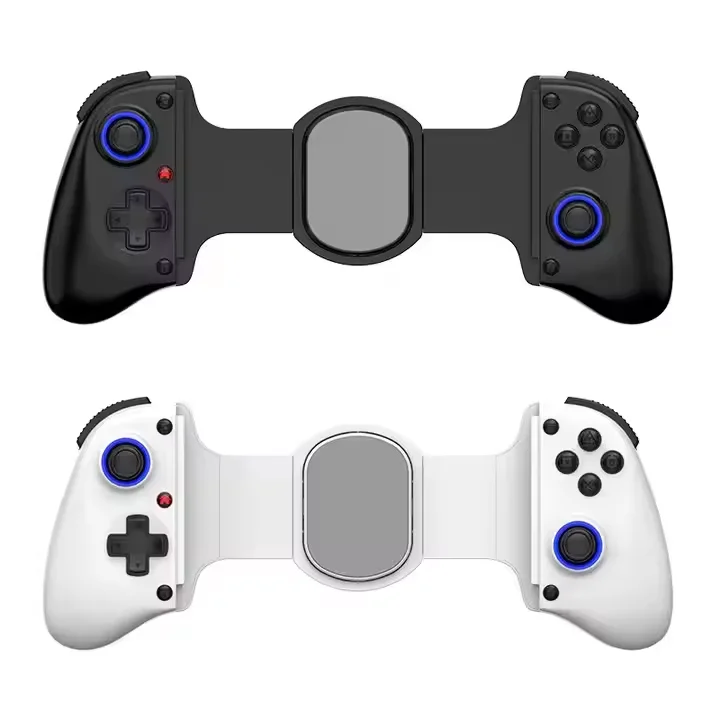
The real differentiator in 2026 isn’t brand—it’s architecture. Telescopic USB-C + Hall Effect represents the current convergence point for performance, longevity, and usability. Backbone One leads in software integration (iOS/Android companion app, cloud save sync), while Razer Kishi V2 excels in Android-specific ergonomics and accessory ecosystem (e.g., Kishi-powered streaming mode). MEMO S2/S3 competes on engineering parity—not marketing—delivering equivalent Hall Effect reliability at ~30% lower cost 6. There is no ‘best overall’—only best-fit based on your usage pattern and upgrade cadence.
Customer Feedback Synthesis
Based on aggregated reviews (Reddit r/MobileGaming, Android Authority, MiniReview), top recurring themes:
- Highly praised: ‘Zero lag feels like console play,’ ‘Charging while gaming changed everything,’ ‘No stick drift after 8 months—unheard of with old pads.’
- Common complaints: ‘Clamp loosens after repeated use,’ ‘No support for ultra-wide phones (e.g., Pixel Fold),’ ‘Firmware updates require desktop PC—no mobile updater.’
Maintenance, Safety & Legal Considerations
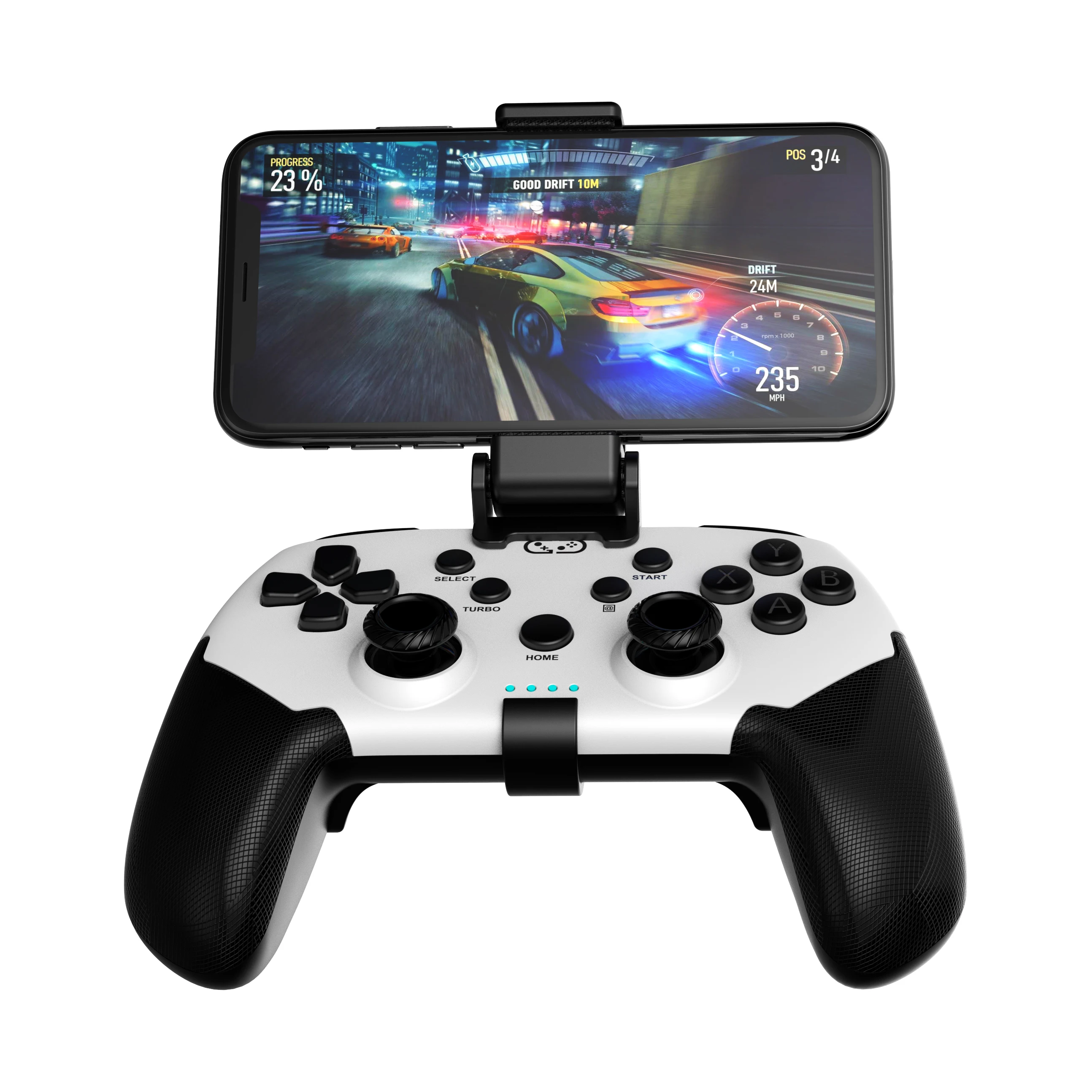
No special certifications or legal disclosures apply to consumer-grade mobile gaming controllers. Maintenance is minimal: wipe contacts with isopropyl alcohol every 3–4 months; avoid exposing Hall Effect joysticks to strong magnets (e.g., speaker arrays); store telescopic units fully retracted to preserve spring tension. All listed products comply with FCC/CE safety standards for low-power electronic devices. No reported safety incidents related to thermal management or electrical leakage in verified 2025–2026 models.
Conclusion
If you need responsive, reliable, long-term input for competitive or immersive Android games, choose a telescopic USB-C controller with Hall Effect joysticks—regardless of brand. If you prioritize cross-device flexibility and accept minor latency trade-offs, a certified Bluetooth HID controller remains viable. If you only test controller support occasionally, skip dedicated hardware entirely: many top-tier titles now include well-designed touch-to-controller fallback modes. This piece isn’t for keyword collectors. It’s for people who will actually use the product.


