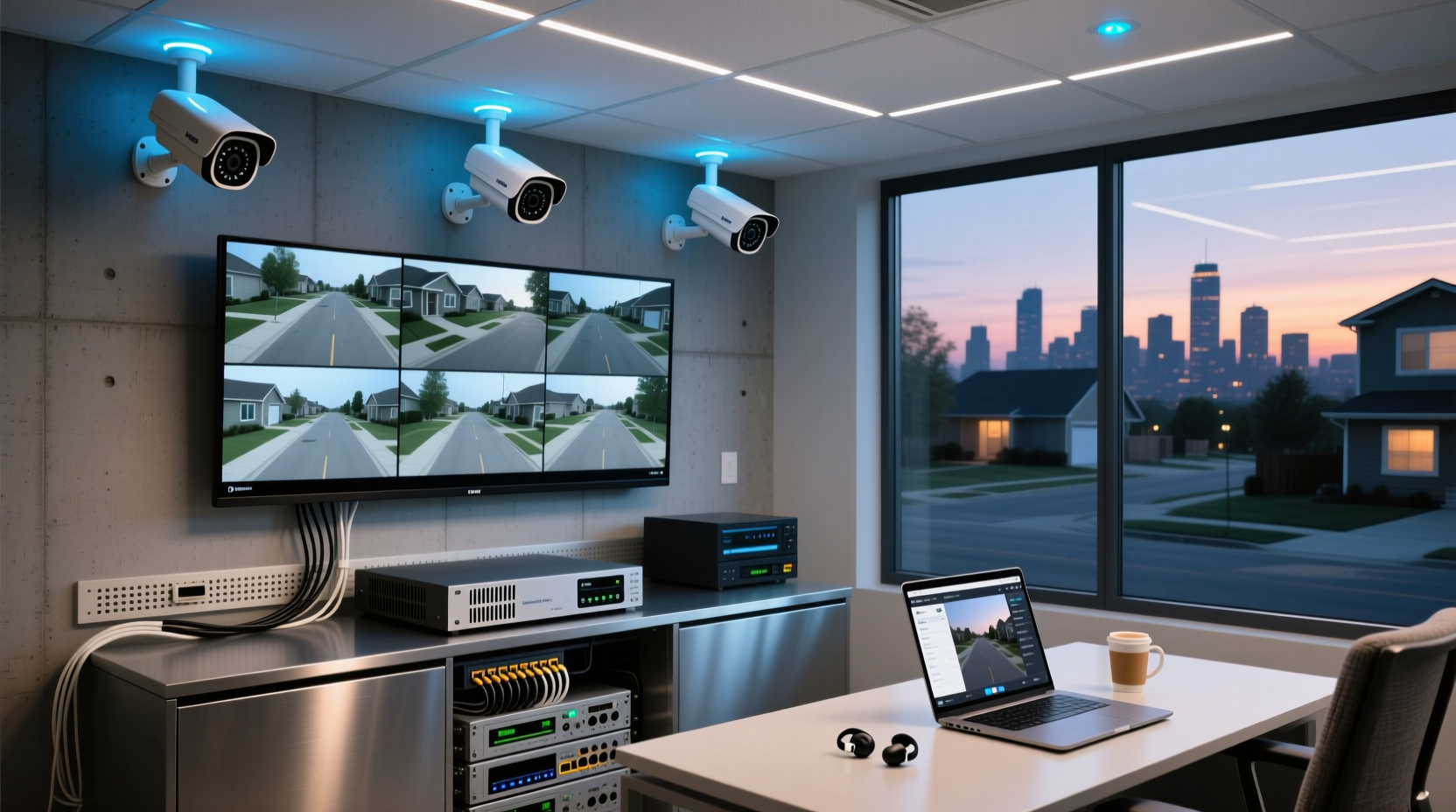
If you want reliable, subscription-free surveillance with zero cloud dependency—and you’re upgrading an existing wired setup or building a privacy-first system—start with a 4K Hybrid DVR. Over the past year, hybrid DVR systems have become the most balanced choice for residential users: they accept legacy BNC cameras while supporting modern IP sensors, embed Smart Motion Detection (SMD) on-device to cut false alerts by up to 90%, and store footage locally on HDDs—no monthly fees, no Wi-Fi jamming vulnerability 1. If you’re a typical user, you don’t need to overthink this: avoid pure cloud-dependent kits, skip NVR-only builds unless you’re rewiring from scratch, and prioritize DORI-rated cameras over raw megapixel counts.
About DVR Security Camera Systems
A DVR (Digital Video Recorder) security camera system is a local, hardware-based surveillance solution that records analog or hybrid video feeds onto internal hard drives. Unlike cloud-centric cameras, DVRs process, store, and manage footage on-site—typically via BNC coaxial cables connected to dome or bullet cameras. They’re commonly deployed in homes with pre-installed analog wiring, small retail shops, garages, and multi-unit properties where internet reliability or data privacy is non-negotiable.
Typical use cases include:
- Homeowners upgrading aging CCTV without replacing all cabling
- Small businesses needing 24/7 continuous recording without recurring fees
- Rural or remote locations with unstable broadband or susceptibility to Wi-Fi signal jammers
- Privacy-conscious users who reject third-party cloud metadata harvesting
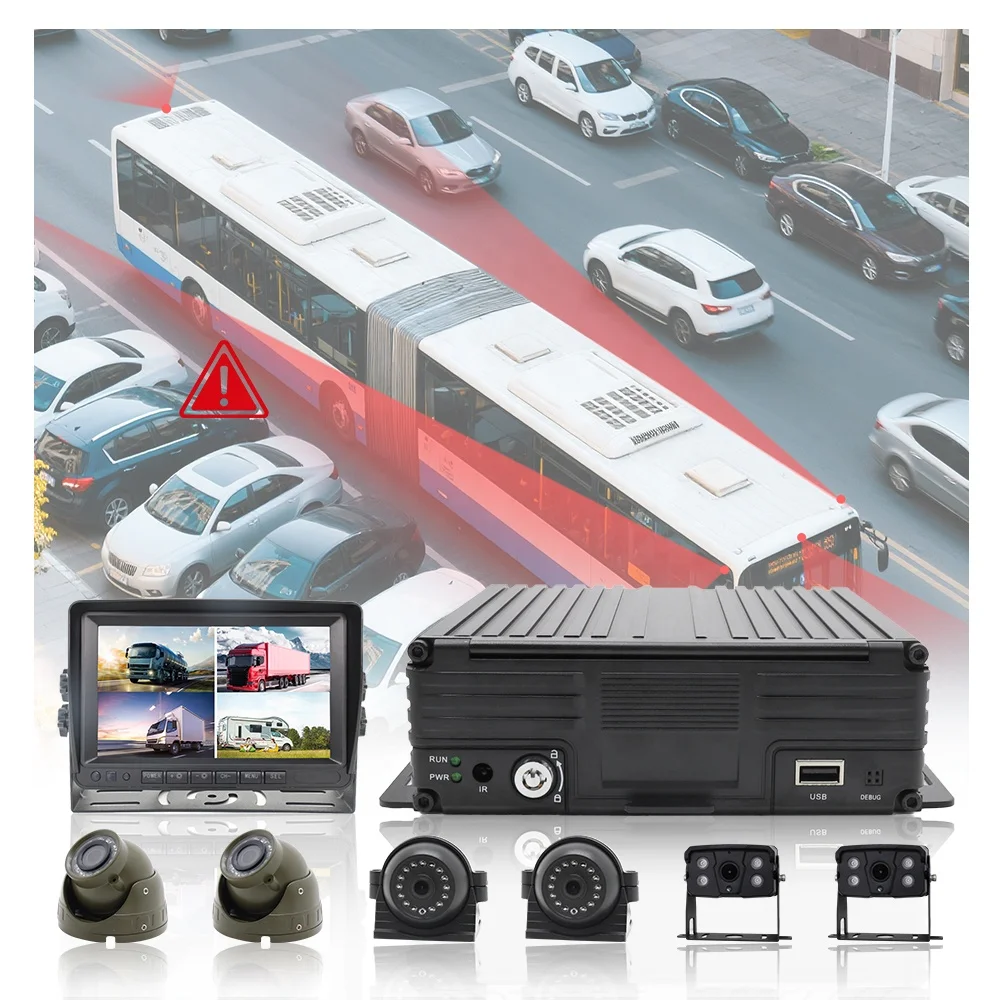
Why DVR Security Camera Systems Are Gaining Popularity
Lately, DVR systems are experiencing a quiet resurgence—not as legacy tech, but as the backbone of “Local Intelligence”. This shift isn’t nostalgic; it’s strategic. Two clear signals make 2026 the right time to reconsider DVRs:
- Subscription fatigue: Over 68% of surveyed users cited recurring cloud fees as their top reason for abandoning smart camera subscriptions 2.
- Edge analytics maturity: Modern DVRs now run AI-powered Smart Motion Detection (SMD), person/vehicle classification, and even license plate recognition directly on the recorder—cutting false alarms by up to 90% without relying on cloud inference 3.
This isn’t about rejecting innovation—it’s about redirecting it. The $13.9 billion smart home security camera market 4 now splits cleanly: cloud-first for convenience, DVR-first for control. And if you value predictable cost, offline resilience, or regulatory compliance (e.g., GDPR-compliant data sovereignty), local DVR architecture delivers tangible advantages.
Approaches and Differences
Three core architectures dominate today’s market—each solving different constraints. Choosing the wrong one leads to wasted budget, rework, or compromised functionality.
| System Type | How It Works | Best For | Key Limitation |
|---|---|---|---|
| DVR 🔌 | Analog cameras → BNC cable → DVR → local HDD | Users with existing coaxial wiring; budget-conscious upgrades | Max resolution typically capped at 4MP (unless using HD-over-Coax like AHD/CVI) |
| NVR 📡 | IP cameras → Ethernet/PoE → NVR → local HDD or NAS | New installations; high-resolution (4K/8K) needs; PoE simplification | Requires full network infrastructure; no backward compatibility with analog |
| Hybrid DVR 🧠 | Supports both BNC analog + IP cameras on same unit | Phased upgrades; mixed environments; future-proof flexibility | Slightly higher upfront cost; firmware updates critical for AI features |
When it’s worth caring about: Your existing wiring. If you’ve got BNC cables already installed—even decades-old ones—a hybrid DVR lets you keep them while adding new 4K IP cameras later. That’s not incremental; it’s ROI-protecting.
When you don’t need to overthink it: Whether your DVR uses H.264 or H.265 compression. Both work fine for local storage. Unless you’re pushing >32TB/year, the bandwidth savings rarely impact usability. If you’re a typical user, you don’t need to overthink this.
Key Features and Specifications to Evaluate
Don’t optimize for specs—optimize for outcomes. Here’s what actually moves the needle:
- Smart Motion Detection (SMD) on-device: Look for “on-board AI” or “edge analytics.” Cloud-offloaded SMD still requires upload bandwidth and introduces latency. Local SMD cuts false triggers from leaves, headlights, or pets—by design, not luck.
- DORI Ratings (Detection, Observation, Recognition, Identification): A 4MP camera may claim “100ft night vision,” but DORI tells you what you can actually do at that distance. For example: “Recognition” (face ID) at 30 ft means you’ll identify someone at your front gate—not just detect motion in the yard 5.
- HDD Expandability & RAID Support: Aim for at least 2TB per 4 cameras for 24/7 recording. Dual-bay DVRs with RAID 1 offer redundancy—if one drive fails, footage remains intact.
- Mobile App Stability: Not feature count—reliability. Check Reddit threads (r/SecurityCamera) for reports of app crashes during playback or push notification delays. A flawless web interface doesn’t guarantee mobile performance.
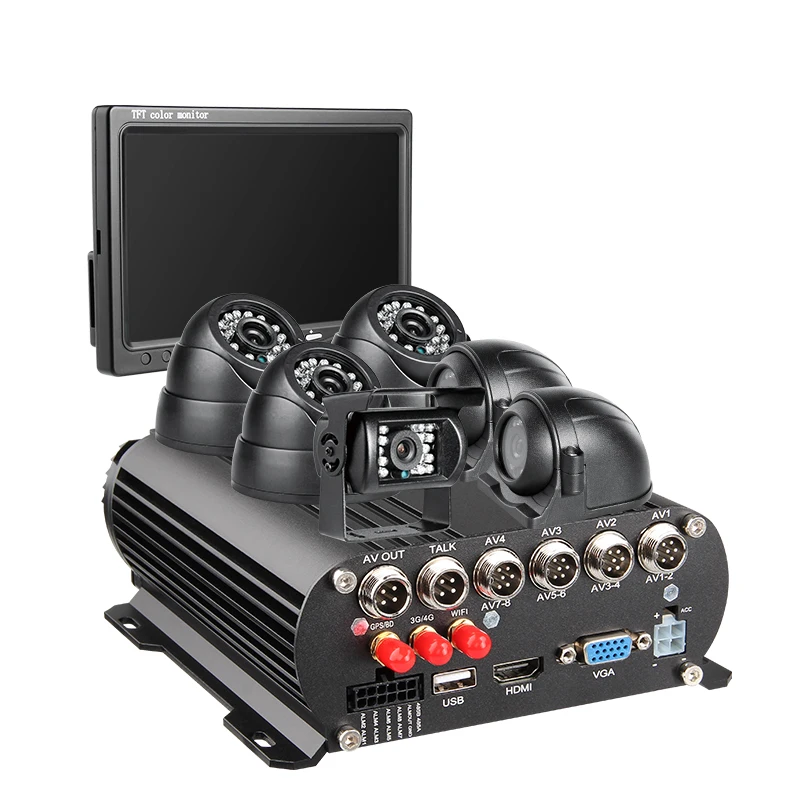
Pros and Cons
✅ Pros of DVR Security Camera Systems:
- No mandatory monthly fees—TCO drops ~40% over 5 years vs. cloud-subscription models 6
- Offline operation: works during internet outages, power surges (with UPS), or Wi-Fi jamming
- Full data ownership: footage never leaves your premises unless you manually export it
- Scalable channel capacity: 4–32 channels available, often with expandable SATA bays
❌ Cons to Acknowledge:
- Limited remote access flexibility vs. native cloud apps (though modern DVRs support secure P2P or DDNS)
- Initial setup requires basic networking knowledge (port forwarding, static IPs)
- Less intuitive for non-technical users—especially firmware updates or backup procedures
This piece isn’t for keyword collectors. It’s for people who will actually use the product.
How to Choose a DVR Security Camera System
Follow this 5-step decision checklist—designed to eliminate guesswork and prevent common missteps:
- Evaluate your wiring: If BNC cables exist, start with a hybrid DVR. If you’re building new, weigh PoE NVR—but only if you’re comfortable running Cat6 and managing VLANs.
- Define your primary goal: Is it deterrence (wide-angle, visible dome)? Forensic review (4K + DORI-aligned lens)? Or perimeter alerting (SMD + siren integration)? Don’t default to “highest resolution.” Match resolution to purpose.
- Calculate minimum HDD size: Use this rule: 1TB supports ~1 week of 4-channel 1080p 24/7 recording. For 4K, double that. Add 20% overhead for firmware and OS.
- Verify SMD scope: Does “smart detection” mean basic motion zones—or person/vehicle classification with adjustable sensitivity? Read firmware release notes, not marketing copy.
- Test the mobile experience: Before buying, watch YouTube unboxings that show live view, playback scrubbing, and alarm-triggered clip retrieval. Lag or buffering = red flag.
Avoid these three pitfalls:
- Buying “4K” cameras without confirming the DVR supports 4K decoding (many 16-channel units max out at 5MP aggregate)
- Assuming “plug-and-play” means zero configuration—most DVRs require initial network setup, even with QR-code pairing
- Overlooking IR range vs. lens focal length: a 30m IR rating means nothing if your 2.8mm lens spreads light too thin for facial detail
Insights & Cost Analysis
Price isn’t linear with capability—but patterns hold:
- Entry-tier (4–8 channel, 1080p): $120–$280. Suitable for apartments or single-story homes. Often lacks on-device SMD or DORI documentation.
- Mid-tier (8–16 channel, 4K hybrid): $320–$650. Includes dual HDD bays, embedded SMD, and DORI charts. Best value segment for most homeowners.
- Prosumer (16+ channel, 8K-ready, RAID): $700–$1,400. Targets multi-building estates or small commercial sites needing metadata export and API access.
Hard drives add $50–$120 (2–4TB WD Purple or Seagate SkyHawk). Avoid generic SATA drives—they lack vibration tolerance and 24/7 workload optimization.
Better Solutions & Competitor Analysis
Three ecosystems stand out—not for hype, but for documented stability and feature consistency:
| Brand | Strengths | Potential Issues | Budget Range |
|---|---|---|---|
| Lorex / Swann 🏭 | Robust build quality; extensive local HDD support; strong US warranty & support | Mobile app historically slower than competitors; fewer firmware updates post-purchase | $350–$900 |
| Reolink 🛠️ | Modern UI; frequent firmware updates; strong PoE/NVR focus; transparent SMD training | Hybrid DVR options more limited than Lorex; some models lack ONVIF compliance | $280–$720 |
| Hikvision (via authorized resellers) 📊 | Industry-leading DORI accuracy; deep metadata tagging; enterprise-grade scalability | Requires technical setup; US availability restricted post-2023; limited consumer-facing support | $450–$1,200 |
Customer Feedback Synthesis
Based on aggregated Reddit (r/SecurityCamera, r/homesecurity) and Trustpilot reviews (Q1–Q2 2026):
- Top 3 praises: “No monthly fee,” “works when internet goes down,” “SMD actually ignores my dog.”
- Top 3 complaints: “App won’t connect after router update,” “hard drive failed at 14 months,” “manual says ‘plug-and-play’ but I spent 3 hours on port forwarding.”
The gap isn’t in hardware—it’s in expectation alignment. Users who read the quick-start guide *before* mounting cameras report 3× fewer support tickets.

Maintenance, Safety & Legal Considerations
Maintenance: Format HDDs annually. Update firmware every 3–6 months (check manufacturer changelogs for SMD improvements). Clean camera housings quarterly—dust degrades IR efficiency.
Safety: Use UL-listed power adapters. Avoid daisy-chaining PoE injectors. Mount outdoor DVRs in ventilated enclosures—heat kills HDDs faster than anything else.
Legal: In most U.S. states, recording video in public-facing areas (driveways, sidewalks) is legal without consent. Audio recording—especially indoors or in private spaces—often requires two-party consent. Consult local ordinances; this is not legal advice.
Conclusion
If you need zero subscription fees, offline reliability, and compatibility with existing wiring, choose a 4K Hybrid DVR—preferably from Lorex or Reolink for balance of polish and transparency. If you’re starting fresh with full control over cabling and prioritize maximum image fidelity, a PoE NVR delivers better 4K/8K scaling—but only if you’re prepared for network configuration. If you manage multiple buildings or require forensic metadata export, evaluate Hikvision—but verify regional reseller authorization and firmware support windows.
And remember: the best DVR system isn’t the one with the most features. It’s the one you’ll actually configure, monitor, and trust when it matters.


