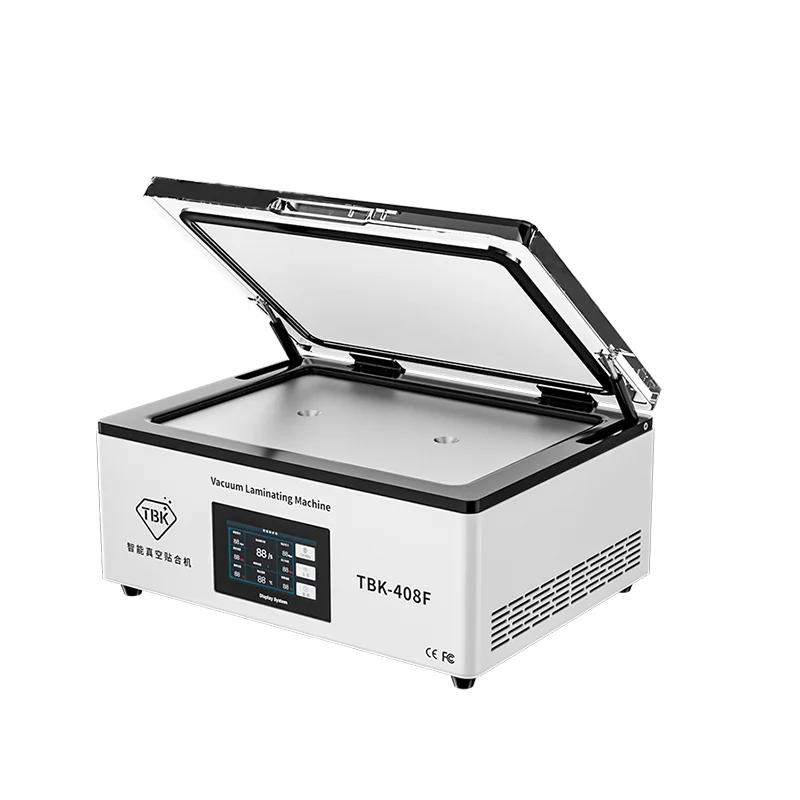
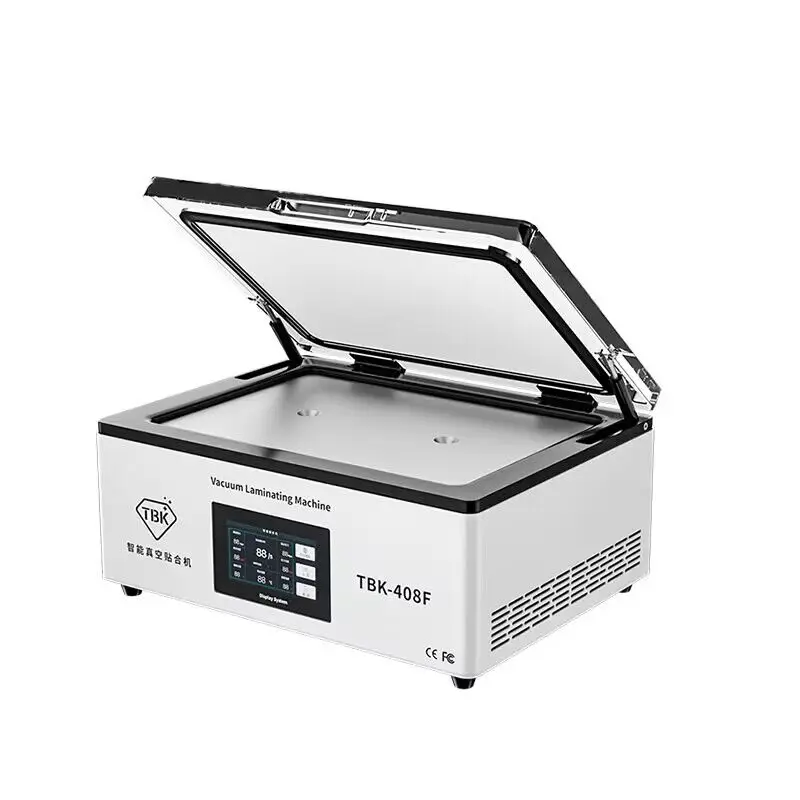
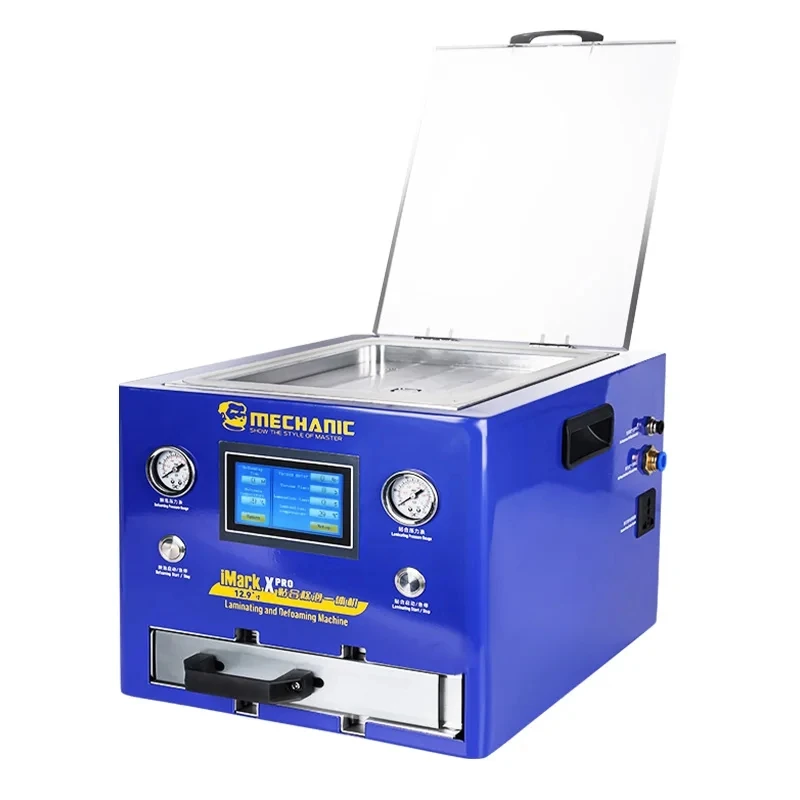
If you’re a typical user, you don’t need to overthink this. For most retail kiosks or small repair shops, a mid-tier full vacuum laminator ($500–$900) delivers the strongest ROI: it handles curved OLEDs reliably, cuts rework by up to 70%1, and avoids the complexity of cloud-dependent 3-in-1 systems. Skip manual jigs unless volume is under 5 installs/week—and avoid entry-level vacuum units below 65 kPa pressure if installing on Galaxy S24 Ultra or iPhone 15 Pro Max. Over the past year, the shift toward on-demand cutting and UV-curable films has accelerated—not because consumers demand them, but because retailers can now stock zero pre-cut inventory and support new models within hours via cloud updates2. That’s the real change signal: inventory risk is now the dominant cost driver, not labor.
About Screen Protector Laminating Machines
A screen protector laminating machine is a precision tool that applies tempered glass or hydrogel film to smartphone displays using controlled vacuum pressure, heat, and alignment mechanics. Unlike simple applicator jigs, true laminators actively remove air bubbles and ensure edge-to-edge adhesion—even on devices with aggressive curves (e.g., Samsung Galaxy Z Fold series) or ultrathin bezels. Typical users include:
- Retail kiosks in malls or carrier stores needing fast, consistent installation;
- Repair shops offering premium protection services alongside screen replacements;
- Refurbishers who install protectors at scale before device resale.
It is not a DIY tool for home users. If you install fewer than 10 protectors per week, a high-quality manual jig remains more cost-effective and easier to maintain.
Why Screen Protector Laminating Machines Are Gaining Popularity
Lately, adoption has surged—not due to consumer demand, but due to three converging operational pressures:
- Display complexity: Curved OLED and foldable screens require ≥65 kPa vacuum pressure and precise thermal control (35–60°C) to prevent lifting or bubbling1;
- Inventory efficiency: On-demand cutting eliminates dead stock. One raw TPU roll replaces hundreds of SKUs—and new phone models appear in the database within 48 hours of launch3;
- Service differentiation: Consumers increasingly associate professional installation with durability. The global smartphone screen protector market is projected to reach $87.8 billion by 20304.
This piece isn’t for keyword collectors. It’s for people who will actually use the product.
Approaches and Differences
Three main approaches dominate the market—each solving different constraints:
| Type | Core Function | When it’s worth caring about | When you don’t need to overthink it |
|---|---|---|---|
| Manual/Semi-Auto Applicator | Alignment jig + optional low-suction vacuum | You install ≤5 protectors/week and serve mostly flat-screen budget phones (e.g., Galaxy A-series, Pixel A). | If your average device has curved edges or you regularly handle flagship models, skip this tier entirely. |
| On-Demand Film Cutter | Cuts custom-sized hydrogel/TPU from rolls using cloud-updated templates | You operate in a high-turnover environment (e.g., mall kiosk), sell >50 units/week, and cannot afford shelf space for 200+ SKUs. | If your store stocks only 3–5 popular models and restocks weekly, cutting adds unnecessary complexity and maintenance overhead. |
| Full Vacuum Laminator | Vacuum chamber (≥65 kPa), adjustable heat, bubble-removal cycle | You service curved OLEDs or foldables daily—or your rework rate exceeds 15% with manual methods. | If all your devices are flat LCDs and you already achieve >95% first-pass success, upgrading offers diminishing returns. |
Key Features and Specifications to Evaluate
Don’t optimize for “smart” features. Optimize for repeatability and service longevity. Here’s what matters—and when it does:
- Vacuum pressure (kPa): ≥65 kPa is non-negotiable for curved displays. Below 60 kPa, edge lift becomes common on iPhone 15 Pro Max or Galaxy S24+. When it’s worth caring about: Any shop handling flagships. When you don’t need to overthink it: If you only install on flat panels like iPad Air or Moto G.
- Heat control range: 35–60°C enables conformal adhesion without warping thin films. Units without temperature regulation often fail on ultra-thin hydrogels. When it’s worth caring about: When using UV-curable or multi-layer hybrid films. When you don’t need to overthink it: With standard 0.33mm tempered glass on flat screens.
- Chamber seal integrity: Look for silicone gaskets rated for ≥10,000 cycles. Retailers report seal failure as the #1 cause of downtime in high-volume settings1. When it’s worth caring about: If you run >30 laminations/day. When you don’t need to overthink it: Under 10 cycles/day.
- Cloud update capability: Enables instant model template rollout—but requires stable Wi-Fi and introduces dependency. When it’s worth caring about: Multi-location chains or pop-up kiosks launching new devices monthly. When you don’t need to overthink it: Single-location shops with predictable model rotation.
Pros and Cons
Every solution trades off speed, reliability, and total cost of ownership:
- ✅ Pros of full vacuum laminators: Near-zero bubble rates on curved screens; compatible with UV-curable films; reduces rework time by up to 70%1; supports higher-margin service pricing.
- ❌ Cons: Higher upfront cost ($500–$1,400); requires periodic pump filter cleaning; steeper learning curve for first-time operators.
- ✅ Pros of on-demand cutters: Eliminates SKU sprawl; cuts material waste by ~40%; future-proofs against new device launches.
- ❌ Cons: Adds mechanical complexity (blades, feed rollers); requires calibration every 2–3 weeks; limited compatibility with rigid tempered glass.
How to Choose a Screen Protector Laminating Machine
Follow this 5-step decision checklist—designed to eliminate emotional bias and focus on measurable constraints:
- Map your device mix: If >30% of installs are curved OLED or foldables, prioritize vacuum pressure and heat control—not cutting.
- Calculate weekly volume: Under 10 units/week → manual jig. 10–40 → full laminator. 40+ → laminator + cutter combo (if inventory cost exceeds $200/month in dead stock).
- Assess your weakest link: Is rework (bubbles/dust) your top complaint? Then vacuum performance matters more than cloud updates. Is model availability the bottleneck? Then cutting capability rises in priority.
- Verify service infrastructure: Do you have reliable Wi-Fi? Can staff clean vacuum filters weekly? If not, avoid cloud-dependent or high-maintenance systems.
- Avoid these traps: Don’t buy a 3-in-1 unit just because it’s “trendy”—most shops don’t need simultaneous cutting + lamination + UV curing. Don’t assume “higher kPa = better”—beyond 85 kPa, gains plateau while seal wear accelerates.
Insights & Cost Analysis
ROI hinges less on sticker price and more on avoided losses. Consider this realistic breakdown for a mid-volume retail kiosk (35 installs/week):
| Solution | Upfront Cost | Annual Material Savings* | Annual Rework Reduction** | Break-Even Point |
|---|---|---|---|---|
| Manual jig | $140 | $0 | $420 (12% rework × $75 avg. labor) | N/A |
| Full vacuum laminator ($750) | $750 | $180 (less scrap + bulk film) | $1,050 (drop to 3% rework) | ~5 months |
| 3-in-1 system ($1,200) | $1,200 | $420 (no pre-cut inventory) | $1,050 | ~9 months — but only if dead stock costs >$350/month |
* Based on switching from pre-cut retail packs to bulk TPU rolls.
** Assumes $75/hr technician labor and 12% vs. 3% rework rate.
Better Solutions & Competitor Analysis
The most balanced value comes from machines that decouple functions intelligently—not cram everything into one chassis. Top-performing configurations observed across repair forums and Alibaba buyer guides:
| Solution | Best For | Potential Issue | Budget Range |
|---|---|---|---|
| Standalone vacuum laminator + separate desktop cutter | Shops needing flexibility and long-term serviceability | Slightly larger footprint; two devices to maintain | $700–$1,000 |
| Cloud-enabled full laminator (no cutting) | Kiosks prioritizing reliability over model agility | Limited to pre-loaded templates unless updated manually | $500–$900 |
| Entry-level 3-in-1 (cutting + lamination + UV) | New entrants testing demand; low-volume pilot stores | UV lamp lifespan ~500 hrs; cutting accuracy drifts after 200 uses | $200–$350 |
Customer Feedback Synthesis
Based on aggregated Reddit, Alibaba buyer reviews, and Mietubl user reports (2023–2024):
- Top 3 praises: “Zero bubbles on Galaxy Z Flip 5”, “Cutting templates updated same day as iPhone 15 launch”, “Filter cleaning takes <2 minutes—no tools needed.”
- Top 3 complaints: “Vacuum pump noise disrupts customer conversations”, “Cloud sync fails during firmware updates”, “Hydrogel film sticks to chamber walls after 50+ cycles.”
Maintenance, Safety & Legal Considerations
No regulatory certification is required for screen protector laminators in the US, EU, or Australia. However, two practical constraints apply:
- Maintenance: Vacuum pump filters should be cleaned weekly in high-use environments. Seal gaskets last ~18 months at 20 cycles/day but degrade faster above 35°C ambient temps.
- Safety: UV-curing modules (if present) must comply with IEC 62471 for LED photobiological safety—verify manufacturer documentation. No open flames or high-voltage risks exist in standard units.
- Legal: None beyond standard product liability coverage. No export restrictions apply to these devices.
Conclusion
If you need reliable, bubble-free application on curved or foldable displays, choose a full vacuum laminator with ≥65 kPa pressure and thermal control. If your biggest pain point is stocking dozens of SKUs for short-lived models, add an on-demand cutter—but only if your weekly volume justifies the added complexity. If you install fewer than 10 protectors per week on mostly flat screens, you don’t need to overthink this: a $140 alignment jig delivers 95% success with minimal upkeep. The right machine isn’t the most advanced—it’s the one whose failure modes match your actual constraints.
Frequently Asked Questions