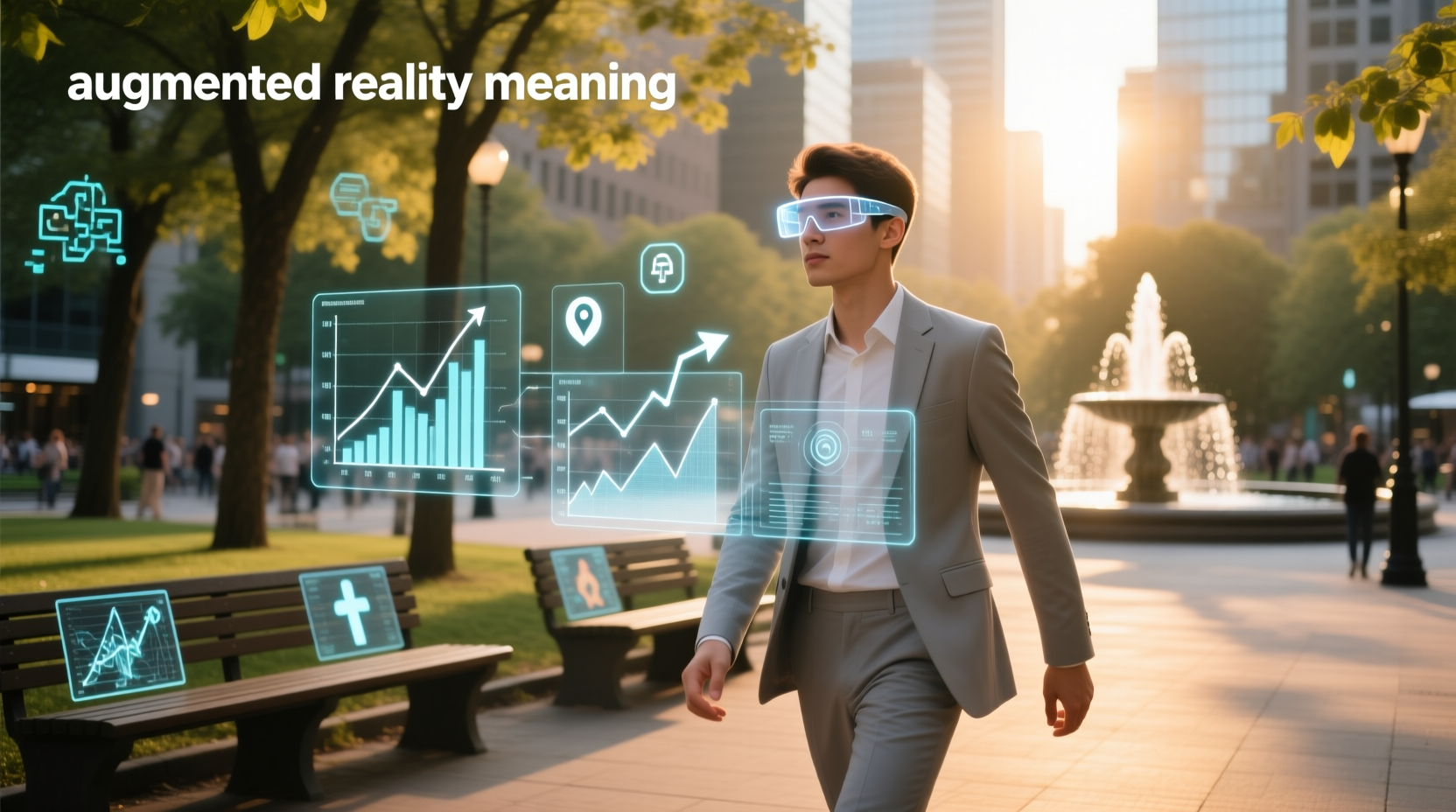
Augmented reality (AR) meaning is straightforward: it’s a technology that superimposes digital content — such as 3D models, text, animations, or sound — onto a live view of the physical world in real time, preserving spatial awareness and user agency. Unlike virtual reality (VR), AR doesn’t replace reality — it enhances it using camera-equipped devices like smartphones, tablets, or smart glasses. This distinction is critical: if you’re asking what does augmented reality mean, you’re likely seeking clarity on its core function — not just buzzwords, but how it actually behaves, where it’s used, and why it matters beyond gaming or social filters.
Why This Definition Matters — And Why So Many Get It Wrong
Searches for augmented reality meaning often return vague or marketing-heavy explanations — phrases like “immersive experience” or “next-gen tech” offer little practical insight. But users don’t need hype; they need precision. The Oxford Languages definition — “a technology that superimposes a computer-generated image on a user's view of the real world, thus providing a composite view” — remains the most accurate and widely accepted baseline 1. Yet even this requires unpacking.
Three technical criteria define authentic AR — not just visual layering, but functional integration:
- Real–virtual coexistence: Digital objects must appear anchored to real-world surfaces (e.g., a virtual lamp placed on your actual desk, not floating arbitrarily).
- Real-time interaction: Users can move, rotate, or scale the overlay dynamically — and the system updates perspective instantly, matching head or device motion.
- 3D registration: Virtual elements maintain consistent size, orientation, and occlusion relative to physical objects — meaning a real chair can partially hide a virtual robot walking behind it 2.
Without all three, it’s not AR — it’s a static filter, a slideshow, or basic screen overlay. That’s why Snapchat lenses or Instagram face effects are not true AR by technical standards: they track facial features but lack persistent 3D spatial mapping or environmental understanding.
How Augmented Reality Actually Works: The Core Components
Understanding what augmented reality means requires knowing the hardware and software layers enabling it. At minimum, AR relies on four integrated systems:
📱 Device Sensors & Cameras
A smartphone or AR glasses uses multiple sensors: RGB cameras capture the scene; inertial measurement units (IMUs) detect device position and rotation; depth sensors (like LiDAR on newer iPads and iPhones) map surface geometry. These feed raw data to the AR engine — without accurate sensor fusion, virtual objects drift, jitter, or float unnaturally.
⚙️ Computer Vision Algorithms
These algorithms perform simultaneous localization and mapping (SLAM) — identifying planar surfaces (floors, tables, walls), estimating camera pose in 3D space, and tracking feature points across frames. SLAM enables persistent placement: place a virtual plant on your windowsill, walk away, return — and it stays exactly where you left it.
💻 Rendering Engine
This layer draws digital content with correct lighting, shadows, and perspective. High-fidelity AR requires photorealistic rendering — e.g., a virtual car reflecting ambient light from your garage ceiling — not just flat, cartoonish graphics.
🌐 Cloud & Edge Processing
Complex AR experiences (e.g., remote expert assistance in manufacturing) often offload heavy computation to cloud servers. However, latency-sensitive tasks — like real-time occlusion — run locally on-device to avoid lag. This hybrid architecture balances responsiveness and capability.
Augmented Reality vs. Virtual Reality: A Functional Comparison
When users search what is augmented reality meaning, they frequently compare it to VR. But the difference isn’t just “real vs. fake” — it’s foundational to use case, design, and accessibility:
| Feature | Augmented Reality (AR) | Virtual Reality (VR) |
|---|---|---|
| Environment | Real-world setting enhanced with digital layers | Fully synthetic, immersive environment |
| User Agency | User controls movement and interaction within physical space | System controls navigation; user is immersed, not grounded |
| Hardware Requirements | Smartphone, tablet, or lightweight glasses (e.g., Microsoft HoloLens 2, Magic Leap 2) | Dedicated headset with high-refresh display, motion controllers, and positional tracking (e.g., Meta Quest 3, HTC Vive) |
| Use Case Fit | Field service, retail try-ons, education overlays, industrial maintenance | Training simulations, architectural walkthroughs, immersive games, therapy |
Crucially, AR supports continuous real-world awareness: a technician repairing machinery sees both live equipment and step-by-step holographic instructions — no need to look away at a tablet. VR isolates; AR informs 3. Misclassifying them leads to poor tool selection — e.g., deploying VR for warehouse picking (where workers need situational awareness) instead of AR-guided glasses.
Real-World Applications: Where AR Delivers Measurable Value
AR isn’t theoretical — it solves concrete problems across industries. Here’s how its meaning translates into practice:
🏭 Manufacturing & Field Service
Technicians use AR glasses to visualize exploded assembly diagrams overlaid directly on equipment. Boeing reports a 25% reduction in wiring harness installation time using AR-guided instructions 4. Key requirement: precise spatial anchoring so arrows point to exact screw locations — not approximate placements.
🛒 Retail & E-Commerce
Apps like IKEA Place let users preview furniture in their actual room — checking scale, color, and fit before purchase. Success hinges on reliable floor detection and lighting estimation; poor AR causes virtual sofas to clip through carpets or cast no shadows, breaking immersion.
🎓 Education & Training
Anatomy students explore interactive 3D organs overlaid on physical mannequins. Unlike static textbooks, AR enables manipulation — rotating a heart, peeling layers, seeing blood flow in real time. Research shows AR-based learning improves retention by up to 30% versus traditional methods 5.
🏥 Healthcare
Surgeons use AR to project MRI/CT scans onto a patient’s body during procedures — aligning virtual tumor boundaries with physical anatomy. Accuracy depends on sub-millimeter registration; errors risk misalignment and surgical complications.
Common Misconceptions About Augmented Reality Meaning
Clarifying what AR is not prevents wasted effort and misplaced expectations:
- Misconception: “Any digital overlay = AR.”
Reality: A static banner on a museum wall photo isn’t AR — it lacks real-time tracking and spatial anchoring. - Misconception: “AR requires expensive glasses.”
Reality: Most consumer AR today runs on smartphones. True glasses offer hands-free operation and wider fields of view — but aren’t mandatory for valid AR. - Misconception: “AR and mixed reality (MR) are the same.”
Reality: MR is a subset of AR that emphasizes deeper physical-digital interaction — e.g., virtual objects casting real-time shadows on physical surfaces or being occluded by real objects. Not all AR qualifies as MR. - Misconception: “AR is only for entertainment.”
Reality: Commercial ROI drives enterprise adoption — training, maintenance, design review — where AR reduces errors, accelerates workflows, and cuts travel costs.
How to Identify Genuine AR — A Practical Checklist
When evaluating tools, demos, or vendors claiming “AR capabilities,” verify these five criteria:
- Surface Detection: Does it reliably identify floors, walls, and tables — not just flat planes, but angled or irregular ones?
- Persistence: If you walk out of frame and back in, does the virtual object remain in the same physical location?
- Occlusion: Can real objects hide parts of the virtual model (e.g., your hand passing in front of a 3D car)?
- Light Estimation: Does lighting on virtual objects match ambient conditions — brightness, direction, color temperature?
- Interaction: Can users tap, drag, rotate, or resize the overlay using natural gestures or voice commands — not just pre-set buttons?
If fewer than four are met, it’s likely a simplified or “light” AR implementation — useful for engagement, but insufficient for technical or industrial applications.
Limitations and Challenges You Should Know
Despite progress, AR still faces real constraints:
- Hardware Limitations: Current smart glasses trade field-of-view (FOV) for comfort — most offer ~50° FOV vs. human ~220°. This restricts how much virtual content fits naturally in view.
- Environmental Dependency: Low-light, reflective, or textureless surfaces (e.g., white walls, glass tables) impair tracking. Outdoor use suffers under direct sunlight, which floods camera sensors.
- Battery Life: Continuous sensor use and GPU rendering drain power quickly — most standalone AR glasses last 2–3 hours under active use.
- Content Creation Complexity: Building spatially aware 3D assets requires specialized skills (3D modeling, shader programming, AR SDK expertise). Off-the-shelf tools simplify basic placement but lack advanced physics or occlusion.
None of these are dealbreakers — but they inform realistic deployment planning. For example, an indoor factory floor with consistent lighting and textured machinery is ideal for AR rollout; a sun-drenched outdoor construction site may require supplemental markers or hybrid marker-based tracking.
Future Trends Shaping AR Meaning — Beyond the Hype
The definition of AR evolves with capability. Three developments are redefining expectations:
🔍 Eye Tracking & Foveated Rendering
Newer glasses (e.g., Apple Vision Pro, Meta Quest 3) integrate eye tracking to render high-resolution graphics only where the user looks — cutting processing load and extending battery life. This moves AR closer to perceptual fidelity.
📡 5G & Edge AI
Ultra-low-latency networks enable cloud-based AR rendering — complex models stream in real time while device handles only input/output. This decouples performance from local hardware.
🧠 Neural Interfaces (Emerging)
Research labs are exploring non-invasive brain-computer interfaces that let users manipulate AR objects with intent — not touch or voice. Still experimental, but signals a shift from interface-mediated to cognition-mediated interaction.
Importantly, none of these change AR’s core meaning — they enhance its execution. The fundamental promise remains: augmenting human perception and action with context-aware digital information — not replacing reality, but making it more legible, actionable, and insightful.
Frequently Asked Questions (FAQ)
Q: What is augmented reality in simple words?
A: Augmented reality adds digital things — like 3D models, labels, or animations — to your real-world view through a phone, tablet, or glasses, keeping you grounded in your physical surroundings.
Q: What is an example of augmented reality?
A: IKEA Place app lets you see true-to-scale 3D furniture in your room using your smartphone camera. Another example: medical students viewing interactive 3D anatomy overlaid on a physical skeleton model.
Q: What is the difference between AR and VR?
A: AR enhances the real world with digital layers; VR replaces it entirely with a simulated environment. AR users stay aware of their physical space; VR users are fully immersed and isolated.
Q: Do you need special glasses for augmented reality?
A: No — most AR today works on smartphones and tablets. Glasses offer hands-free, wider-field use but aren’t required for functional AR experiences.
Q: Is Pokémon Go true augmented reality?
A: It uses basic AR mode (overlaying Pokémon on camera feed), but lacks persistent spatial anchoring, occlusion, and real-time 3D registration — so it’s a simplified form, not full technical AR.
