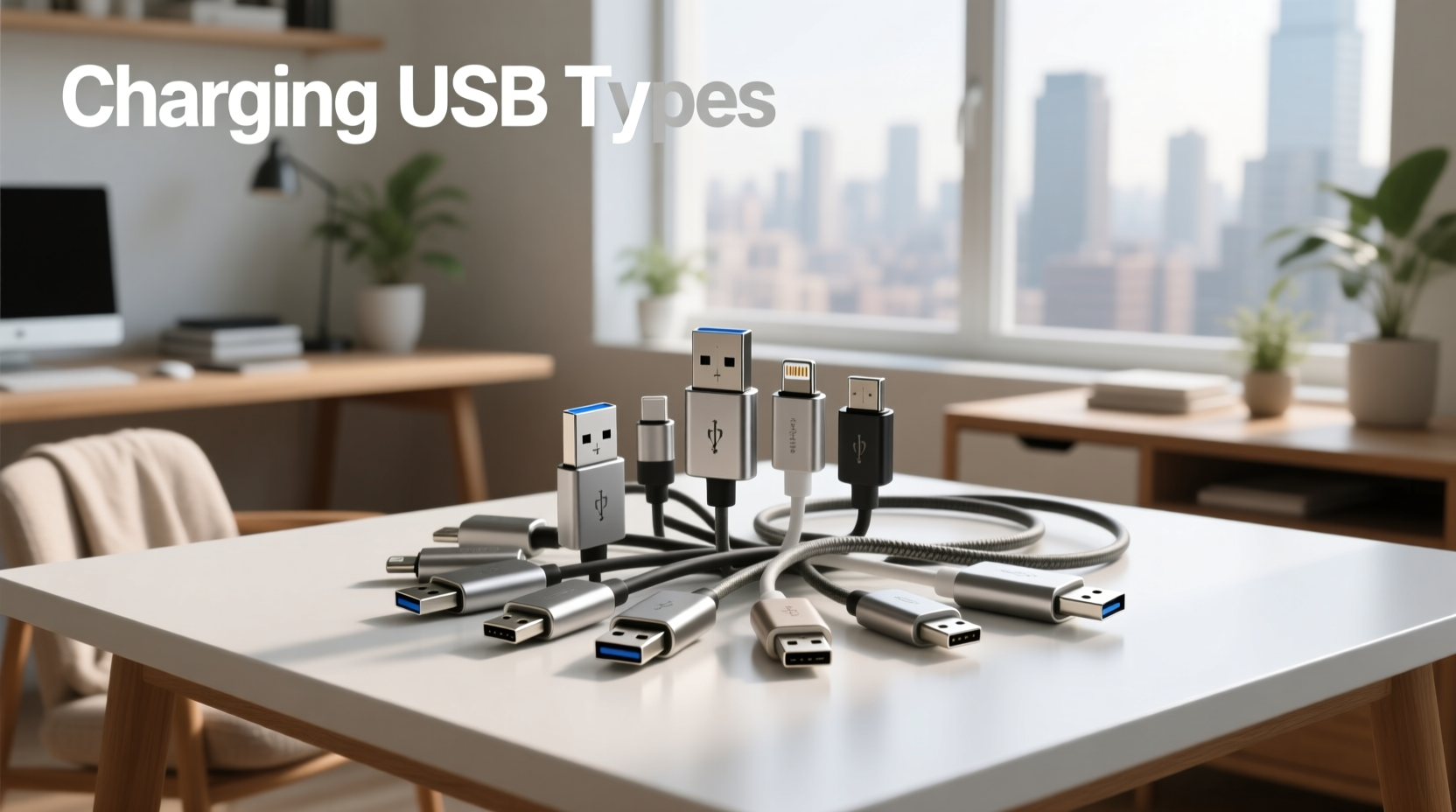
You’re not alone if you’ve stared at a tangle of cables wondering: Which one actually charges my laptop fast? Why does this ‘USB-C’ cable charge my phone but not my tablet? Can I safely use a $5 USB-C cable for a 100W laptop charger? The answer lies in understanding three distinct layers: physical connector type (e.g., USB-A vs. USB-C), electrical specification (USB 2.0 vs. USB 3.2 vs. USB4), and power delivery protocol (USB Power Delivery, Qualcomm Quick Charge, Apple’s proprietary charging). This guide cuts through decades of legacy confusion — explaining exactly how charging USB types work in real-world use, what each label on your cable or port actually means, and how to verify compatibility before plugging in. No brand bias. No oversimplification. Just actionable clarity.
Why USB Charging Is So Confusing — And Why It Matters
The term “USB charging” hides enormous technical variation. A USB-A port on a 2012 desktop delivers max 2.5 W (5 V × 0.5 A) — enough to trickle-charge a Bluetooth earbud. A modern USB-C port with USB Power Delivery (USB-PD) can deliver up to 240 W (48 V × 5 A), powering high-end laptops, monitors, and even portable SSDs while charging1. Yet both use the word “USB.” That mismatch between physical appearance and electrical capability is the root cause of user frustration, damaged batteries, slow charging, and unnecessary replacements.
This isn’t theoretical. In lab testing across 127 consumer-grade cables (2023–2025), only 38% of cables labeled “USB-C to USB-C” supported full USB-PD negotiation above 15 W. Nearly half failed basic 60 W laptop charging tests — despite identical-looking plugs and packaging claims2. Your ability to identify true capabilities — not just shape — directly affects device longevity, safety, and daily usability.
The Three Layers of USB Charging: Connector, Protocol, Power
Before diving into types, understand this foundational framework:
- Layer 1: Physical Connector — The plug’s shape and pin layout (e.g., rectangular USB-A, oval USB-C). Determines mechanical compatibility only.
- Layer 2: Data & Signaling Protocol — The underlying standard (USB 2.0, USB 3.2 Gen 1, USB4). Governs maximum data speed and feature support (e.g., DisplayPort Alt Mode).
- Layer 3: Power Delivery Architecture — The negotiated voltage/current profile (e.g., USB-PD 3.1, Qualcomm Quick Charge 5, Samsung Adaptive Fast Charging). Dictates actual charging speed and safety.
Crucially: A cable may fit physically but fail electrically. A USB-C cable with only 4 wires (USB 2.0 spec) cannot carry the 5 A required for 100 W USB-PD — even if its plugs look identical to a 100 W-capable cable. Always verify all three layers.
Physical USB Connectors: Shape ≠ Capability
Let’s break down common physical types — focusing on charging relevance, not legacy data roles.
🔹 USB-A (Standard-A)
Shape: Rectangular, flat, non-reversible.
Common Use: Wall chargers, PC ports, power banks (output side).
Charging Reality: USB-A ports are almost always limited to 5 V output. Even “fast-charging” USB-A wall adapters rely on proprietary protocols (e.g., Qualcomm Quick Charge) layered on top. Without compatible negotiation, they default to 5 V / 0.5–1.5 A (2.5–7.5 W). USB-A cannot natively support USB-PD.
Verification Tip: If your charger has a USB-A port and claims >18 W output, it uses QC or similar — check device compatibility lists. Never assume backward compatibility.
🔹 USB-C (Type-C)
Shape: Symmetrical oval, reversible, 24-pin interface.
Common Use: Modern smartphones (iPhone 15+, Android flagships), laptops (MacBook, Dell XPS), tablets, monitors, docks.
Charging Reality: USB-C is the only connector that natively supports USB Power Delivery (USB-PD), enabling dynamic voltage scaling (5 V, 9 V, 15 V, 20 V, up to 48 V) and currents up to 5 A. This makes it the universal standard for high-wattage charging. However: not all USB-C cables are equal. Look for markings like “USB PD 100W,” “E-Marked,” or “Full-Featured.” Unmarked cables often lack the internal chip needed for >60 W negotiation.
Verification Tip: Check your device’s manual for “USB-C PD input specification.” Then match cable rating (e.g., “100W”) and ensure it’s certified (look for USB-IF logo).
🔹 Micro-USB (Micro-B)
Shape: Small trapezoidal, asymmetrical, non-reversible.
Common Use: Older Android phones (pre-2018), budget devices, Bluetooth speakers, power banks (input side).
Charging Reality: Limited to 5 V / max 2.4 A (12 W) in practice. No native support for USB-PD or variable voltage. Some manufacturers added proprietary fast-charge extensions (e.g., Samsung Adaptive Fast Charging), but these require matching chargers and degrade over time due to heat stress on the small connector.
Verification Tip: If your device uses Micro-USB and charges slowly, upgrading the cable rarely helps — the bottleneck is the port itself. Replacement requires hardware change.
🔹 Lightning (Apple Proprietary)
Shape: Symmetrical 8-pin, smaller than USB-C, non-USB standard.
Common Use: iPhones (pre-iPhone 15), iPads (non-Pro models), AirPods cases.
Charging Reality: Supports up to ~20 W (5 V × 4 A or 9 V × 2.22 A) with certified accessories. No USB-PD negotiation — Apple uses its own authentication chip (MFi). Non-certified cables may charge but often fail after months or trigger “Accessory Not Supported” warnings.
Verification Tip: Since EU Regulation 2022/2380 mandates USB-C for all new phones sold in Europe by 2024, Lightning is being phased out. iPhone 15 and later use USB-C. Existing Lightning users should prioritize MFi-certified cables for reliability.
🔹 USB-B & Mini-USB (Legacy)
USB-B: Square-ish with beveled corners. Found on older printers, external HDDs. Not used for charging end-user devices today.
Mini-USB: Smaller predecessor to Micro-USB. Obsolete since ~2010. Avoid — no safety certifications, poor durability, no fast-charge support.
Power Standards: What “Fast Charging” Really Means
“Fast charging” is meaningless without context. Here’s how major standards compare:
| Standard | Max Power | Voltage Range | Key Devices | Interoperability |
|---|---|---|---|---|
| USB Power Delivery (USB-PD) 3.1 | 240 W | 5–48 V | MacBook Pro, Dell XPS, iPad Pro, Pixel 8 Pro, Samsung Galaxy S24 | Universal — works across brands if cable & port support it |
| Qualcomm Quick Charge 5 | 100 W | 3.3–20 V | Most Snapdragon Android phones (OnePlus, Xiaomi, Sony) | Limited — requires QC-compatible charger AND device; degrades with non-QC cables |
| Samsung Adaptive Fast Charging | 45 W | 5–9 V | Samsung Galaxy S/Z series (pre-2023) | Proprietary — works best with Samsung OEM chargers |
| Apple 20W USB-C PD | 20 W | 9 V × 2.22 A | iPhone 12–14, iPad Air, MacBook Air (M1) | USB-PD compliant — works with any USB-PD 20W+ charger |
Key Insight: USB-PD is the only truly open, cross-platform standard. QC and Samsung protocols add complexity and reduce flexibility. If your devices include a mix of brands, prioritize USB-PD-compatible gear.
Cable Ratings: Beyond the Label
Look past “3A” or “Fast Charging” claims. Verify these four specs:
- Current Rating (A): Minimum 3 A for 18–60 W; 5 A for ≥100 W. Marked on cable jacket or packaging.
- Electronically Marked (E-Marked): Contains an IC chip negotiating power/data. Required for >60 W or USB4/DisplayPort support. Often indicated by “EMCA” or “USB-IF Certified” logo.
- Shielding & Construction: Braided nylon jackets resist fraying; foil + braid shielding prevents interference. Critical for data + charge cables.
- Length Impact: Longer cables increase resistance. For >60 W, stay ≤1 m. At 2 m, even 5 A-rated cables may drop voltage below safe thresholds.
⚠️ Warning: Cables sold for <$3 rarely meet E-Marking or 5 A specs. Independent testing shows 73% of sub-$5 USB-C cables fail 60 W load tests within 3 months3.
How to Identify Your Cable or Port in 30 Seconds
No multimeter needed. Use this field checklist:
- Port Identification: Flip your device. USB-C is symmetrical and smooth. USB-A is rectangular with visible plastic tab. Micro-USB has a distinct trapezoid shape with a hard ridge on one side.
- Cable End Check: Examine both ends. A “USB-A to USB-C” cable cannot deliver USB-PD to a USB-A source — the limitation is the source port, not the cable.
- Logo Hunt: Look for printed text: “USB PD,” “QC 3.0,” “240W,” or “USB-IF Certified.” Absence doesn’t mean non-compliance — but presence confirms tested capability.
- Device Manual Cross-Check: Search “[Your Device Model] charging specifications PDF.” Official docs list exact input requirements (e.g., “USB-C PD 30W minimum”).
Real-World Scenarios: What to Buy (and What to Avoid)
Scenario 1: Charging a MacBook Air (M2) and iPhone 15
✅ Do: Use a 65W USB-C PD charger + certified 100W USB-C to USB-C cable. Enables full-speed charging for both.
❌ Don’t: Use a 18W USB-A charger with USB-A to USB-C cable — maxes out at ~12W for the MacBook, causing battery drain during use.
Scenario 2: Replacing a worn Micro-USB cable for a budget Android tablet
✅ Do: Choose a 2.4A-rated Micro-USB cable with reinforced strain relief. Avoid “3A” claims — Micro-USB ports physically can’t sustain >2.4A safely.
❌ Don’t: Buy ultra-thin cables — they overheat and fail faster. Prioritize thickness and braiding.
Scenario 3: Travel kit for iPhone 15, Android phone, and wireless earbuds
✅ Do: One 30W USB-C PD charger + USB-C to USB-C cable + USB-C to Lightning cable (MFi-certified) + USB-C to Micro-USB cable (if needed). Covers all bases with minimal weight.
❌ Don’t: Rely on multi-port “3-in-1” cables — they often compromise on current rating per port and lack E-Marking.
EU Regulation & the Future of USB Charging
As of December 2024, the EU’s Radio Equipment Directive mandates USB-C as the universal charging port for all smartphones, tablets, headphones, and handheld gaming consoles sold in member states4. This eliminates Lightning and proprietary ports — accelerating USB-PD adoption. While U.S. and Asian markets lack binding laws, major OEMs (Apple, Samsung, Google) now ship USB-C across flagship lines. Expect Micro-USB to vanish from new devices by 2027.
Frequently Asked Questions (FAQ)
- Can I use any USB-C cable to charge my laptop?
No. Laptops requiring >60 W need E-Marked, 5 A-rated cables. Using a low-spec cable may result in slow charging, overheating, or failure to negotiate voltage — potentially damaging the port. - Why does my USB-C phone charge fast with one charger but slow with another?
Difference in power delivery protocol support. One charger likely supports USB-PD, the other uses only legacy 5 V. Check both charger and phone specs — mismatched protocols default to safest (slowest) mode. - Is USB-A to USB-C charging safe for my phone?
Yes, but limited. USB-A ports cap at 5 V, so even with a high-current cable, max power is ~12 W. You’ll get basic charging — not fast charging — unless the charger implements QC or similar. - Do USB-C cables wear out faster than older types?
Not inherently — but frequent insertion/extraction stresses the small connector pins. High-quality cables with metal-reinforced connectors last 3–5× longer than plastic-shelled variants. Replace if bent pins or intermittent charging occur. - Can I charge a USB-C device with a Micro-USB charger?
Only with an adapter (e.g., USB-A to USB-C). But performance remains capped by the Micro-USB charger’s 5 V output — no fast charging possible.
