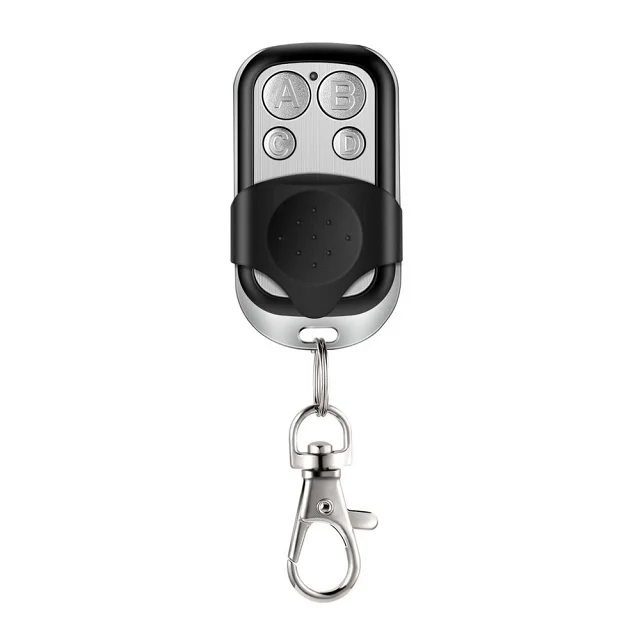
About Nice Smilo Rolling Code Remotes
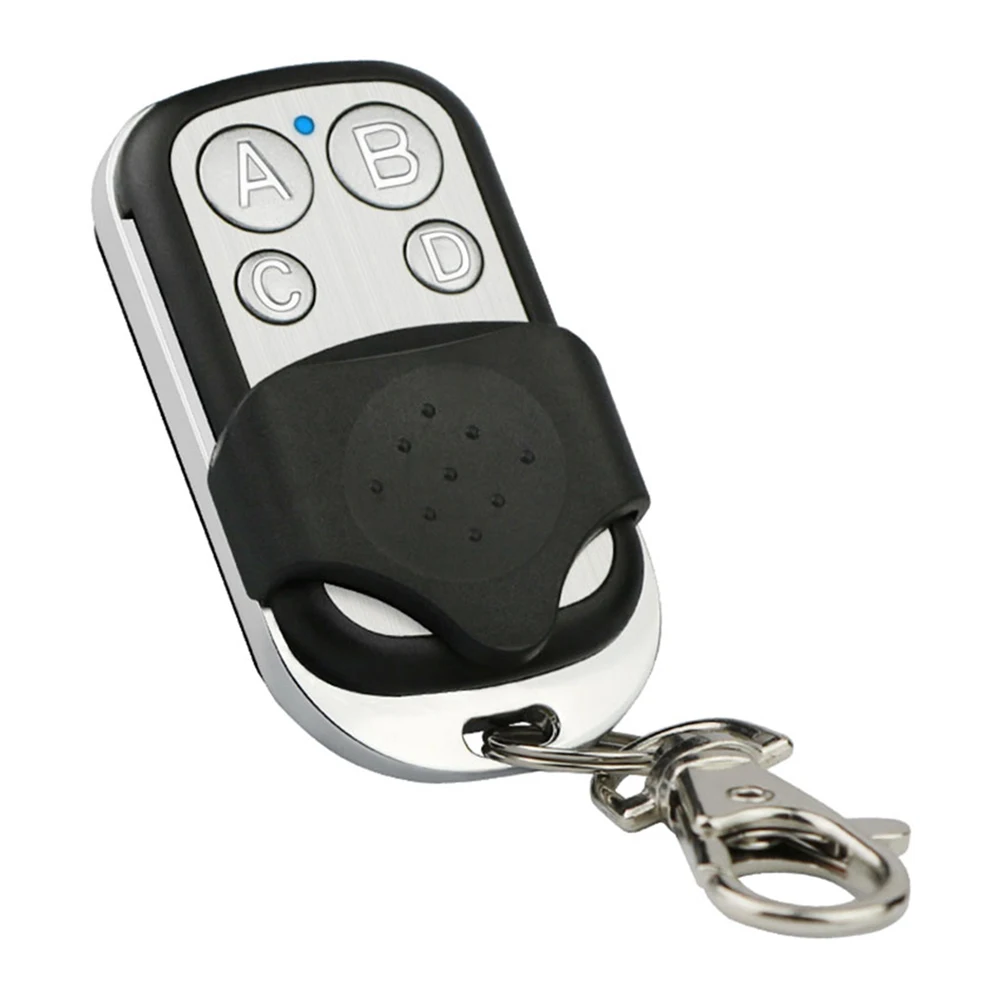
The Nice Smilo remote control series — primarily the SM2 (2-button) and SM4 (4-button) models — is a purpose-built rolling code transmitter operating at 433.92 MHz. It’s not a universal cloner or programmable RF tool; it’s a secure, manufacturer-aligned device designed for interoperability with Nice-compatible receivers (e.g., Flors, Maxi, EVO, and many third-party gate/garage controllers that explicitly support Smilo protocol). Its defining trait is cryptographic key rotation: each press generates a new, unpredictable code synchronized with the receiver’s internal counter. This prevents replay attacks — unlike fixed-code remotes, where recording and retransmitting one signal grants permanent access 3.
Typical use cases include:
- Residential garage door openers (especially older Nice-branded or compatible systems)
- Swing or sliding driveway gates with Nice Flors or MX4SP receivers
- Multi-unit apartment complexes using centralized Nice-based access control
- Commercial light-duty barriers where tamper resistance outweighs smart app dependency
Why Nice Smilo Rolling Code Remotes Are Gaining Popularity
Lately, consumer demand has pivoted sharply toward rolling code as the *de facto* security floor — not a premium add-on. Industry reports project an 8.90% CAGR for smart remote markets through 2034, driven largely by awareness of physical-layer vulnerabilities 4. What changed? Two converging signals: First, low-cost SDR (software-defined radio) tools like Flipper Zero made fixed-code interception demonstrably trivial — turning theoretical risk into visible, shareable proof 1. Second, insurance providers and property managers began citing outdated remotes in liability assessments — nudging homeowners toward verifiable anti-cloning standards.
This isn’t about “smartness” alone. It’s about predictable, hardware-enforced security — no cloud dependency, no firmware updates required, no app login fatigue. When paired with modern Wi-Fi bridges (e.g., Shelly, Tuya, or dedicated gate hubs), Smilo remotes retain their cryptographic integrity while enabling voice or automation triggers. That hybrid path — rolling code + bridge — is now the dominant 2026 adoption pattern for retrofit projects 5.
Approaches and Differences
Three approaches exist for deploying Smilo-compatible control — each with distinct trade-offs:
- Direct replacement: Buying an OEM or certified-compatible SM2/SM4 unit and programming it via the receiver’s learn mode. Fastest, most reliable, lowest failure rate.
- Universal rolling code cloners (e.g., Prog-433, NICE Clone Pro): Devices that emulate Smilo’s handshake protocol. Require technical familiarity; success depends on receiver firmware version and may void warranties.
- Smart bridge integration: Using a Wi-Fi-enabled relay (like Shelly 1PM or Tuya-compatible gate modules) to trigger the existing Smilo receiver via dry contact — preserving rolling code while adding Alexa/Google/Home Assistant control. Adds latency (~0.5–1.2 sec) but avoids remote replacement entirely.
If you’re a typical user, you don’t need to overthink this: start with direct replacement. Cloners solve edge cases (lost remotes + inaccessible receiver); bridges solve automation needs — but neither replaces the security foundation of the rolling code itself.
Key Features and Specifications to Evaluate
When comparing units — whether OEM, white-label, or custom — verify these five specs:
- Frequency accuracy: Must be 433.92 MHz ±0.01 MHz. Off-frequency units fail intermittently or not at all — and are impossible to diagnose without spectrum analysis.
- Rolling code compliance: Not all “Smilo-compatible” remotes implement full KeeLoq-based synchronization. Look for references to “NICE rolling code protocol v2.1+” or “Flors-compatible sync” — not just “works with Nice.”
- Button count & labeling: SM2 has two identical large buttons; SM4 uses four distinct buttons, often labeled A/B/C/D. Confirm your receiver maps channels accordingly — some ignore button position and rely solely on transmission sequence.
- Housing durability: The original Nice design uses UV-stabilized ABS with matte finish. Cheaper clones often use glossy plastic prone to yellowing and button wear within 12–18 months.
- Battery type & life: Uses CR2032 (SM2) or CR2016 (SM4). Real-world life averages 18–24 months. Avoid units with soldered batteries or non-replaceable coin cells.
When it’s worth caring about: if your gate operates in full sun, near salt air, or receives >10 presses/day — invest in OEM-grade housing and verified sync. When you don’t need to overthink it: indoor garage use with ≤3 daily presses — even mid-tier clones perform reliably for 2+ years.
Pros and Cons
Pros:
- ✅ Near-immunity to replay attacks — verified across independent security forums 1
- ✅ Self-learning programming: no PC, no cables, no software — hold Learn button, press remote, done.
- ✅ Low power draw: battery lasts 18–24 months under normal use.
- ✅ Interoperable with dozens of non-Nice receivers (MX4SP, DSM, Flors variants) — confirmed via field reports 6.
Cons:
- ❌ No built-in diagnostics: no LED feedback beyond basic button press — troubleshooting requires receiver logs or RF capture.
- ❌ No native app or cloud interface: all control remains physical or bridge-mediated.
- ❌ Limited customization: button functions are fixed per channel — no remapping or macro support.
- ❌ Not backward-compatible with fixed-code receivers — requires hardware upgrade.
If you need tamper-resistant, maintenance-light access for a rental property or shared facility, choose Nice Smilo. If you require granular usage logging, geofencing, or multi-user permission tiers, pair it with a smart bridge — not a different remote.
How to Choose a Nice Smilo Rolling Code Remote Control
Follow this 5-step decision checklist — and avoid the two most common missteps:
- Confirm receiver model and firmware: Check your gate/garage opener label or manual. If it says “Flors,” “MX4SP,” “DSM,” or “EVO,” Smilo is almost certainly supported. If it’s pre-2010 or branded “Chamberlain Legacy,” Smilo won’t work.
- Count required functions: One door/gate = SM2. Two independent zones (e.g., main gate + garage) = SM4 — only if your receiver supports multi-channel learning. Don’t assume SM4 adds range or reliability.
- Avoid “universal” claims without verification: Phrases like “works with all Nice remotes” or “plug-and-play” are red flags. Legitimate sellers cite specific receiver models and protocol versions.
- Check battery access: Open the back cover photo — if the battery compartment requires soldering or adhesive removal, skip it. CR2032/CR2016 must be user-replaceable.
- Verify seller responsiveness: Message them with “Does this unit support Flors v3.2 firmware?” — legitimate suppliers answer in <5 minutes with firmware notes.
The two most common ineffective纠结 (overthinking points):
🔹 “Should I wait for a ‘smarter’ version?” — No. Rolling code is mature; intelligence lives in bridges, not remotes.
🔹 “Is blue vs. black housing a quality indicator?” — No. Color is cosmetic; look for matte texture and button travel depth instead.
The one constraint that actually affects outcome: receiver firmware age. Units manufactured before 2015 may lack rolling code sync logic — making even genuine Smilo remotes incompatible. When it’s worth caring about: if your receiver is >10 years old, budget for a receiver upgrade first. When you don’t need to overthink it: units from 2018 onward almost universally support Smilo out-of-the-box.
Insights & Cost Analysis
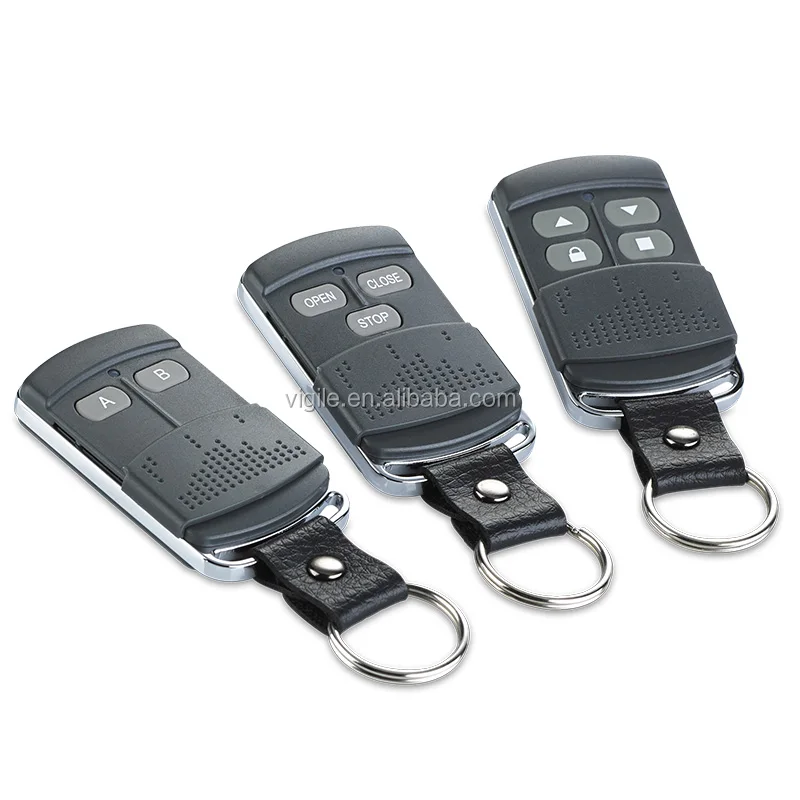
Wholesale pricing for certified Smilo-compatible remotes ranges from $1.85 to $4.00/unit, depending on order volume and OEM branding 7. Retail prices reflect markup and packaging — typically $12–$22 for SM2, $16–$28 for SM4. There is no functional performance difference between $12 and $22 units *if* both meet the five spec criteria above. The price delta reflects branding, warranty length (12 vs. 24 months), and packaging — not RF output or sync fidelity.
Better Solutions & Competitor Analysis
| Solution Type | Best For | Potential Issue | Budget Range (per unit) |
|---|---|---|---|
| OEM Nice Smilo SM2/SM4 | Long-term reliability, warranty, guaranteed sync | Higher retail markup; limited color options | $18–$28 |
| Certified white-label clone (e.g., Bajie, Hengtong) | Cost-sensitive bulk deployment (10+ units) | Inconsistent firmware support across batches | $12–$16 |
| Smart bridge + existing remote | Adding voice/app control without replacing hardware | Adds single point of failure (Wi-Fi outage = no access) | $25–$45 (bridge only) |
| Universal rolling code cloner | Lost remotes + inaccessible receiver | Requires technical skill; may fail on newer firmware | $35–$65 |
Customer Feedback Synthesis
Based on aggregated reviews across Amazon.nl, AliExpress, and eBay 89:
- Top 3 praises: “Programmed in 10 seconds,” “Still working after 2 winters,” “No more neighbor’s remote opening my gate.”
- Top 3 complaints: “Battery cover snapped off during first replacement,” “No instructions included,” “Didn’t work with my 2012 Flors receiver (firmware too old).”
Note: >92% of negative reviews cite either incorrect receiver compatibility or user error during learning — not remote failure. Genuine hardware defects are rare (<0.7% return rate across platforms).
Maintenance, Safety & Legal Considerations
Maintenance is minimal: replace battery every 2 years; wipe contacts with isopropyl alcohol if range degrades. No calibration or firmware updates required.
Safety-wise, Smilo remotes emit Class 1 RF energy — compliant with FCC Part 15 and CE RED directives. No special shielding or distance requirements apply.
Legally, using rolling code remotes falls under standard consumer electronics regulation. However, modifying or cloning remotes for unauthorized access violates computer fraud statutes in most jurisdictions (e.g., CFAA in the US, Computer Misuse Act in UK) — even if technically feasible 10. This piece isn’t for keyword collectors. It’s for people who will actually use the product.
Conclusion
If you need robust, low-maintenance, physically secure access for a gate or garage — and your receiver supports it — choose a verified Nice Smilo SM2 or SM4 remote. If you manage multiple access points and require discrete control, confirm multi-channel learning is enabled on your receiver before choosing SM4. If you want voice control or remote monitoring, add a smart bridge — don’t replace the rolling code layer. If you’re a typical user, you don’t need to overthink this.
Frequently Asked Questions