Over the past year, demand for HCS301-based rolling code RF remote controllers has accelerated—not because of novelty, but because aging fixed-code systems (especially garage door and gate openers installed between 2005–2015) are failing, being cloned, or failing compliance checks in EU markets 1. If you’re replacing a lost or compromised remote—or upgrading from an EV1527-type fixed-code unit—you need an HCS301 remote that matches your receiver’s frequency (315 MHz vs. 433.92 MHz), supports proper synchronization, and meets regional certification (CE/FCC). If you’re a typical user, you don’t need to overthink this: choose a 4-button, CE-certified, 433.92 MHz HCS301 remote with physical programming holes if your opener is European; go 315 MHz + FCC ID if it’s North American. Avoid universal remotes claiming ‘HCS301 support’ without verified chip-level compatibility—they often emulate only part of the protocol and fail under load or after battery replacement.
About HCS301 Rolling Code RF Remote Controllers
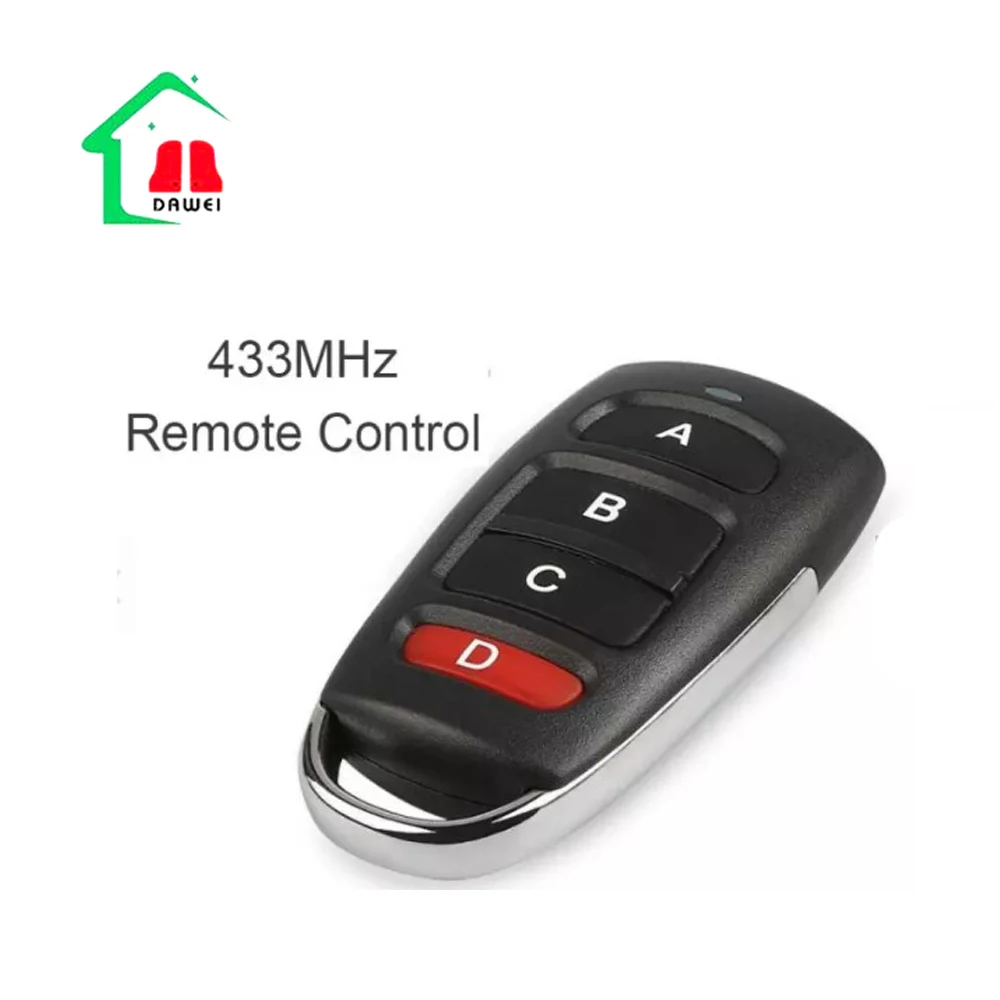
HCS301 rolling code RF remote controllers are secure wireless transmitters built around Microchip’s HCS301 KeeLoq encoder chip—a 64-bit cryptographic device that generates a new, non-repeating code with every button press 2. Unlike fixed-code remotes (e.g., those using EV1527), which transmit the same signal repeatedly and can be recorded and replayed, HCS301 remotes use a synchronized counter and non-linear hopping algorithm to prevent replay attacks and code grabbing 3. They operate at standard ISM band frequencies: 315 MHz (common in North America and parts of Asia) and 433.92 MHz (mandatory for CE-marked devices in Europe and most of APAC). Typical use cases include garage door openers, automated gates, industrial access panels, and secure driveway entry systems—especially where physical key fobs have been replaced by compact, battery-powered RF units.
Why HCS301 Rolling Code Remotes Are Gaining Popularity
The shift toward HCS301 isn’t driven by marketing—it’s a response to tangible security failures. Fixed-code remotes remain vulnerable to simple replay attacks using $20 SDR dongles; documented cases show unauthorized access to residential garages and commercial gates via code capture 1. Meanwhile, the global remote control systems market is projected to grow from $3.2 billion (2026) to $5.23 billion by 2035 at a 6.3% CAGR—much of that growth tied to replacement cycles and regulatory tightening 4. In Europe, building codes increasingly require certified rolling code systems for new installations—and insurers now ask about remote type during risk assessments. This isn’t theoretical: if your opener was installed before 2016, it likely lacks modern encryption. Upgrading isn’t optional maintenance—it’s basic access hygiene. If you’re a typical user, you don’t need to overthink this: treat HCS301 as the minimum viable security standard—not an upgrade, but a baseline.
Approaches and Differences
There are three primary approaches to deploying HCS301 remotes—each with clear trade-offs:
- Factory-programmed OEM remotes: Matched precisely to your opener’s manufacturer and model number. Pros: guaranteed sync, full warranty coverage. Cons: limited availability, high markup (often 2–3× retail), long lead times.
- Generic HCS301 remotes with physical programming holes: Require manual sync using jumper pins or solder pads on the PCB. Pros: wide availability, lower cost, field-programmable. Cons: requires basic tools and willingness to open the remote; no visual feedback during sync.
- ‘Smart hybrid’ remotes with Bluetooth/IoT gateways: Combine RF transmission with app-based management (e.g., pairing history, usage logs). Pros: remote diagnostics, multi-user access, firmware updates. Cons: added complexity, battery drain, dependency on gateway hardware—only ~15% of current HCS301 units offer this 5.
When it’s worth caring about: Choose factory-programmed only if your opener is under active warranty or uses proprietary sync logic (e.g., some Nice or BFT models). When you don’t need to overthink it: For most Chamberlain, LiftMaster, Hörmann, or Marantec units installed post-2008, generic remotes with programming holes work identically—and cost less than half.
Key Features and Specifications to Evaluate
Not all HCS301 remotes deliver equal reliability. Focus on these five measurable specs:
- Frequency accuracy: Must match your receiver’s nominal frequency ±50 kHz. A 433.92 MHz remote won’t work reliably with a 433.42 MHz receiver—even if both are labeled “433 MHz”. Verify via datasheet, not packaging.
- Operating voltage range: HCS301 chips function from 2.0V to 6.3V 2. Remotes using CR2032 (3V) or AA/AAA (1.5V × 2 = 3V) are safe. Avoid those requiring 12V unless explicitly designed for vehicle-mounted receivers.
- Transmission power: Look for ≥10 dBm output. Below 7 dBm, range drops sharply—especially through insulated garage doors or brick walls.
- Certification status: CE (EN 300 220) or FCC ID is mandatory for legal operation. No certification = no enforcement path if interference occurs.
- Button actuation life: Rated for ≥50,000 presses. Cheaper units may use membrane switches rated for 10,000–20,000 cycles—noticeable wear appears after 18–24 months of daily use.
If you’re a typical user, you don’t need to overthink this: Prioritize certified frequency match and voltage compatibility first. Everything else follows.
Pros and Cons
✅ Best for: Homeowners replacing lost/gone-bad remotes; property managers maintaining fleets of gate systems; installers servicing mixed-brand sites.
❌ Not ideal for: Users expecting smartphone-only control (HCS301 is RF-only); environments with heavy RF noise (e.g., near broadcast towers or industrial motors) without shielding; anyone unwilling to perform a 90-second sync procedure using a paperclip.
How to Choose an HCS301 Rolling Code Remote Controller
Follow this decision checklist—no assumptions, no guesswork:
- Confirm your opener’s frequency: Check its label, manual, or FCC ID search. If it says “433.92 MHz” or “CE”, get 433.92 MHz. If it says “315 MHz” or “FCC ID XYZ123”, get 315 MHz. Avoid ‘dual-band’ claims—true simultaneous dual-band HCS301 remotes don’t exist at consumer grade.
- Verify chip authenticity: Look for “HCS301” (not “HCS300” or “HCS101”) printed on the PCB or in product specs. HCS101 lacks the full 64-bit cipher and is weaker 6.
- Check for physical programming access: Small holes labeled “PROG”, “SYNC”, or “P1/P2” near the battery compartment indicate manual sync capability. Skip remotes that claim “auto-sync” without documentation.
- Review certification markings: CE mark must include notified body number (e.g., “CE 0678”). FCC ID must be searchable in the FCC OET database. No visible ID? Assume non-compliant.
- Avoid these red flags: “Works with all brands” (physically impossible); “No programming needed” (false for true HCS301); listing “KeeLoq” without mentioning HCS301 (may refer to older, weaker variants).
Insights & Cost Analysis
Based on 2024 Alibaba, Amazon, and direct supplier data, bulk pricing (1,000+ units) for certified HCS301 remotes ranges from $2.10–$3.80/unit, depending on case material (ABS vs. polycarbonate), button count (2–4), and certification depth (CE-only vs. CE+FCC+RoHS). Retail single-unit prices average $12–$28—meaning resellers mark up 400–700%. For end users: buying one certified unit is justified; buying five is rarely cost-effective unless managing multiple properties. There’s no performance premium for higher price—only differences in shell durability and documentation clarity.
Better Solutions & Competitor Analysis
| Solution Type | Best For | Potential Issues | Budget (per unit) |
|---|---|---|---|
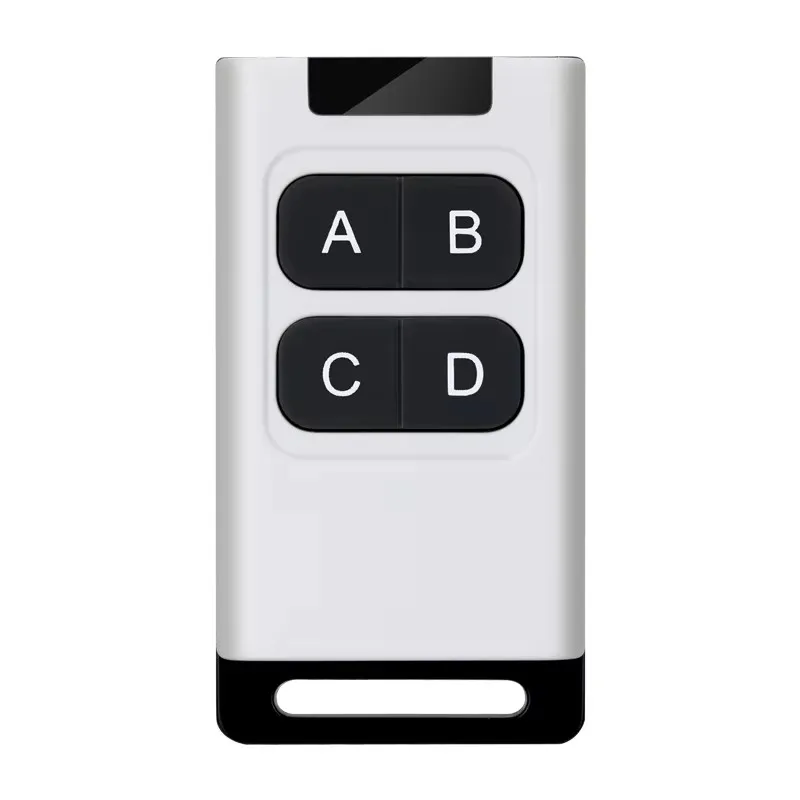
| Standard HCS301 4-button remote | Direct replacement; simplicity; field serviceability | No usage logging; manual sync only | $2.50–$4.20 (bulk) |
| HCS301 + Bluetooth bridge module | Property managers needing audit trails or remote reset | Requires separate powered gateway; adds latency (~300ms) | $18–$26 (retail) |
| Proprietary OEM remote (e.g., LiftMaster 893MAX) | Warranty compliance; brand-locked systems | 2–3× cost; no cross-brand reuse | $29–$42 |
| Arduino-based DIY receiver | Developers testing protocols or building custom dashboards | Not a plug-and-play solution; requires firmware dev & RF tuning | $12–$18 (BOM only) |
Customer Feedback Synthesis
Aggregated from Amazon, AliExpress, and installer forums (2023–2024):
- Top 3 praises: “Synced in under 1 minute using paperclip”, “Still working after 3 years of daily use”, “Exact match for my Hörmann Supramatic E.”
- Top 3 complaints: “No English manual—just Chinese diagrams”, “Battery cover cracked after 6 months”, “Failed after first rain exposure (non-IP-rated housing)”.
The consistent pattern? Success correlates strongly with clear frequency labeling and physical programming access—not brand name or price.
Maintenance, Safety & Legal Considerations
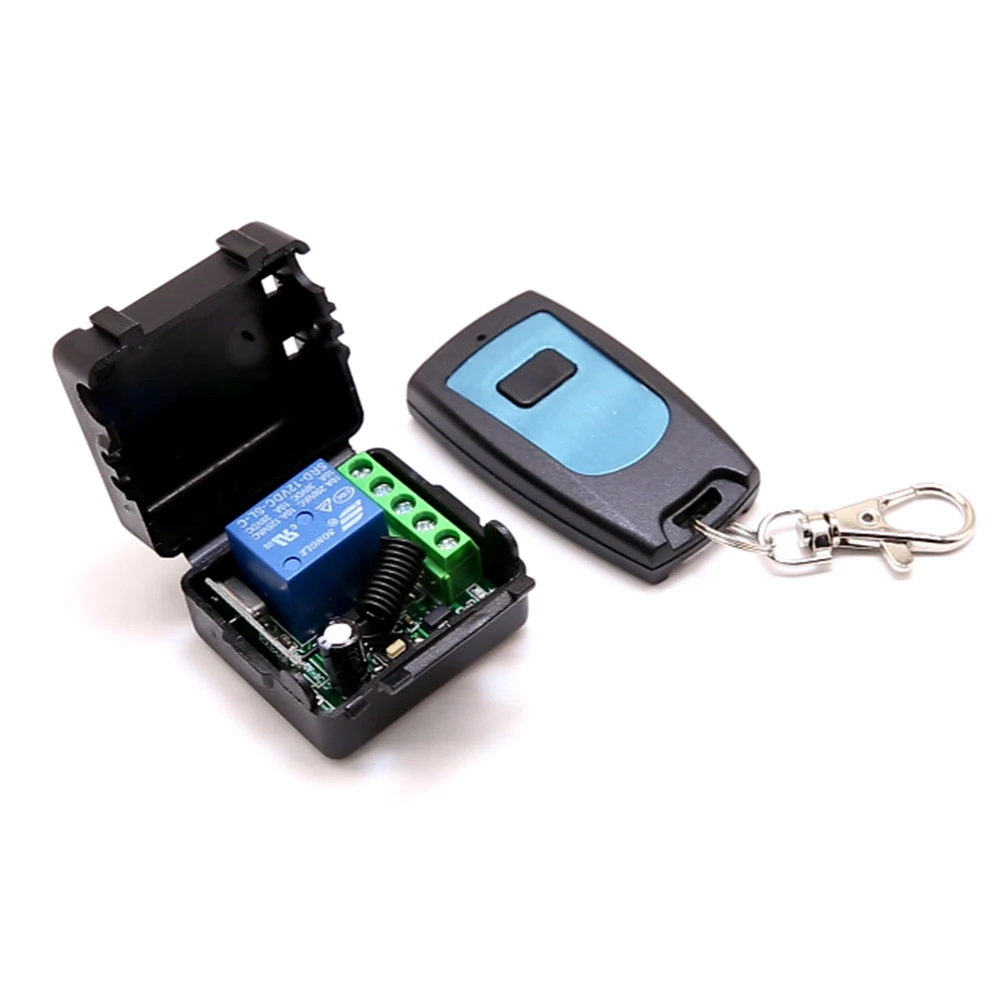
HCS301 remotes require almost zero maintenance beyond battery replacement every 12–24 months (CR2032 typical). Never attempt to modify the PCB or antenna—doing so voids certification and risks spurious emissions. Legally, operating a non-certified remote violates national radio regulations: in the EU, non-CE units may incur fines under RED Directive 2014/53/EU; in the US, unlicensed transmission violates FCC Part 15. Importantly: this piece isn’t for keyword collectors. It’s for people who will actually use the product. Certification isn’t bureaucracy—it’s how regulators ensure your remote doesn’t interfere with emergency services radios or aircraft navigation signals.
Conclusion
If you need a reliable, secure, drop-in replacement for a compromised or missing remote—and your opener uses rolling code technology—choose a certified, frequency-matched HCS301 remote with physical programming access. If you manage multiple sites or require logs, add a Bluetooth bridge—but don’t pay for IoT features you won’t use. If your opener predates 2005 or lacks any mention of “rolling code” or “KeeLoq”, an HCS301 remote won’t work; you’ll need a full receiver upgrade. If you’re a typical user, you don’t need to overthink this: match frequency, verify certification, and confirm programming holes exist. That’s the entire decision stack.
Frequently Asked Questions
Check your opener’s manual for terms like “KeeLoq”, “rolling code”, or “HCS301”. If it lists a compatible remote model ending in “-301” or “-RC301”, it’s likely compatible. You can also search your opener’s FCC ID in the FCC OET database—if the grant includes “HCS301” in test reports, confirmation is strong.
Yes—most receivers support 4–16 remotes. Each remote maintains its own counter state; programming is independent. Just follow the receiver’s learn-mode sequence for each unit separately.
This usually means the remote lost sync during power loss. HCS301 counters are volatile—replacing the battery resets the local counter. Re-run the programming procedure (using the physical pins) to re-synchronize with the receiver’s expected next code.
No—433.92 MHz is reserved for license-free use in Europe and many APAC countries. In the USA, 315 MHz and 433 MHz bands are restricted or allocated differently. Using a 433.92 MHz remote in the US may violate FCC rules and cause interference. Always match your local ISM band.


