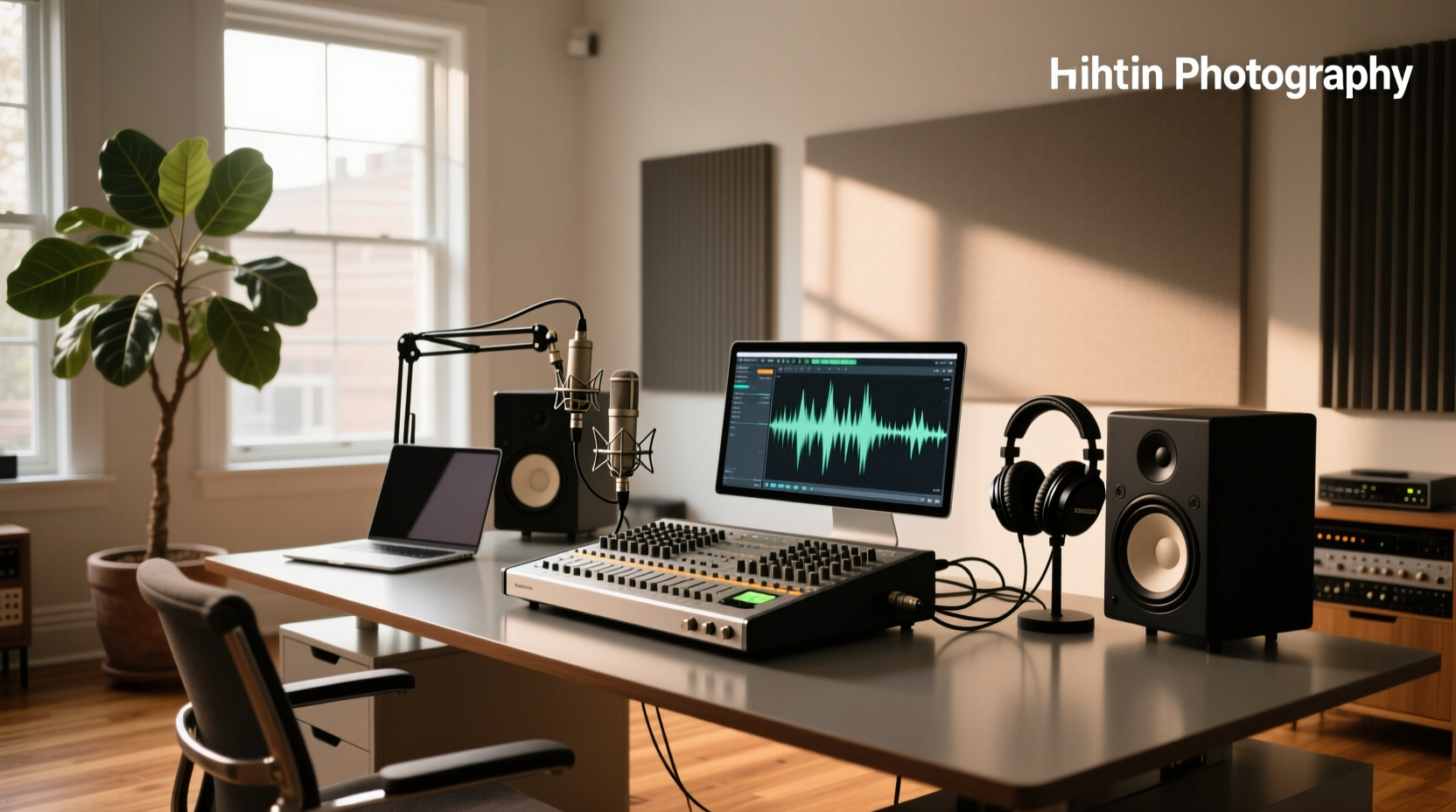
You don’t need the most expensive audio interface—you need the one that correctly bridges your microphone, instrument, or line-level source to your computer with low latency, clean gain, and stable drivers. A high-quality USB audio interface replaces your laptop’s internal sound chip for professional-grade recording, monitoring, and playback—whether you’re podcasting solo (USB audio interface for podcasting), tracking guitar and vocals (audio interface for home studio), or streaming with multiple inputs (2-channel vs 4-channel audio interface). This guide cuts through marketing noise to explain core technical requirements, real-world trade-offs, and objective criteria—not brand loyalty or influencer picks.
Why Your Laptop’s Sound Card Isn’t Enough
Most computers ship with integrated audio controllers designed for playback—not recording. These chips lack dedicated analog-to-digital converters (ADCs), low-noise preamplifiers, and real-time driver support. As a result, you’ll encounter:
- High latency (>20 ms buffer): Audible delay between playing and hearing yourself—crippling for overdubbing or monitoring with effects.
- Distorted or noisy mic input: Weak +48V phantom power, poor signal-to-noise ratio (SNR), and inconsistent gain staging.
- No direct monitoring path: You can’t hear your voice/instrument in real time without software routing, adding delay and CPU load.
- Limited I/O flexibility: No XLR inputs, no instrument (Hi-Z) jacks, no MIDI ports, no loopback for streaming.
An external audio interface solves all four—by design. It’s not an upgrade; it’s a functional necessity for any serious audio capture workflow.
How Audio Interfaces Actually Work: Signal Flow Simplified
Think of an audio interface as a bidirectional translation layer:
- Input stage: Microphones (XLR), guitars/basses (¼" instrument jack), or line-level devices (synths, mixers) connect to analog inputs.
- Preamplification: Mic signals are extremely weak (millivolts). The interface applies clean, controllable gain—measured in dB—before conversion.
- Conversion: Analog signals pass through ADCs (analog-to-digital converters) at specified bit depth (e.g., 24-bit) and sample rate (e.g., 48 kHz or 192 kHz).
- Digital transport: Converted data travels via USB, Thunderbolt, or FireWire to your DAW (Digital Audio Workstation) with near-zero timing jitter.
- Playback & monitoring: Digital audio returns from the DAW, converts back via DACs (digital-to-analog converters), and routes to headphones or studio monitors—often with zero-latency hardware monitoring.
This entire chain must be stable, low-noise, and deterministic. That’s why driver quality matters more than headline specs.
Key Technical Specs—What Matters (and What Doesn’t)
Spec sheets are full of misleading numbers. Here’s what actually impacts your workflow—and what rarely does:
✅ Critical: Preamp Quality & Gain Range
Preamps define tonal character and usable headroom. Budget interfaces often list “60 dB gain” but deliver harsh clipping above 45 dB. Professional preamps maintain clarity up to their rated max. Test this by recording quiet sources (acoustic guitar, whispered voice) at high gain—listen for hiss, distortion, or compression artifacts. Focusrite’s Scarlett series, Audient’s EVO line, and SSL’s 2+ offer transparent, high-SNR preamps even at 55+ dB 1.
✅ Critical: Latency Performance (Round-Trip)
Latency is measured in milliseconds (ms) and includes: input → DAW processing → output. Real-world round-trip latency under 10 ms is ideal for monitoring with plugins. Achieving this requires both hardware buffer support (e.g., USB 2.0 with ASIO/Core Audio compliance) and optimized drivers. Avoid interfaces relying solely on generic USB audio class drivers—they cap at ~30 ms minimum 2.
✅ Critical: Driver Stability & OS Compatibility
A buggy driver crashes your DAW or drops audio. Check manufacturer release notes for recent macOS (Ventura/Sonoma) and Windows 11 updates. Prioritize brands with long-term driver support—not just launch-day compatibility. Behringer’s U-Phoria line, for example, received critical Windows 11 fixes only after 18 months of user complaints 3.
⚠️ Overrated: Sample Rate Beyond 96 kHz
192 kHz doesn’t mean “better sound.” Human hearing tops out near 20 kHz. Higher sample rates increase CPU load, file size, and storage needs—with no perceptible fidelity gain for spoken word, vocals, or electric instruments. 48 kHz is broadcast standard; 96 kHz suffices for mastering. Only consider 192 kHz if you’re capturing ultrasonic content (e.g., bow resonance on double bass) or feeding legacy analog gear requiring oversampling.
⚠️ Overrated: Bit Depth Marketing
All modern interfaces operate at 24-bit internally. “24-bit/192kHz” is technically true—but meaningless without context. What matters is effective number of bits (ENOB), typically 19–21 bits in practice due to thermal noise and power supply limitations. Don’t pay extra for “32-bit” claims—no consumer interface delivers true 32-bit ADC/DAC performance.
Matching Interface Type to Your Use Case
Choosing starts with your signal sources—not your budget.
🎤 Solo Podcasting or Voiceover
You need: 1 XLR input with reliable +48V phantom power, headphone output with independent volume control, and zero-latency monitoring. USB-C or USB 2.0 is sufficient. Avoid “all-in-one” mixers with built-in effects—they add unnecessary complexity and often degrade mic pre quality. Recommended: TC-Helicon GO Vocal (dedicated vocal processing + clean pre), or Audient EVO 4 (transparent pre + intuitive hardware controls).
🎸 Singer-Songwriter / Home Studio (1–2 Sources)
You need: At least 2 combo inputs (XLR + ¼"), 1–2 line outputs, MIDI I/O (if using synths/controllers), and robust headphone amp. Prioritize preamp headroom over channel count. Focusrite Scarlett Solo (1 mic + 1 instrument) and M-Audio AIR 192|4 strike balance between simplicity and expandability.
🎛️ Band Tracking or Multi-Instrument Recording
You need: 4+ discrete inputs with individual preamps, ADAT or S/PDIF expansion (for adding 8+ channels), and stable multi-client driver support. Avoid “4-in/4-out” units where only 2 inputs are preamped—the rest are line-only. PreSonus AudioBox 1818VSL and Steinberg UR824 provide scalable I/O with rack-mount options and loopback for live streaming.
💻 Streaming & Content Creation
You need: Loopback functionality (to route system audio + mic simultaneously), low-latency monitoring, and plug-and-play reliability. Many “gaming audio mixers” lack proper ASIO drivers and introduce ground-loop hum. Verified loopback-capable models include RME Babyface Pro FS and MOTU M2—both with macOS/Windows-certified drivers and no third-party software required.
Common Pitfalls & What to Avoid
- “No-name” USB audio adapters: Devices marketed as “professional audio interface” on e-commerce platforms—often rebranded Chinese OEMs with unverified ADCs, no driver support beyond generic USB Audio Class, and phantom power that fails under load. They may work for basic playback—but fail consistently during recording sessions.
- Ignoring power delivery: Bus-powered interfaces draw current from USB. If your laptop has weak USB ports (common on ultrabooks), you’ll get dropouts or disconnections. Always verify if the unit includes an external power supply option—or test with a powered USB hub.
- Assuming “more inputs = more capability”: An 8-input interface with shared preamp circuitry performs worse than a 2-input unit with discrete op-amps. Read teardowns or measurement reviews (e.g., Sound On Sound)—not Amazon star ratings.
- Overlooking monitoring topology: Some interfaces only allow stereo mix monitoring—not discrete cue sends. If you record with headphones while sending separate mixes to performers, confirm per-channel monitor routing is supported in hardware (not just software).
Real-World Testing Checklist Before You Buy
Don’t rely on spec sheets alone. Verify these in practice:
- Test phantom power under load: Connect a condenser mic and record 5 minutes of speech at 75% gain. Listen for voltage sag (drop in level) or increased noise floor.
- Measure round-trip latency: Use free tools like LatencyTest or your DAW’s built-in meter. Aim for ≤12 ms at 128-sample buffer (48 kHz).
- Check driver installation friction: Does setup require disabling Windows Secure Boot or macOS System Integrity Protection? If yes—driver maturity is questionable.
- Validate macOS ARM (Apple Silicon) support: Not all “USB-C compatible” interfaces work natively on M1/M2/M3 Macs. Confirm Rosetta 2 isn’t required—and that Core Audio reports correct device name and clock source.
Frequently Asked Questions (FAQ)
- Can I use an audio interface with an iPad or Android tablet?
Yes—if it supports USB host mode and class-compliant drivers. Most modern iOS devices (iPadOS 15+) recognize Focusrite, PreSonus, and Audient interfaces natively. Android requires OTG support and often third-party apps like Audio Evolution Mobile. Verify vendor documentation before assuming compatibility. - Do I need Thunderbolt instead of USB?
No—for most users. Thunderbolt offers higher bandwidth and lower theoretical latency, but USB 2.0/3.0 interfaces achieve identical real-world performance when drivers are optimized. Reserve Thunderbolt for high-channel-count setups (16+ inputs) or ADAT expansion requiring sustained throughput. - Is a built-in mixer necessary?
Rarely. Hardware mixers add cost, complexity, and potential noise. Modern DAWs handle mixing, EQ, and effects with far greater precision. Only consider a mixer-equipped interface if you need physical faders for live podcasting or require analog summing—both niche cases. - How important is MIDI I/O?
Only if you use hardware synths, drum machines, or MIDI controllers without USB-MIDI capability. Most modern keyboards and controllers connect directly via USB. Skip MIDI ports unless you own legacy gear requiring 5-pin DIN connections. - Can I daisy-chain multiple audio interfaces?
Not reliably. Most OSes treat each interface as a separate device. Syncing sample clocks across units introduces jitter and dropouts. Use a single interface with expandable I/O (ADAT, Dante, or AVB) instead—or invest in a dedicated multichannel converter like RME ADI-2 Pro FS.
