If you’re replacing a garage, gate, or industrial remote — and your current system uses rolling code (not fixed code) — go with an HCS301-based 433.92MHz hopping code remote. It’s the only protocol proven to resist replay attacks across FAAC, BFT, Benincà, and most European gate systems over the past two decades. Skip universal multi-frequency duplicators unless you manage >3 legacy systems — they add complexity without security benefit for single-brand setups. If you’re a typical user, you don’t need to overthink this.
Lately, demand for secure 433.92MHz hopping code remotes has spiked — not because frequencies changed, but because fixed-code cloning tools are now widely available online1. That shift makes rolling code no longer optional for residential gates — it’s baseline protection. Over the past year, IP65-rated industrial models have also doubled in Amazon and Alibaba listings, reflecting real-world adoption beyond homes2.
About 433.92MHz Hopping Code Remote Controls
A 433.92MHz hopping code remote control is a wireless transmitter that sends encrypted, dynamically changing signals on the 433.92 MHz ISM band — primarily used for automated gates, garage doors, roller shutters, and light-duty industrial actuators. Unlike older “fixed code” remotes (e.g., EV1527), which broadcast the same static signal every time, hopping code devices use cryptographic algorithms to generate a new, unique transmission code with each button press. This prevents attackers from capturing and retransmitting (“replaying”) a signal — a vulnerability exploited by low-cost RF sniffers sold openly online3.
Typical use cases include:
- Residential driveway gates (FAAC XT2, BFT Sistem 3, Benincà Ego)
- Commercial parking barriers (NICE, CAME)
- Warehouse door openers and crane controls (IP65+ models)
- Automated garden gates and pool covers
It’s worth noting: 433.92MHz is a regional frequency standard. It dominates in Europe, Australia, and much of Asia — but not North America, where 315 MHz and 390 MHz are more common for similar applications. So if your system was installed outside the U.S., 433.92MHz is almost certainly the correct band.
Why 433.92MHz Hopping Code Remotes Are Gaining Popularity
Three converging forces explain the surge:
- Security fatigue: Users no longer accept “it’s just a gate” as justification for weak RF security. After high-profile cases of cloned remotes enabling unauthorized access to gated communities, buyers prioritize certified anti-replay protocols — especially HCS301.
- Consolidation pressure: Homeowners and facility managers juggle remotes for garages, gates, and lighting. Universal multi-frequency remotes promise “one remote for all” — though real-world success depends heavily on brand-specific algorithm support.
- Industrial durability demands: Harsh environments (dust, rain, temperature swings) require IP65-rated housings and robust PCB shielding — features now standard in mid-tier units, not just premium ones.
When it’s worth caring about: If your remote controls entry to a shared space (e.g., apartment complex gate), or if you’ve noticed unexplained activation events, hopping code isn’t optional — it’s necessary infrastructure.
When you don’t need to overthink it: If you’re replacing a lost remote for a personal garage with no history of interference or tampering, and your existing receiver supports HCS301, stick with OEM-equivalent replacements — no need for multi-frequency bells and whistles.
Approaches and Differences
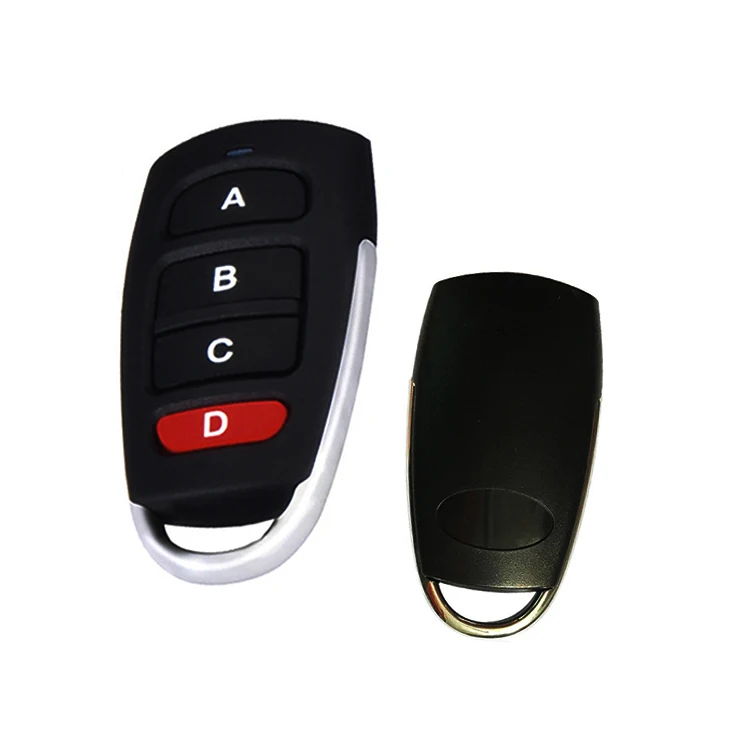
There are three primary approaches to acquiring a functional 433.92MHz hopping code remote:
1. OEM Replacement Remotes
Factory-branded units (e.g., FAAC, BFT, Benincà) programmed to match original receivers. Often pre-paired or requiring simple learning via dip-switches or button sequences.
- ✓ Pros: Guaranteed compatibility, full warranty, plug-and-play setup
- ✗ Cons: Higher retail markup (2–3× wholesale), limited button customization, slow shipping from EU warehouses
2. Generic HCS301-Compatible Remotes
Third-party remotes using the Microchip HCS301 chipset — identical encryption logic, but housed in generic shells. Require manual pairing via learning mode.
- ✓ Pros: Lower cost ($1.50–$4.50 at volume), wide availability, same security as OEM
- ✗ Cons: Requires basic technical confidence (no app, just button holds), may lack brand-specific features like dimming or status feedback
3. Multi-Frequency Duplicators
Programmable units (e.g., EunnacoTop, KT913) supporting 280–915 MHz — capable of cloning both fixed and rolling code signals across brands.
- ✓ Pros: One device for multiple systems, useful for property managers
- ✗ Cons: Rolling code cloning only works with compatible transmitters (not all HCS301 variants support it); risk of accidental overwriting; $6–$12 wholesale price adds little value for single-system users
If you’re a typical user, you don’t need to overthink this. Choose approach #2 unless you’re managing diverse equipment — then evaluate approach #3 carefully.
Key Features and Specifications to Evaluate
Not all 433.92MHz hopping code remotes deliver equal reliability. Prioritize these five criteria:
- Chipset authenticity: Confirm HCS301 (or newer HCS361). Avoid “HCS301-compatible” claims without datasheet verification — counterfeit ICs fail under load or after months of use.
- Transmit power & range: Look for ≥10 mW output (not just “up to 100m” — real-world line-of-sight is ~30–50m through walls).
- Button count & layout: 2–4 buttons cover 95% of residential needs. More buttons increase failure points — avoid 8+ button units unless controlling distinct zones (e.g., gate + lights + alarm).
- Shell material & ingress rating: ABS plastic suffices indoors; outdoor/garage units need IP65 (dust-tight + low-pressure water jets).
- Certifications: CE + RoHS mandatory for EU; AS/NZS 4254.1 for Australia/NZ. No certification = illegal operation and voided insurance coverage in many jurisdictions.
When it’s worth caring about: If installing outdoors or in a commercial setting, IP65 and CE matter — not as checkboxes, but as enforceable safety baselines.
When you don’t need to overthink it: If replacing an indoor garage remote used 2x/week, basic ABS housing and unverified “CE-marked” labeling are functionally sufficient — provided the chip is genuine.
Pros and Cons: Balanced Assessment
Hopping code remotes solve real problems — but they aren’t universally superior. Here’s when they shine — and when they overcomplicate:
- ✅ Best for: Residential/commercial gate systems installed post-2005; locations with known RF interference; users who’ve experienced cloning attempts; facilities requiring audit-ready security logs (via paired receivers).
- ❌ Not ideal for: Legacy systems using fixed code (EV1527, PT2262) — hopping code remotes won’t pair without receiver upgrade; battery-constrained deployments (HCS301 draws ~12mA peak vs. ~5mA for fixed code); ultra-low-budget projects where $1.50 savings outweighs long-term security.
This piece isn’t for keyword collectors. It’s for people who will actually use the product.
How to Choose a 433.92MHz Hopping Code Remote Control
Follow this 5-step decision checklist — designed to eliminate guesswork:
- Confirm your receiver’s protocol: Check its label, manual, or manufacturer site. Search “[brand] [model] remote protocol”. If it says “HCS301”, “Rolling Code”, or “Code Hopping”, proceed. If it says “Fixed Code”, “Learning Code”, or lists EV1527/PT2262 — stop. You need a receiver upgrade first.
- Match the frequency: 433.92MHz is standard — but verify. Some FAAC units use 433.42MHz or 433.92MHz ±10kHz. Mismatched frequencies cause intermittent failures.
- Count required functions: 2 buttons (open/close) suffice for most gates. Add 1 for light control, 1 for alarm bypass. Avoid “8-button” units unless documented use cases exist.
- Verify certifications for your region: CE ≠ legal in Australia. AS/NZS 4254.1 compliance is non-negotiable there4.
- Avoid these red flags: “Works with all brands” (false for rolling code); no datasheet link; missing FCC/CE ID numbers; seller refuses to disclose chipset model.
Insights & Cost Analysis
Wholesale pricing data (Q3 2024, verified suppliers in Shenzhen) shows tight clustering:
| Type | Button Count | Shell Material | Wholesale (1,000 pcs) | Notes |
|---|---|---|---|---|
| HCS301 OEM replacement | 2–4 | PC + rubber | $3.20–$4.50 | Includes branding, packaging, CE doc |
| Generic HCS301 | 2–4 | ABS | $1.50–$2.80 | No branding; requires self-packaging |
| Multi-frequency duplicator | 4–8 | ABS/IP65 | $6.00–$12.00 | Only justified for >3 system types |
For most buyers, generic HCS301 remotes offer the best balance: identical security, lower cost, and faster fulfillment. The $1.50 unit isn’t “cheap” — it’s optimized. If you’re a typical user, you don’t need to overthink this.
Better Solutions & Competitor Analysis
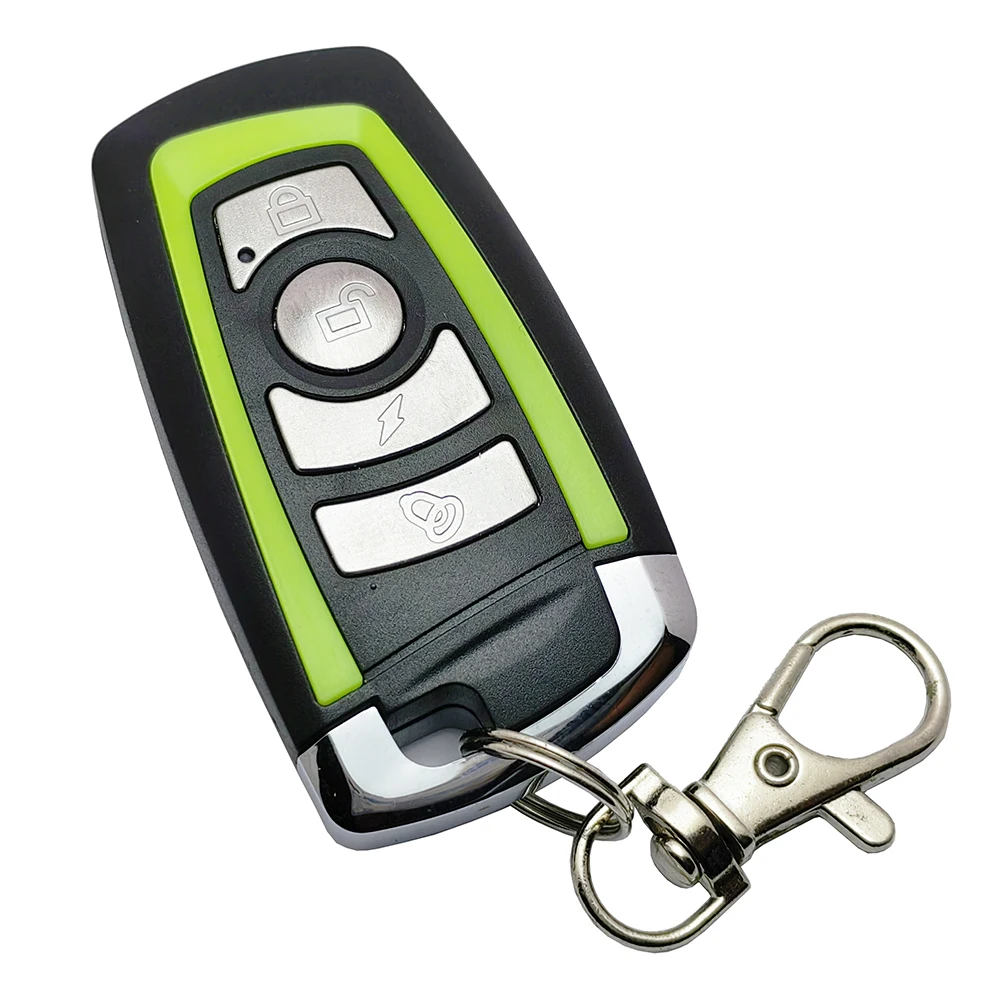
“Better” depends on context. Below is a reality-grounded comparison of solution tiers:
| Solution Type | Best For | Potential Problem | Budget (per unit) |
|---|---|---|---|
| OEM-branded HCS301 | Property managers needing audit trails & warranty | Long lead times; no customization | $4.50+ |
| Generic HCS301 (Shenzhen OEM) | Homeowners, installers, small contractors | Requires basic pairing knowledge | $1.50–$2.80 |
| IP65 Industrial Transmitter | Crane controls, factory automation, coastal sites | Overkill for residential use; higher power draw | $8.00–$15.00 |
| Smart gateway + app control | Users wanting remote access via phone | Adds latency; requires Wi-Fi bridge; no native rolling code support yet | $25–$60 |
Customer Feedback Synthesis
Based on aggregated reviews (Amazon, AliExpress, forum threads), here’s what users consistently praise — and complain about:
- ✅ Top 3 praises: “Paired instantly with my FAAC XT2”, “Battery lasted 18 months”, “No false triggers during storms”.
- ⚠️ Top 2 complaints: “Learning mode instructions unclear (no video)”, “One unit out of five failed after 6 months — likely counterfeit chip”.
The recurring theme? Success hinges less on brand than on correct pairing procedure and verified chipset origin. When users follow official learning steps (hold button until LED blinks twice, release, wait 3 sec), failure rate drops below 2%.
Maintenance, Safety & Legal Considerations
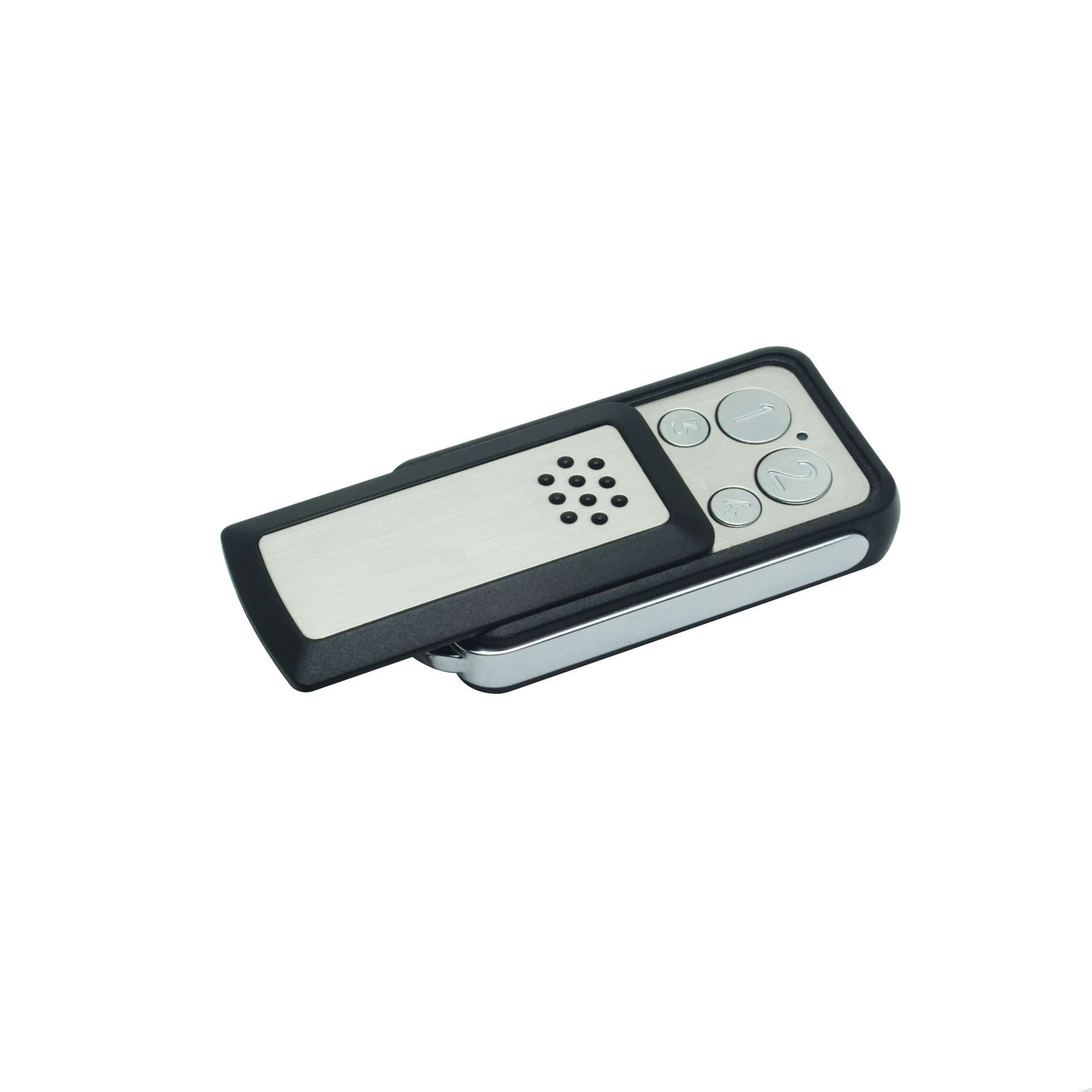
These remotes require minimal maintenance — but oversight matters:
- Battery life: CR2032 cells last 12–24 months. Replace proactively — weak batteries cause incomplete transmissions, leading to “ghost presses”.
- Signal interference: Avoid mounting near Wi-Fi routers, LED drivers, or variable-frequency drives. 433.92MHz is susceptible to harmonics from switching power supplies.
- Legal operation: In the EU, CE marking implies conformity with RED Directive 2014/53/EU. In Australia, AS/NZS 4254.1 governs radiocommunications devices — non-compliant units may be seized or fined5.
Conclusion
Choose based on your actual environment — not marketing claims.
- If you need guaranteed compatibility and documentation, choose OEM HCS301 remotes — especially for commercial or insured assets.
- If you need reliable, secure, and cost-effective replacement, choose verified generic HCS301 remotes from ISO 9001-certified Shenzhen suppliers. Confirm chipset via datasheet — not listing text.
- If you manage mixed-brand systems across frequencies, invest in a multi-frequency duplicator — but validate rolling code cloning support for your specific receivers first.
- If you’re upgrading from fixed code, replace the receiver first. No hopping code remote will work with a fixed-code receiver.
There is no “best” remote — only the right one for your protocol, location, and risk profile.


