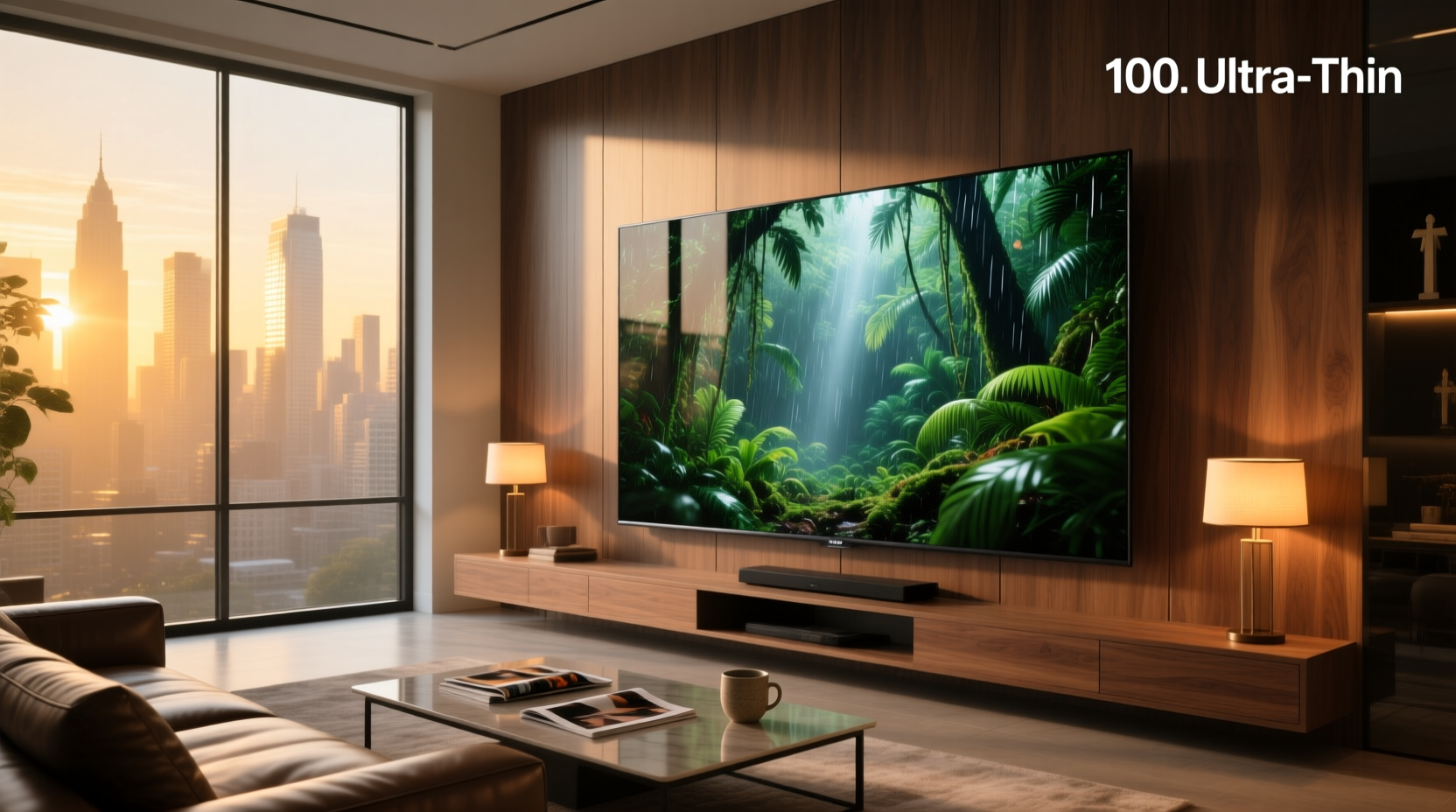
You’ll get exact, verified 100 inch screen dimensions — in inches, centimeters, and millimeters — for both TVs and projector screens, broken down by standard aspect ratios (16:9 and 4:3), including viewable area vs. outer frame measurements, wall clearance requirements, and why ‘100 inch’ refers only to diagonal length — not width or height. Whether you’re planning a home theater layout, verifying shipping box size, selecting wall-mount hardware, or comparing portable projector screen specs, this guide delivers dimensionally accurate, vendor-agnostic answers — no guesswork, no marketing fluff.
Why ‘100 Inch’ Is Misleading — And What It Actually Means
The term “100 inch screen” refers exclusively to the diagonal measurement — the straight-line distance from one corner of the display surface to its opposite corner. It is not the width, height, or overall product footprint. This convention applies universally across TVs, projector screens, digital signage, and commercial displays — but the actual width and height vary significantly depending on aspect ratio. A 100″ 16:9 screen is physically wider and shorter than a 100″ 4:3 screen, even though both share the same diagonal. Confusing diagonal with linear dimensions is the #1 cause of installation errors, wall-mount misalignment, and undersized viewing spaces.
Standard Aspect Ratios & Their Impact on 100 Inch Screen Dimensions
Two aspect ratios dominate consumer electronics: 16:9 (widescreen) and 4:3 (standard definition). While 16:9 is now the default for TVs, projectors, and streaming content, 4:3 remains relevant for legacy AV systems, certain commercial signage, and some fixed-frame projection setups. Below are mathematically derived, real-world validated dimensions for each:
| Aspect Ratio | Diagonal | Width (in) | Height (in) | Width (cm) | Height (cm) | Width (mm) | Height (mm) |
|---|---|---|---|---|---|---|---|
| 16:9 | 100.0″ | 87.17″ | 49.03″ | 221.4 cm | 124.5 cm | 2214 mm | 1245 mm |
| 4:3 | 100.0″ | 80.00″ | 60.00″ | 203.2 cm | 152.4 cm | 2032 mm | 1524 mm |
These values derive from the Pythagorean Theorem (a² + b² = c²) and confirmed against industry-standard specifications from multiple projector screen manufacturers including Elite Screens, Duronic, and PSM Screens 12. For example, a 16:9 screen’s width-to-height ratio is 16/9 ≈ 1.777. Solving for width (W) and height (H) where W/H = 16/9 and √(W² + H²) = 100 yields W ≈ 87.17″ and H ≈ 49.03″. These are viewable area dimensions — the active image surface, excluding frames, borders, or housing.
TV vs. Projector Screen: Why Outer Dimensions Differ Dramatically
A 100″ TV and a 100″ projector screen may share the same diagonal, but their outer physical dimensions — including bezels, stands, enclosures, and mounting brackets — differ substantially. This distinction is critical for space planning:
- 100″ TVs (e.g., Hisense 100E7Q, TCL 100Q7): Typically feature narrow bezels (≤15 mm) and integrated stands or VESA-compatible mounts. Outer width often exceeds 222 cm; height (with stand) ranges from 135–145 cm. Depth varies from 6–12 cm depending on panel type (LED vs. QLED vs. Mini-LED).3
- 100″ projector screens fall into three structural categories — each with distinct outer sizing:
1. Fixed-Frame Screens
These have rigid aluminum or steel frames permanently holding tensioned fabric. Outer dimensions include frame depth (typically 2–5 cm) and velvet masking borders. For a 100″ 16:9 fixed frame, expect outer dimensions ~233–235 cm wide × 136–138 cm tall — roughly 11–13 cm larger than viewable area in both directions 2.
2. Manual Pull-Down / Slow-Retract Screens
These include a housing case (typically 10–15 cm tall) plus extended screen surface. A typical 100″ manual screen has an overall height of ~167 cm (including case) and width ~240 cm — meaning wall space required exceeds viewable area by up to 30 cm vertically and 15 cm horizontally.
3. Portable / Tripod-Mounted Screens
These prioritize transportability over precision framing. A common 100″ portable screen (e.g., LEORY, HOIN) lists outer dimensions as ~177.5 cm wide × 78 cm tall — but note: this reflects folded or assembled footprint, not viewable area. The actual projected image remains 221.4 × 124.5 cm; the smaller listed dimensions refer to base/tripod envelope 4.
Unit Conversions You Can Trust — Inches, CM, and MM
Accurate unit conversion avoids costly miscalculations during wall preparation or cabinet design. Key reference points:
- 1 inch = 2.54 cm = 25.4 mm (exact, internationally standardized)
- A 100″ diagonal = 254.0 cm or 2540 mm — no rounding needed
- 16:9 100″ width: 87.17″ × 2.54 = 221.41 cm → 2214 mm
- 16:9 100″ height: 49.03″ × 2.54 = 124.54 cm → 1245 mm
Do not rely on vendor-provided “approximate” conversions (e.g., “~220 cm” or “about 125 cm”) when cutting drywall, ordering custom cabinetry, or specifying ceiling drop distances. Use the precise figures above — they are reproducible and consistent across ISO, ANSI, and CEA standards.
Common Pitfalls — When ‘100 Inch’ Doesn’t Mean What You Think
Three frequent misunderstandings lead to failed installations:
Pitfall #1: Assuming All 100″ Screens Fit the Same Wall Space
No. A 100″ fixed-frame screen requires ~2.4 m × 1.4 m wall area. A 100″ motorized screen with ceiling mount adds 15–25 cm of recessed housing depth. A 100″ ultra-short-throw ALR screen (e.g., Hisense Daylight) includes a curved, angled surface — its outer footprint may extend 20 cm beyond the viewable rectangle due to curvature radius and rear enclosure. Always consult the product’s dimensional drawing, not just the “100 inch” label.
Pitfall #2: Confusing Diagonal with Viewable Width
Some retailers list “100 inch” alongside “width: 87″” — implying width is the defining spec. This is incorrect and violates CEA-CEA-2033 display labeling guidelines. Diagonal is the sole standardized metric; width and height are derived values. If a listing emphasizes width over diagonal, verify whether it’s quoting viewable area or outer casing — ambiguity here risks purchasing a screen too wide for your room.
Pitfall #3: Ignoring Aspect Ratio in Content Compatibility
A 100″ 4:3 screen displays full-frame legacy video (e.g., CCTV feeds, older educational content) but crops 16:9 movies vertically — losing ~25% of image height. Conversely, displaying 4:3 content on a 16:9 screen adds black bars top/bottom, reducing effective brightness and perceived immersion. Match aspect ratio to your primary content source — not just screen size.
How to Verify Dimensions Before You Buy or Install
Don’t trust marketing copy alone. Follow these verification steps:
- Locate the official spec sheet: Search “[brand] [model] technical specifications PDF”. Reputable brands publish dimension tables with tolerances (±2 mm typical).
- Check for “viewable area” vs. “overall dimensions”: These are separate values — both matter. Viewable area determines image size; overall dimensions determine mounting space.
- Measure your space twice: Use a laser tape measure (not cloth tape) at floor/wall junctions. Account for baseboards, crown molding, HVAC vents, and adjacent furniture.
- Test projector throw distance: A 100″ 16:9 image requires specific lens-to-screen distance. Use projector calculator tools (e.g., ProjectorCentral’s Throw Distance Calculator) — screen size alone doesn’t guarantee proper focus or fill.
Regional Variations & Labeling Standards
While diagonal measurement is globally standardized, labeling conventions differ slightly:
- North America & UK: “100-inch screen” always means diagonal in inches. Metric equivalents (254 cm) are secondary.
- EU & EEA: CE marking requires dual labeling — e.g., “100″ (254 cm)”. Some retailers omit inches entirely, listing only cm — making cross-region comparison harder without conversion.
- Japan & South Korea: Often use “inch” nomenclature but specify JIS C 6201-1 compliance — which defines diagonal tolerance as ±0.5″ for consumer displays.
No region permits labeling based on width or height alone. If a listing shows only “87″ × 49″” without stating diagonal, treat it as incomplete or noncompliant.
When to Choose 100″ — And When to Step Down
A 100″ screen isn’t universally optimal. Consider these evidence-based thresholds:
- Viewing distance: THX and SMPTE recommend seating at 1.2× to 2.5× screen height for 4K content. For a 100″ 16:9 screen (height = 49″ / 124.5 cm), ideal distance is 1.5–3.1 m. Closer than 1.5 m increases pixel visibility; farther than 3.1 m reduces immersion. If your sofa is fixed at 2.2 m, 100″ is appropriate. At 4.0 m, consider 120″ instead.
- Room lighting: Ambient light reduces contrast. A 100″ ALR (Ambient Light Rejecting) screen performs better in lit rooms than a standard white screen — but only if installed with strict vertical/horizontal alignment (±1° tolerance). Misalignment degrades gain and color uniformity.
- Acoustic integration: In-wall or acoustically transparent screens require precise cutout dimensions. A 100″ AT screen’s cutout is typically 223.5 × 126.5 cm — 2 cm larger than viewable area to accommodate mounting flange. Verify cutout specs match your speaker baffle depth.
Frequently Asked Questions (FAQ)
- What are the exact dimensions of a 100 inch screen?
For 16:9: 87.17″ wide × 49.03″ high (221.4 × 124.5 cm). For 4:3: 80.00″ × 60.00″ (203.2 × 152.4 cm). Diagonal is exactly 100.0″ (254.0 cm). - How big is a 100 inch TV screen in cm?
Viewable area is 221.4 cm wide × 124.5 cm high for 16:9 models. Outer dimensions add 5–15 cm depending on bezel and stand. - How many mm is a 100 inch screen?
Diagonal = 2540 mm. 16:9 width = 2214 mm; height = 1245 mm. These are precise, not rounded. - What is the aspect ratio of a 100 inch screen?
‘100 inch’ specifies diagonal only — aspect ratio must be stated separately (e.g., 100″ 16:9 or 100″ 4:3). Most modern TVs and projector screens default to 16:9. - Can I mount a 100 inch screen on drywall without studs?
No. A 100″ fixed-frame screen weighs 12–25 kg; motorized units exceed 30 kg. Drywall anchors alone cannot safely support dynamic load. Locate and fasten directly to wall studs or install a reinforced plywood backing board anchored to multiple studs.
