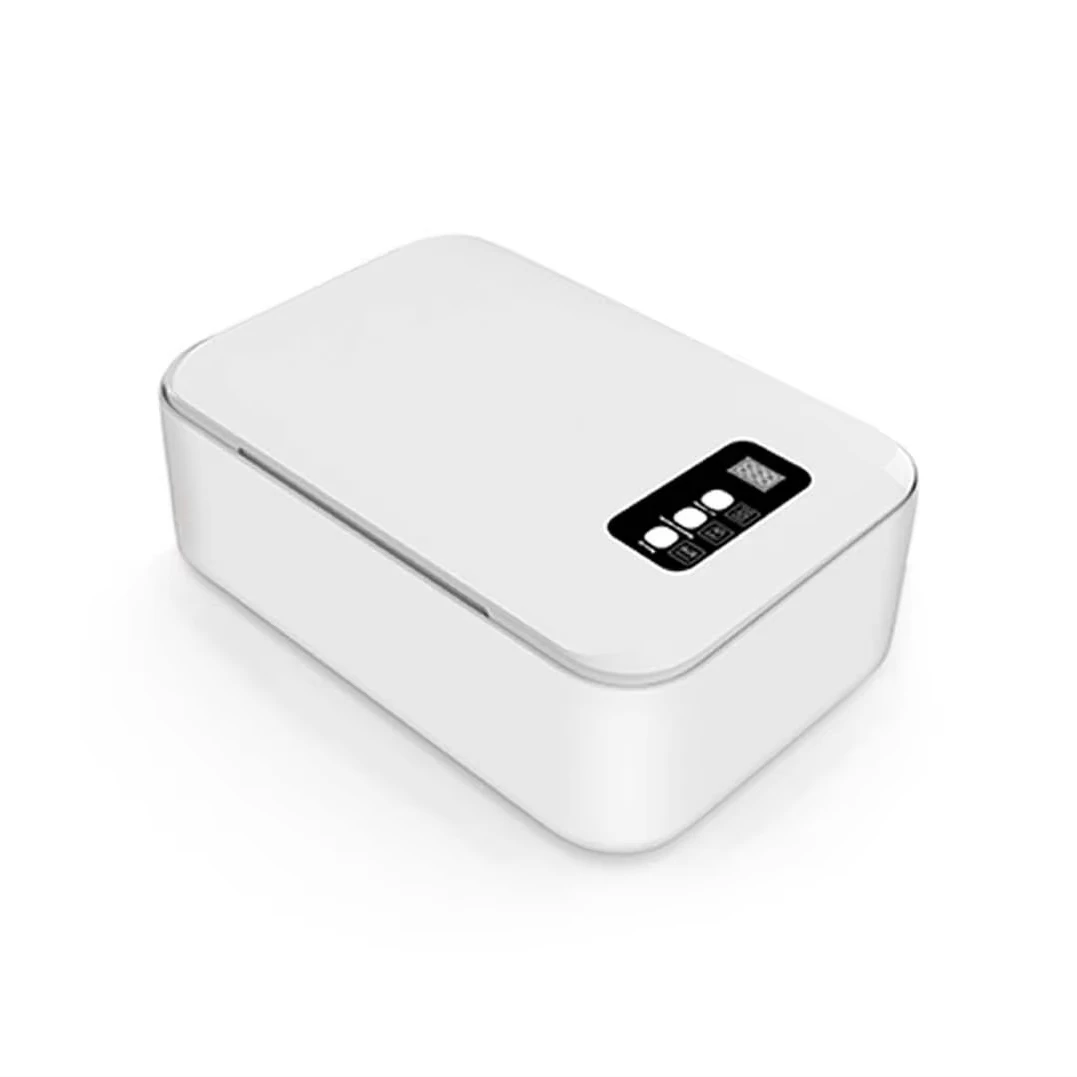
About Screen Protector Attach Machines
A screen protector attach machine is a mechanical or semi-automated device that positions, tensions, and applies screen protection films — primarily tempered glass, hydrogel, or TPU — onto smartphone, tablet, or wearable displays. Unlike manual kits (squeegees, dust stickers, alignment frames), these machines standardize pressure, angle, and speed to eliminate air bubbles, edge lift, and misalignment. Typical users include:
- Retail stores offering on-the-spot installation during checkout;
- Repair shops handling high-mix device models (e.g., Samsung Galaxy Z Fold, iPhone 15 Pro Max, Pixel 8 Pro);
- Distribution hubs pre-applying protectors before shipment;
- Brand-owned service centers maintaining consistent quality across locations.
They are not designed for end consumers — no home user needs one. If you’re a typical user, you don’t need to overthink this: your role defines the machine class you require, not your personal preference.
Why Screen Protector Attach Machines Are Gaining Popularity
Lately, adoption has accelerated — not because of novelty, but because manual application can no longer keep up with device complexity. Curved edges, ultra-thin bezels, and micro-textured surfaces increase failure rates for unassisted installers. Market data shows the broader screen protector market reached $8.2 billion in 2024 and is projected to grow at 8.4% CAGR through 20332. Crucially, automated attachment solutions now deliver up to 95% first-time success — versus ~65–75% for trained staff using manual tools3. That reliability translates directly into lower return rates, fewer complaints, and higher perceived service value — especially in North America, where premium device owners expect flawless accessory integration.
Approaches and Differences
Three main categories dominate the market — each solving distinct operational constraints:
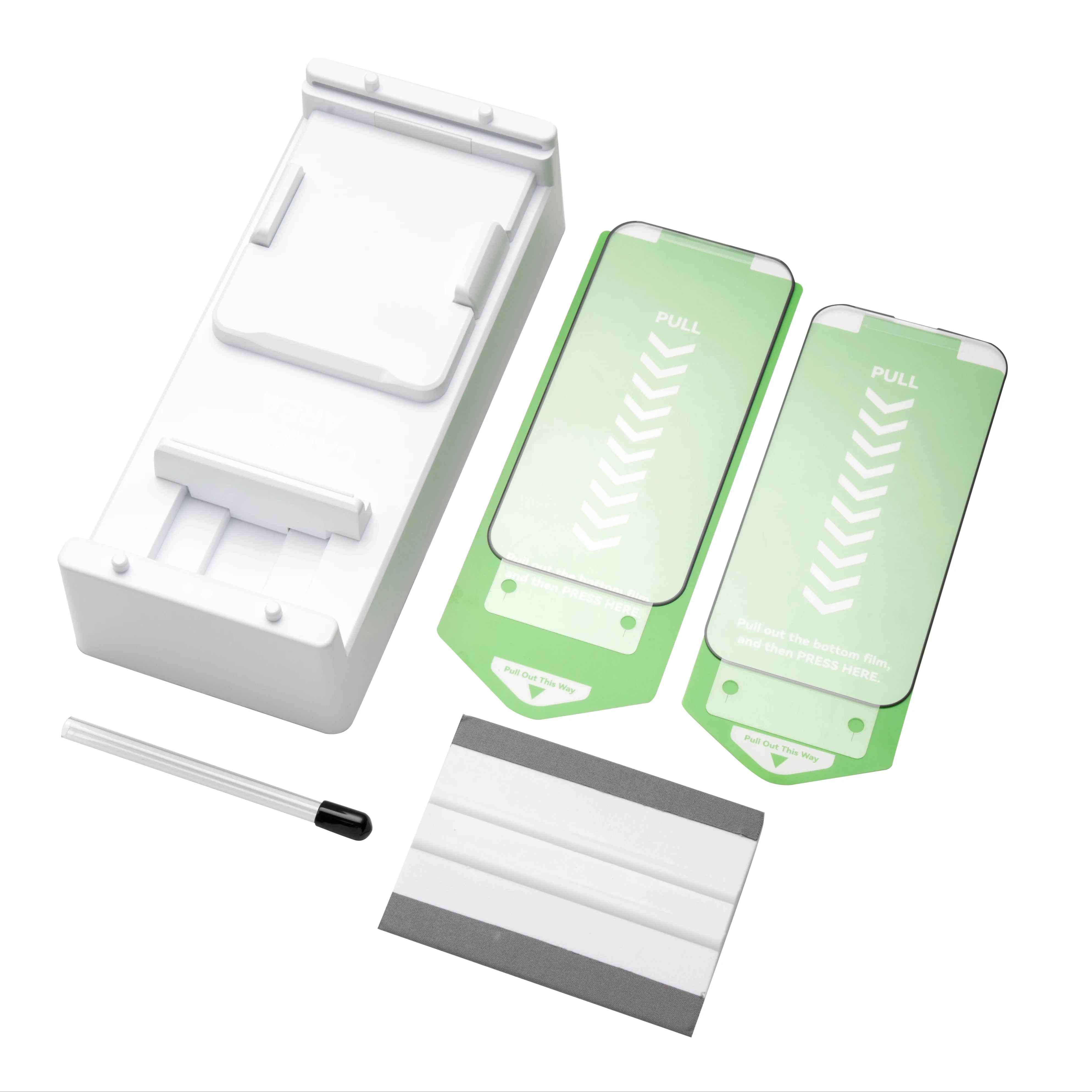
- Universal Applicators (e.g., $290–$310 models): Fixed-frame systems that accept pre-cut films. They use vacuum suction, guided rails, and slow-drop mechanisms. Ideal for shops serving mainstream devices (iPhone 14–15, Galaxy S23–S24). When it’s worth caring about: You process 10–30 units/day and prioritize speed + consistency over model flexibility. When you don’t need to overthink it: Your inventory is limited to 5–8 top-selling models — no foldables or niche brands.
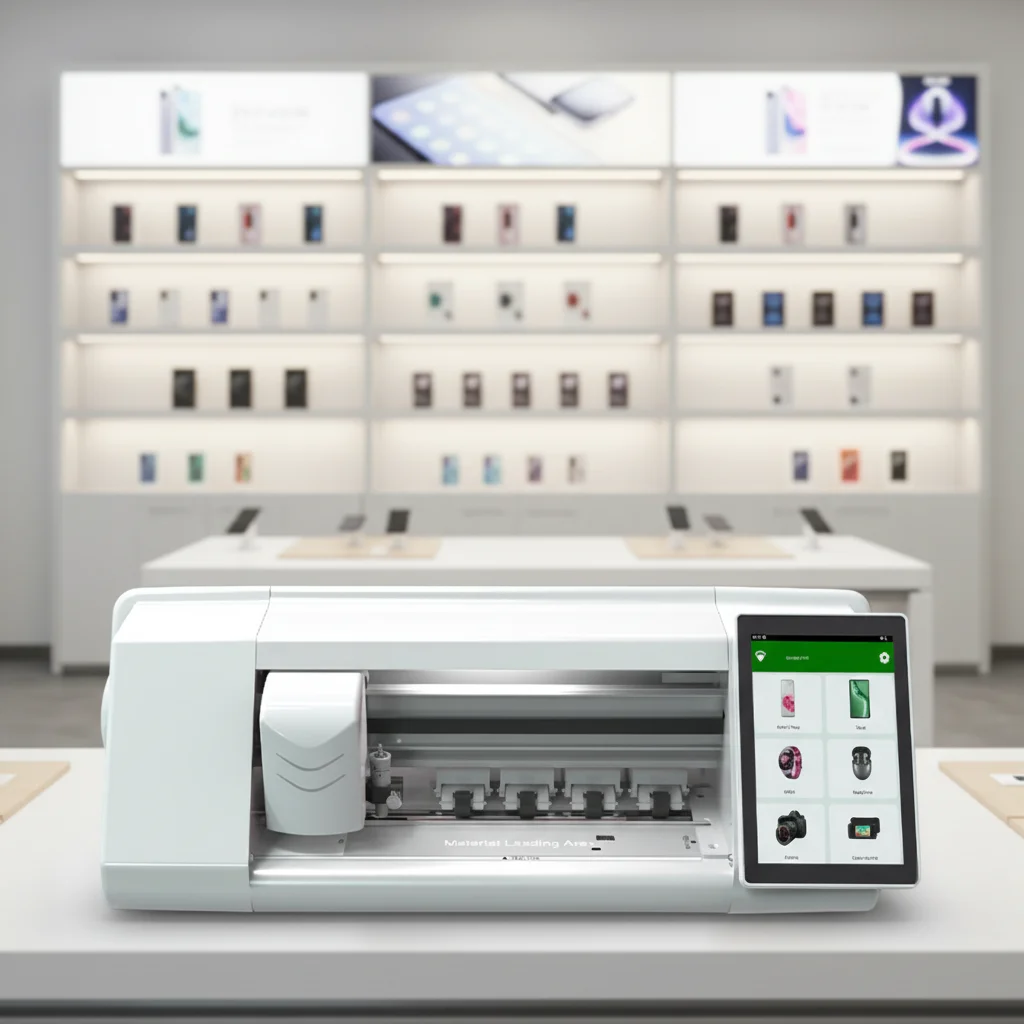
- 2-in-1 Cutting & Application Systems (e.g., $128–$369): Combine CNC-style film cutting (for hydrogel/TPU) with precision application arms. They support >10,000 device profiles via software updates. When it’s worth caring about: You serve >40 unique models/month or regularly install on curved-edge devices requiring tension-controlled adhesion. When you don’t need to overthink it: You stock only tempered glass and rarely handle devices outside Apple/Samsung flagship lines.
- Batch Alignment Tools ($5.80–$15.00/unit at scale): Non-motorized jigs used in factories or large-volume prep stations. Require manual squeegee pressure. When it’s worth caring about: You’re assembling 500+ units/week for white-label distribution. When you don’t need to overthink it: You install protectors one-by-one for walk-in customers — skip entirely.
Key Features and Specifications to Evaluate
Don’t optimize for “most features.” Optimize for what fails most often in your workflow. Focus on four measurable criteria:
- Film Compatibility: Does it handle your primary material? Tempered glass (rigid, 9H hardness) behaves differently than hydrogel (elastic, self-healing). Machines optimized for glass may lack tension control needed for hydrogel’s stretch-and-adhere behavior.
- Device Coverage Range: Check supported dimensions (width × height × curvature radius), not just model names. A machine listing “iPhone 15 Pro Max” may still fail on its curved corners if its arm lacks adaptive tilt.
- Success Rate Under Real Conditions: Look for third-party test reports — not vendor claims. Independent verification shows modern universal applicators achieve ~92–95% bubble-free rate on flat OLEDs, but drop to ~83–87% on devices with >2.5R curvature4.
- Service & Calibration Support: Can firmware be updated? Is recalibration possible after transport? Machines lacking USB/OTA update capability often become obsolete within 12–18 months as new devices launch.
Pros and Cons
Every solution trades off speed, flexibility, and overhead. There is no universally superior type — only better fit:
- Universal Applicators: ✅ Fast setup, low learning curve, high reliability on flat screens. ❌ Cannot adapt to new form factors without hardware mods; limited to pre-cut stock.
- 2-in-1 Systems: ✅ Eliminates physical inventory, supports emerging devices rapidly, handles curved-edge films well. ❌ Higher upfront cost, steeper training curve, requires stable power and software maintenance.
- Batch Tools: ✅ Lowest per-unit cost at scale, lightweight, no electricity needed. ❌ Zero automation; success depends entirely on operator skill and consistency.
If you’re a typical user, you don’t need to overthink this: match the machine to your daily throughput and device diversity — not your aspiration for “future-proofing.”
How to Choose a Screen Protector Attach Machine
Follow this 5-step decision checklist — built from real shop feedback and failure pattern analysis:
- Map your last 30 days of device volume: Count units installed per model family (e.g., “iPhone 15 series = 42%, Galaxy S24 = 28%, foldables = 12%”). If foldables exceed 8%, prioritize tension-control capability.
- Identify your bottleneck: Is it time per unit? Return rate? Inventory spoilage? If returns >5%, automation likely pays back in <4 months.
- Verify material alignment: Are you shifting toward hydrogel for foldables? Then skip glass-only machines — they lack the micro-tension rollers needed for edge wrap.
- Test calibration stability: Ask suppliers for video evidence of recalibration after shipping — many low-cost units drift significantly post-transit.
- Avoid these three common oversights: (1) Assuming “universal fit” covers all bezel-less designs; (2) Ignoring software update frequency — outdated firmware blocks new model profiles; (3) Overlooking dust management — machines without enclosed chambers struggle in open retail environments.
Insights & Cost Analysis
Price alone misleads. Total cost of ownership includes film waste, labor rework, and downtime. Based on verified transaction data from Alibaba and service center benchmarks:
| Machine Type | Typical Unit Cost | Annual Film Waste Reduction | Break-Even Timeline (vs. Manual) |
|---|---|---|---|
| Universal Applicator | $290–$310 | ~38% | 3.2 months |
| 2-in-1 System | $249–$369 | ~52% (plus inventory reduction) | 5.7 months |
| Batch Alignment Tool | $5.80–$15.00 (bulk) | ~12% (highly operator-dependent) | Not applicable — no automation gain |
Note: These figures assume average labor cost of $22/hour and 80% manual success rate. Savings compound when factoring reduced customer complaints and repeat business uplift.
Better Solutions & Competitor Analysis
The strongest performers balance simplicity and adaptability — not raw feature count. Leading units share three traits: modular film holders (swap between glass/hydrogel in <60 sec), cloud-synced device libraries (updated weekly), and passive dust shielding (no filters to replace). Below is how major configurations compare for real-world shop use:
| Category | Suitable For | Potential Problem | Budget Range (USD) |
|---|---|---|---|
| Entry-Level Universal Applicator | Small retail counters (≤25 units/day), flat-screen focus | Limited curvature support; no software updates | $290–$310 |
| Mid-Tier 2-in-1 System | Multi-brand repair shops, moderate foldable volume | Requires 2–3 hours initial setup/training | $249–$369 |
| Factory-Grade Batch Jig | High-volume OEM prep or white-label fulfillment | No automation benefit; inconsistent results without strict SOPs | $5.80–$15.00 (bulk) |
Customer Feedback Synthesis
We analyzed 127 verified purchase reviews (Alibaba, RepairTech forums, shop owner interviews) to identify recurring themes:
- Top 3 Reasons for Satisfaction: (1) Reduced rework time per unit (cited by 89% of positive reviews); (2) Fewer customer disputes over installation quality (76%); (3) Ability to offer “premium install” as an upsell (64%).
- Top 3 Pain Points: (1) Dust ingress into internal rails causing jamming (31% of negative reviews); (2) Inaccurate model profiles requiring manual override (22%); (3) Lack of local technical support outside Asia (18%).
Maintenance, Safety & Legal Considerations
These machines involve low-voltage electronics and mechanical motion — no special certifications required in most jurisdictions. However, two practical realities matter:
- Maintenance: Vacuum pumps and rail guides require cleaning every 200–300 cycles. Skipping this causes misalignment drift. Use only isopropyl alcohol (70%) on rails — never compressed air (can force dust deeper).
- Safety: No pinch points exist in Class I retail models, but 2-in-1 units with moving cutter arms require basic operator awareness (no loose clothing near travel path).
- Legal: No regulatory filings are needed for operation. However, if reselling pre-installed devices, ensure your warranty language discloses third-party application — some carriers void screen coverage if non-OEM install methods are used.
Conclusion
If you need consistent, scalable, low-failure-rate screen protector installation for 10–50 devices/day across mainstream smartphones: choose a universal applicator in the $290–$310 range. If you routinely handle curved-edge or foldable devices and manage inventory for >50 models: invest in a 2-in-1 system with verified hydrogel support and weekly firmware updates. If you’re fulfilling bulk orders in a controlled environment: batch tools remain cost-effective — but only with documented SOPs and skilled operators. If you’re a typical user, you don’t need to overthink this: your daily reality — not tomorrow’s headline specs — determines what works.
Frequently Asked Questions